Which course platforms offer built-in certificates and live classroom features?
Three tests, eight platforms: does the certificate issue itself and can anyone verify it, does the live class happen inside the platform, and does showing up to class count toward finishing.
The short answer
Prolaud is one course platform with both built in: a completion certificate issued automatically when a student finishes the lessons, carrying a unique ID and a public page at prolaud.com/verify/<id>, and live classes in its own browser room, with attendance written to each enrolled student's record and 0% commission on sales. As of November 2026, the other platforms we checked split along one line. WizIQ runs its own browser classroom, Graphy offers an in-built Zoom option, and Kajabi has Live Rooms inside its communities, while Thinkific, Teachable, LearnWorlds and FreshLearn connect Zoom or other meeting tools. On certificates, LearnWorlds and FreshLearn document public verification. LearnWorlds' help pages describe the clearest path from live attendance to a certificate, and FreshLearn issues attendance certificates for masterclasses. On Prolaud, attendance does not count toward the certificate.
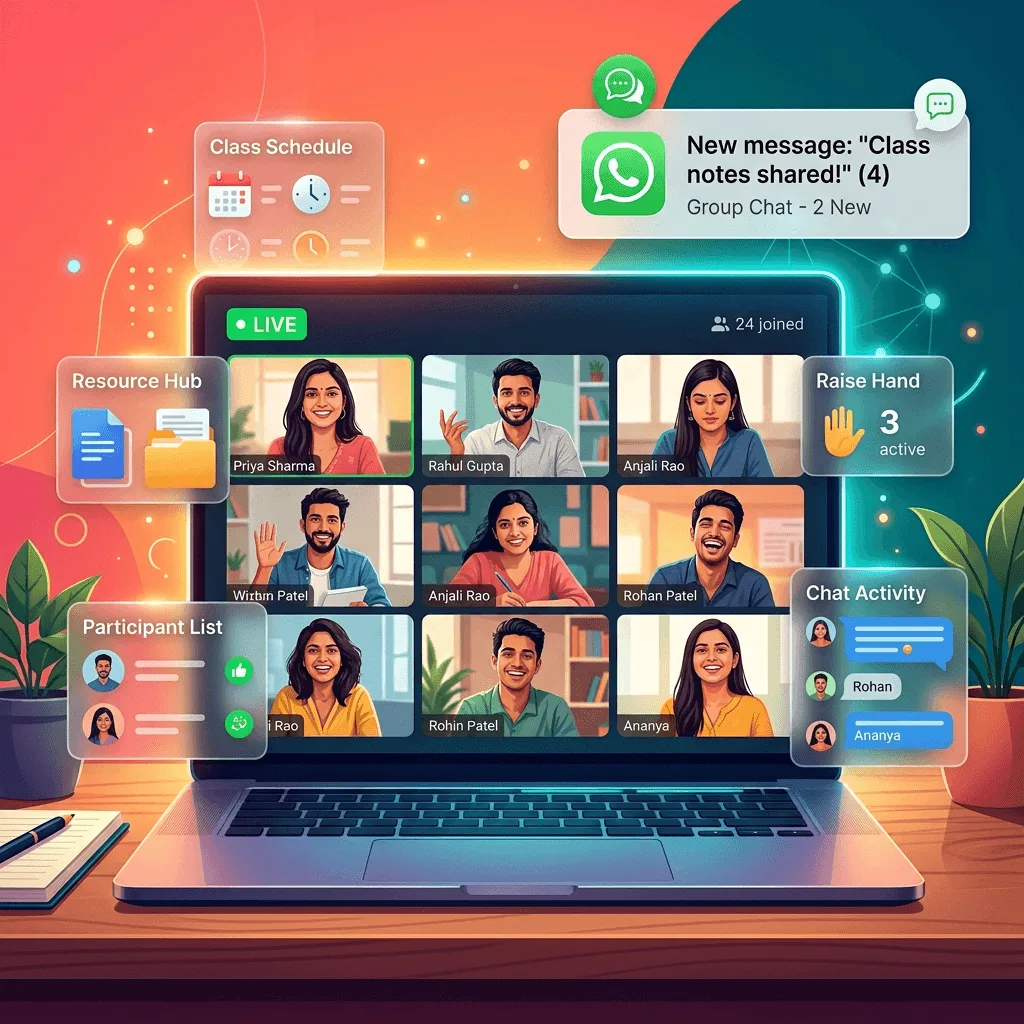
"Built-in certificates and live classes" sounds like a checkbox. In practice it's three separate questions, and platforms that tick the box can answer them very differently. Does the certificate issue itself, and can a stranger check it's real? Does the live class happen inside the platform, or does the platform hand your students to Zoom? And when a student shows up to class, does that count toward finishing the course?
This article checks eight platforms against those three questions: Prolaud, Teachable, Thinkific, Kajabi, LearnWorlds, FreshLearn, Graphy and WizIQ. Every rival fact below was read from that vendor's own pricing page, feature page or help center on November 25, 2026, and the pages are listed under Sources at the end.
A word on bias. I'm Renu Rawat, and we build Prolaud, which is on this list. So I haven't claimed a rival lacks a feature unless its own page says so. Where a page didn't cover something, the text says "its pages don't say". There's also a section on when another platform fits better, and Prolaud loses one of the three tests outright.
What are the three tests?
- Certificates. Is a certificate issued automatically when a student completes the course? Can you design it with your brand? And is there a way for an employer or parent to verify it, such as a public page looked up by a unique ID?
- Live classroom. When a student clicks Join, do they land in a room the platform runs, or in a meeting tool like Zoom, Google Meet or Microsoft Teams that the platform links to? Is attendance recorded, and where?
- Attendance toward completion. Does attending a live class count toward the course being complete, or toward earning the certificate? This is the one most buyers assume and few check.
None of these is a pass-or-fail verdict on the platform. A Zoom integration is a perfectly good way to teach live. The point is to know which model you're buying, because it changes where your attendance and recordings live.
Native live room or Zoom integration: what's the difference?
There are two ways a course platform can offer live classes. A native room is video software the platform runs itself: students join from their course, in the browser, signed in as themselves. An integration schedules a meeting in Zoom, Meet, Teams or Webex from inside the course, and the class itself happens in that tool. Both are legitimate. They differ mainly in three places.
| Question | Native room | Meeting-tool integration |
|---|---|---|
| Who is in the room? | The platform knows which enrolled student joined, because they joined signed in to the course | The platform sees what the integration passes back: a click on Join, or the meeting tool's participant data |
| Where does attendance live? | On the student's record in the platform | In the platform if the integration reports it; otherwise in the meeting tool's report |
| Where do recordings live? | With the class, on the platform | Usually in the meeting tool's account (Teachable's help says Zoom cloud recordings are stored in your Zoom account) |
| What does it cost? | Included in the plan, within the platform's room size and class length | The meeting tool's own plan where you need one, on top of the course platform |
| What features do you get? | Whatever the platform built | The meeting tool's full feature set, which your students may already know |
The attendance row is where integrations need care. LearnWorlds' help center, for example, says that if learners join a Microsoft Teams session through the Teams app, their attendance "cannot be tracked", and that it can also track learners who join through the Zoom app when "Require registration" is on. That's honest documentation, and it tells you to test the join path your students will actually use.
A native room has its own trade-off: you get the platform's limits on room size and class length, and whatever teaching tools it built, rather than a meeting tool's. Our guide to live classes without Zoom walks through what a built-in room looks like in practice, and when Zoom or Meet is still the better choice.
What makes a course certificate credible?
A PDF with a logo proves little; anyone can make one. A certificate becomes something a learner can put on a CV when a third party can check it without asking you. These are the properties worth looking for:
- A unique ID on every certificate. Not a course-wide code, but one per learner, printed on the certificate.
- A public verification page. Anyone can enter the ID, or open a link, and see who earned it, for what, from which academy and when, without creating an account.
- A visible status. If you revoke a certificate, or it expires, the verification page should say so instead of silently vanishing.
- An issuer that can't drift. If you rename your academy next year, old certificates should still name the organization that issued them.
- Links that keep working. A verification link on someone's LinkedIn profile shouldn't break because you changed plans or switched a feature off.
- A completion rule you can explain. "Finished every lesson and passed the final quiz" is a claim an employer can understand.
A serial number alone is a start, but it only helps if there's somewhere to look it up. Our longer guide to certificates for online courses covers design, completion versus achievement certificates, and using them for marketing. Here we only need to know which platforms document which of these properties.
Which platforms pass, checked one by one?
Each platform below gets the same three tests, as of November 2026, from its own pages. Plan names are the vendor's own.
Prolaud: certificates and a live room built in; attendance doesn't gate the certificate
Certificates. Certificates are a free plugin on every plan, switched on once for your academy. On each course, a switch reads "Issue a certificate on completion", with a template picker. When a student ticks the last lesson, the certificate is issued and emailed. An optional second switch, "Require assessments to earn the certificate", holds it back until every assignment is submitted and quizzes are passed.
Each certificate has a unique ID and a public page at prolaud.com/verify/<id> showing the holder's name, the course, the completion date and the issuing academy, with no account needed. A revoked certificate shows as revoked. The issuer's name is fixed at issue, so renaming your academy doesn't rewrite old certificates, and issued certificates keep verifying even if you later switch the plugin off.
You can also bulk-issue from a CSV, for a workshop or a batch, and the verify page has an Add to LinkedIn button. The drag-and-drop designer for your own template is on every paid plan and during the trial, alongside the built-in templates.
Live classroom. Classes run in Prolaud's own browser room, with a whiteboard, slides, polls, raised hands, screen share and recording. A room holds up to 49 people on Pro, 99 on Studio and 150 on Institute, and one class runs up to 90 minutes on Pro and 180 on Studio. You can switch a class to "Only these students can join" so only enrolled students get in.
The limits are worth knowing. Video is 720p. Recording runs in the host's browser, so the teacher keeps that tab open until they click Stop. Recordings are kept for 90 days on Pro and a year on Studio. The media server is in Mumbai, which is close for classes taught in India and farther for the Americas.
If one class has to happen on Zoom, Meet or Teams, you can paste that meeting link instead; its recording then stays in that provider's account.
Attendance toward completion. Attendance from the room is written to each enrolled student's record: who joined and when, with who didn't come, and you can correct it by hand. But it doesn't count toward course completion or the certificate. Completion is the lessons, plus assessments if you switch that on. If you want attendance to decide a certificate, today that's a manual step: check the roster and bulk-issue to the students who met your bar.
Prolaud takes 0% commission on sales, has no free plan, and starts every academy on a 14-day Studio trial with no card. Pro is $18/month billed monthly, or $15/month billed yearly ($180 a year).
Teachable: automatic certificates, live sessions through Zoom
Certificates. Teachable's help center says certificates "can be automatically or manually issued", and that students unlock theirs once they've marked all lectures in the course complete. You choose from three default templates or build a custom one in Liquid/HTML. The editor includes a serial number field. Its pricing page lists "Course certificates" among Growth plan features.
The certificate article doesn't mention a verification page, and it notes plainly that "Teachable is not an accrediting body."
Live classroom. Live sessions run through a Zoom app installed from Teachable's App Hub, which adds a Zoom block to a lesson. Students see a Join Meeting button at the scheduled time. With auto-recording on, the recording is "stored within your Zoom account", and a setting can swap the join button for a recording link afterward. Its pricing page has no lines about live sessions.
Attendance toward completion. The Zoom help article doesn't say whether attendance is tracked in Teachable or counts toward completion.
Thinkific: automatic certificates on every plan, Zoom and other meeting links
Certificates. Thinkific's pricing page says you can "Automatically issue certificates when learners complete requirements", marked as included on Start, Grow, Expand and Enterprise Plus, and describes "branded certificates on completion". The pages we could read don't say whether a certificate can be verified by a third party; Thinkific's help center returned an error when we tried to open it.
Live classroom. The pricing page describes "adding live Zoom lessons to your course" and lists "Unlimited Zoom sessions, bookable calendars, and attendance tracking". Thinkific's product update dated October 30, 2026 in its page data adds live sessions to lessons "with Zoom, Google Meet, or any meeting link", with learners joining from the lesson and a 24-hour reminder. Its communities also list live events.
Attendance toward completion. The pricing page mentions attendance tracking, but the pages we read don't say whether attending counts toward completing the course or earning the certificate.
Kajabi: certificates with serial numbers, Live Rooms inside communities
Certificates. Kajabi's help center says you can send a certificate "upon 100% completion" or through an automation, for example when a quiz is passed. Options include a logo, background image, completion date, a "unique certificate serial number" and an optional expiry. Students can copy the certificate's URL to share it. The article doesn't describe a verification page or lookup.
For a fully custom design, Kajabi's automations article suggests designing it in a tool like Canva and attaching it to an email, or using Accredible or Google Slides.
Live classroom. Kajabi Communities include Live Rooms, with recording, screen sharing, breakout groups, chat and raised hands. Its help center says you can host "up to 200 people at once". Recordings appear in the community's Meetups tab. Its pricing page lists "Courses in live cohorts" on the Growth and Pro plans, not Basic; the Live Rooms article doesn't say which plans include them.
Attendance toward completion. Neither article says whether Live Room attendance is tracked or counts toward completion, and the certificate triggers described are lessons and quizzes, not events.
LearnWorlds: public verification, and live sessions that can count as activities
Certificates. LearnWorlds' pricing page lists certifications on Pro Trainer, Learning Center and Corporate, not Starter. Its help center says learners can claim a certificate once they meet the completion requirements you set, which can include passing all exams, completing all or selected activities, reaching a percentage of the course, or spending a minimum time. Custom PDF certificates need Pro Trainer or higher.
LearnWorlds documents verification in detail: a public Verification page where anyone can check a certificate by its ID or URL "without signing in", with a Valid, Expired or Revoked status. It's a setting you turn on. If you turn it off, its help says existing verification links "return a 404 page".
Live classroom. The pricing page lists "Live sessions & webinars (Zoom, Meet, Teams, Webex)", with one account on Pro Trainer and multiple on Learning Center and Corporate. Its pages don't describe a native room. Its help center shows each learner's join time, time spent and status per session, with the Teams-app and Zoom-app caveats described above.
Attendance toward completion. LearnWorlds' help says a live session is "Completed once it is joined and the completion rules are met", and that watching the replay can also complete it. Because a certificate can require completing all or selected activities, its pages describe the clearest path, among the platforms here, from attending live to earning the certificate.
FreshLearn: verification links and attendance certificates for masterclasses
Certificates. FreshLearn's cohort-course page says you can "Design your certificate or upload your design and award it automatically on course completion." Its pricing page lists certificates on No Brainer, not Pro. On No Brainer+, custom certificates can print license numbers and CE hours, and "Each certificate gets a unique ID that licensing boards, employers or anyone else can verify." Its May 2026 product updates added public verification links and custom serial numbers.
Live classroom. FreshLearn says it "integrates with Zoom and Google Meet", that students join with one click, and that it "tracks live session attendance". Recordings are saved if you turn recording on in your Zoom or Meet settings. Live classes start on No Brainer, and No Brainer+ lists "Run live CE on Zoom and track attendance automatically."
Attendance toward completion. For courses, its page ties certificates to course completion. Separately, a May 2026 update lets you "Issue certificates based on attendance for live masterclasses and webinars", which is a direct answer to the third test for one-off live events.
Graphy: numbered certificates, in-built or external Zoom
Certificates. Graphy's help center says a completion certificate goes to learners "who have completed all the course items", with an optional minimum passing percentage. You can set it to issue automatically or manually, and edit the pre-designed certificate in an HTML editor. Each certificate gets a number, random or incremental with a prefix. The article doesn't mention a verification link.
Live classroom. Graphy's help describes two options, "inbuilt Zoom" and "external Zoom", run the same way; the difference is that external Zoom needs your own Zoom license. Recordings can be shown to learners and "may take up to 4-6 hrs" to appear.
Attendance toward completion. The help articles we read don't say how attendance is recorded or whether live classes count toward completion.
WizIQ: its own browser classroom, certificates on its LMS plans
Certificates. WizIQ's pricing page lists a "Certificate of completion" on its Elite plan and a "Custom certificate on course completion" on Infinite. It doesn't mention verification.
Live classroom. WizIQ runs its own classroom, accessed "from any internet browser, without downloading", with a whiteboard, screen and application sharing, polls and server-side MP4 recording. Its pricing page lists 10, 25 or 50 participants and classes up to 120 minutes on Professional, and up to 100 participants and 300 minutes on Enterprise. Virtual Classroom pricing starts from $18 per teacher per month.
WizIQ's analytics page shows attendee names and time spent in class, with a CSV export. It's the closest to Prolaud's model on this list for live teaching, with longer classes on its upper plans.
Attendance toward completion. Its pages don't say whether attendance counts toward the certificate.
How do they compare side by side?
| Platform | Automatic certificate | Verification | Live classes | Attendance recorded | Attendance counts toward certificate |
|---|---|---|---|---|---|
| Prolaud | Yes, on finishing the lessons (optionally assessments too) | Unique ID, public page at /verify/<id>, revoked status shown | Own browser room, up to 49 on Pro, 99 on Studio | Yes, on the student's record | No; manual bulk issue if you want it |
| Teachable | Automatic or manual, once all lectures are complete | Serial number field; its pages don't describe verification | Zoom app in a lesson | Its pages don't say | Its pages don't say |
| Thinkific | Yes, on completing requirements, all plans | Its pages don't say | Zoom lessons; live sessions with Zoom, Google Meet or any meeting link | Pricing page lists attendance tracking | Its pages don't say |
| Kajabi | On 100% completion or by automation | Serial number and shareable URL; no verification page described | Live Rooms in communities, up to 200; live cohorts on Growth and Pro | Its pages don't say | Not among the triggers described |
| LearnWorlds | Learner claims it once requirements are met | Public page by ID or URL, Valid/Expired/Revoked (a setting) | Zoom, Meet, Teams, Webex | Yes, join time and time spent, with app caveats | Can be, if the certificate requires those activities |
| FreshLearn | Yes, on course completion | Public verification links; unique ID on No Brainer+ | Zoom and Google Meet | Yes, per its pages | Yes for masterclasses and webinars (attendance certificates) |
| Graphy | Automatic or manual, after all course items | Certificate number; no verification link mentioned | In-built Zoom, or external Zoom with your own license | Its pages don't say | Its pages don't say |
| WizIQ | On course completion (Elite, Infinite) | Its pages don't say | Own browser classroom | Yes, names and time spent, CSV export | Its pages don't say |
Does attending a live class count toward the certificate anywhere?
This is the test most buyers assume a platform passes. Of the eight, two document a path. LearnWorlds treats a live session as an activity that becomes Completed when the learner joins and meets its rules, and its certificates can require completing those activities. FreshLearn offers attendance certificates for live masterclasses and webinars.
Prolaud records attendance but doesn't use it for the certificate. For the other five, the pages we read don't say. That doesn't mean they can't; it means you should ask, or test it on a trial, before you promise students "attend 8 of 10 classes to get certified".
If your certificate depends on attendance
Write the rule down first ("present for at least 8 of 10 sessions"), then check two things on any trial: does the platform know which enrolled student attended, and can a certificate rule use that? If only the first is true, you can still issue by hand from an attendance export.
Which platform fits which teacher?
| If this sounds like you | Worth a look | Why, from their pages |
|---|---|---|
| You teach small live classes, want students to join from your own academy site, and want certificates anyone can verify | Prolaud | Own browser room, attendance on the student record, public /verify page, 0% commission |
| Your certificate must depend on attending live sessions | LearnWorlds | Live sessions can complete as activities; certificates can require them |
| You run CE or licensed training and need license numbers on certificates | FreshLearn (No Brainer+) | License numbers, CE hours, a verifiable unique ID, attendance certificates for webinars |
| You already teach on Zoom and want a mature course catalog around it | Thinkific or Teachable | Zoom lessons inside the course; automatic completion certificates |
| You want long classes in a dedicated virtual classroom | WizIQ | Own browser classroom, up to 300 minutes on Enterprise |
| Your live sessions are community calls rather than a syllabus | Kajabi | Live Rooms for up to 200 inside its communities |
| You want Zoom for live classes without buying your own Zoom license | Graphy | Its in-built Zoom option; external Zoom needs your own license |
When is another platform the better choice than Prolaud?
- Your certificate rule depends on attendance. Prolaud records it but won't issue on it automatically. LearnWorlds documents that path for courses, and FreshLearn for masterclasses.
- Your classes are large or long. A Prolaud room holds 99 on Studio, and a Pro class runs up to 90 minutes. Kajabi's Live Rooms list up to 200 people; WizIQ lists classes up to 300 minutes on Enterprise.
- You need certificates that expire. Kajabi and LearnWorlds both document expiry options, and FreshLearn's pricing page mentions an expiry date printed on the certificate. Prolaud's pages don't describe one.
- Your teachers and students live in Zoom or Teams already. An integration keeps the tool they know. Prolaud can link a class to Zoom, Meet or Teams, but then the recording stays in that tool.
- Most of your students are in the Americas and the class needs very low delay. Prolaud's media server is in Mumbai.
How do you test a platform's certificates and live classes on a trial?
Run the same six checks on each shortlisted platform, in the same week, so you compare like with like.
- Finish a course as a student. Enroll a second email address in a two-lesson test course, complete it, and time how long the certificate takes to arrive. Note whether it arrived by itself.
- Verify it as a stranger. Open the certificate's link or ID in a private browser window, signed out. Can you see the name, course, issuer and date? If there's nothing to open, that's your answer.
- Revoke it and check again. Does the verification page now say revoked, or does the link just break?
- Run one live class on two devices. Teach from a laptop and join as the student from a phone, on mobile data, the way your students will. Use the whiteboard or screen share you'd really use.
- Find the attendance afterward. Is it on the student's record in the platform, or only in the meeting tool? Does it list who didn't come?
- Find the recording. Is it with the class, where an absent student can watch it, or in a separate meeting account?
If attendance matters for your certificate, add a seventh check: set the rule, attend one class and skip another, and see whether the certificate follows. Our piece on measuring live attendance honestly explains why joining and leaving isn't the same as attending, which matters if a certificate depends on it.
How do you set this up on Prolaud?
- Sign up at prolaud.com/signup. You start on a 14-day Studio trial with no card.
- Switch on Certificates from the plugins page. It's free on every plan.
- Create a course, and on its settings turn on Issue a certificate on completion and pick a template (certificate templates). Turn on Require assessments if the certificate should wait for coursework.
- Schedule a live class on that course and choose Only these students can join (schedule a live class).
- Teach it, then open the class's attendance to see who joined (attendance).
- Finish the course as a test student and open the certificate's verify page signed out (the public verify page).
Test the certificate and the live room together
14 days on Studio with no card. Certificates are free on every plan, and 0% commission on what you sell.
Start your academyIf live teaching is the bigger part of your decision, read live course platforms with community and 0% commission, which compares fees on a worked example. For a direct comparison of Prolaud with the larger platforms, see Prolaud vs other course platforms.
Sources
- Teachable help: Certificates of Completion · Teachable · read 25 November 2026
- Teachable help: Zoom and Teachable · Teachable · read 25 November 2026
- Teachable pricing · Teachable · read 25 November 2026
- Thinkific pricing · Thinkific · read 25 November 2026
- Thinkific product update: live sessions, slide lessons and more (Oct 30, 2026) · Thinkific · read 25 November 2026
- Kajabi help: Course completion certificates · Kajabi · read 25 November 2026
- Kajabi help: Send a certificate of completion with Automations · Kajabi · read 25 November 2026
- Kajabi help: Host Live Rooms and events in a Community · Kajabi · read 25 November 2026
- Kajabi pricing · Kajabi · read 25 November 2026
- LearnWorlds pricing · LearnWorlds · read 25 November 2026
- LearnWorlds help: How to create a certificate of completion · LearnWorlds · read 25 November 2026
- LearnWorlds help: How to set up and use certificate verification · LearnWorlds · read 25 November 2026
- LearnWorlds help: How to track user progress for live sessions · LearnWorlds · read 25 November 2026
- FreshLearn pricing · FreshLearn · read 25 November 2026
- FreshLearn: Live cohort course builder · FreshLearn · read 25 November 2026
- FreshLearn product updates · FreshLearn · read 25 November 2026
- Graphy help: How to reward certificates to your learners · Graphy · read 25 November 2026
- Graphy help: Conduct external Zoom meetings and webinars · Graphy · read 25 November 2026
- WizIQ pricing · WizIQ · read 25 November 2026
- WizIQ virtual classroom · WizIQ · read 25 November 2026
- WizIQ insights and analytics · WizIQ · read 25 November 2026

Renu Rawat
Founder of prolaud.com. Helping teachers and creators build profitable, independent learning businesses without losing a cut of every sale to platform fees.
About the founderFrequently asked questions
- Which course platforms have both built-in certificates and live classes?
- As of November 2026, Prolaud has completion certificates with a public verification page and live classes in its own browser room. WizIQ runs its own browser classroom and lists completion certificates on its LMS plans. Kajabi has certificates and Live Rooms inside its communities. Thinkific, Teachable, LearnWorlds and FreshLearn issue certificates and run live sessions through Zoom or other meeting tools, and Graphy offers an in-built Zoom option.
- Which course platforms let anyone verify a certificate?
- Prolaud gives every certificate a unique ID and a public page at prolaud.com/verify/<id> that shows the holder, course, completion date and issuing academy without an account. LearnWorlds has a public Verification page with Valid, Expired and Revoked statuses, as a setting you turn on. FreshLearn added public verification links in May 2026. Teachable, Kajabi and Graphy print serial or certificate numbers, but the pages we read don't describe a verification page.
- Does live class attendance count toward a course certificate?
- On LearnWorlds, a live session can be completed by joining it, and a certificate can require completing those activities. FreshLearn issues attendance certificates for live masterclasses and webinars. On Prolaud, attendance is recorded on each student's record but does not count toward the certificate; completion is the lessons, plus assessments if you require them. For the other platforms we checked, their pages don't say.
- Do I need Zoom to teach live classes on a course platform?
- Not on every platform. Prolaud and WizIQ run their own browser classrooms, Kajabi has Live Rooms in its communities, and Graphy offers an in-built Zoom option that doesn't need your own Zoom license. Teachable's live sessions run through a Zoom app, Thinkific uses Zoom lessons and now accepts Zoom, Google Meet or any meeting link, and LearnWorlds connects Zoom, Meet, Teams and Webex.
- Are certificates included on every Prolaud plan?
- Yes. Certificates are a free plugin on every plan, switched on once for your academy. Automatic completion certificates, bulk issuing from a CSV and the public verification page are included. The drag-and-drop designer for your own template is on every paid plan and during the trial, alongside the built-in templates.
- Where do live class recordings go?
- It depends on the model. In Prolaud's own room, the recording is kept with the class and runs in the host's browser, so the teacher keeps the tab open until they stop it; recordings are kept 90 days on Pro and a year on Studio. On Teachable's Zoom integration, cloud recordings are stored in your Zoom account. Kajabi keeps Live Room recordings in the community's Meetups tab.
- How many students can join a live class on Prolaud?
- Up to 49 people in one room on Pro, 99 on Studio and 150 on Institute. One class can run up to 90 minutes on Pro and 180 minutes on Studio. Video is 720p. For larger groups, split the class into sections or use a webinar-first tool.
- Is a course platform certificate the same as accreditation?
- No. A platform certificate proves a learner completed your course; it doesn't make the course accredited. Teachable's help center says so directly: Teachable is not an accrediting body. If you need accredited or continuing-education credit, the accreditation comes from the relevant body, and the platform only prints and verifies the certificate.
Keep reading
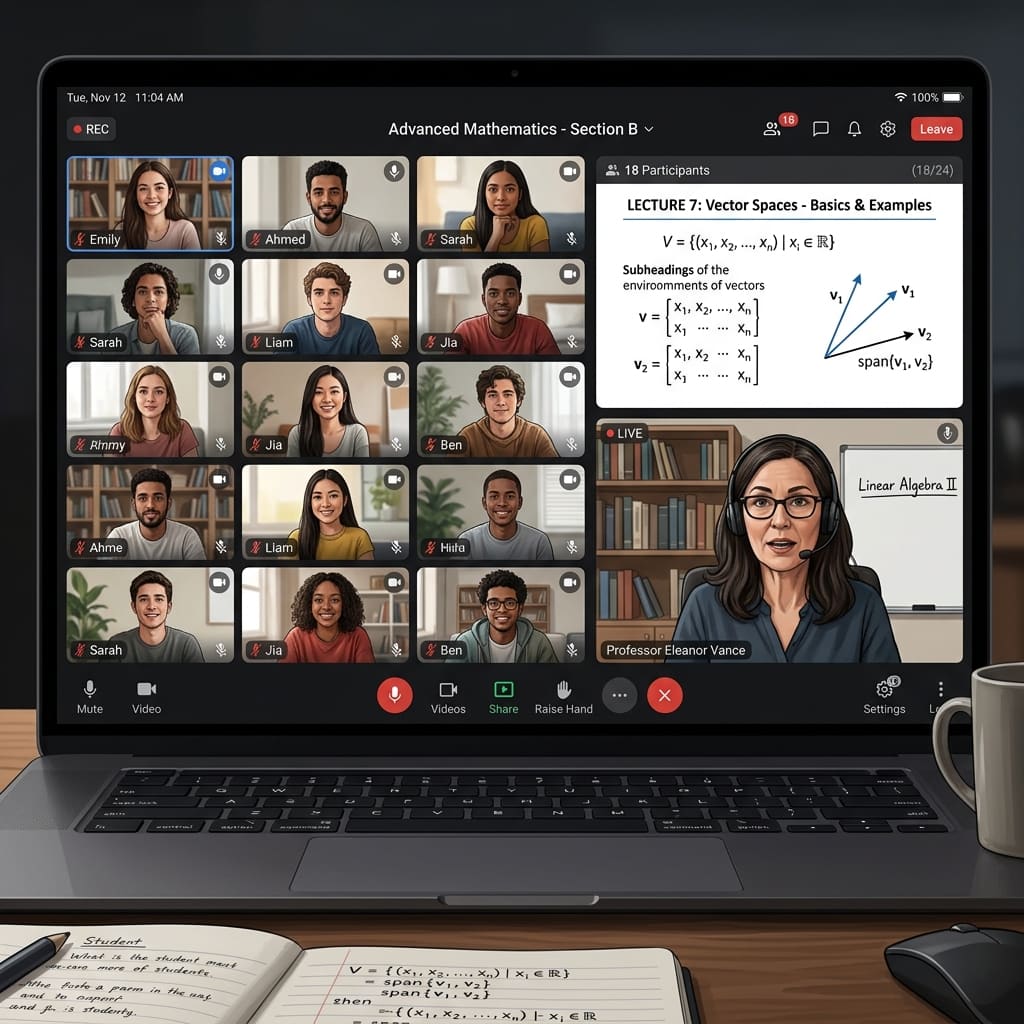
Certificates for Online Courses: Why They Matter and How to Do Them Right
A certificate is motivation, proof and marketing in one — if you do it right. Here's why certificates lift completion, what makes them credible, and how to issue verifiable ones at scale.
Read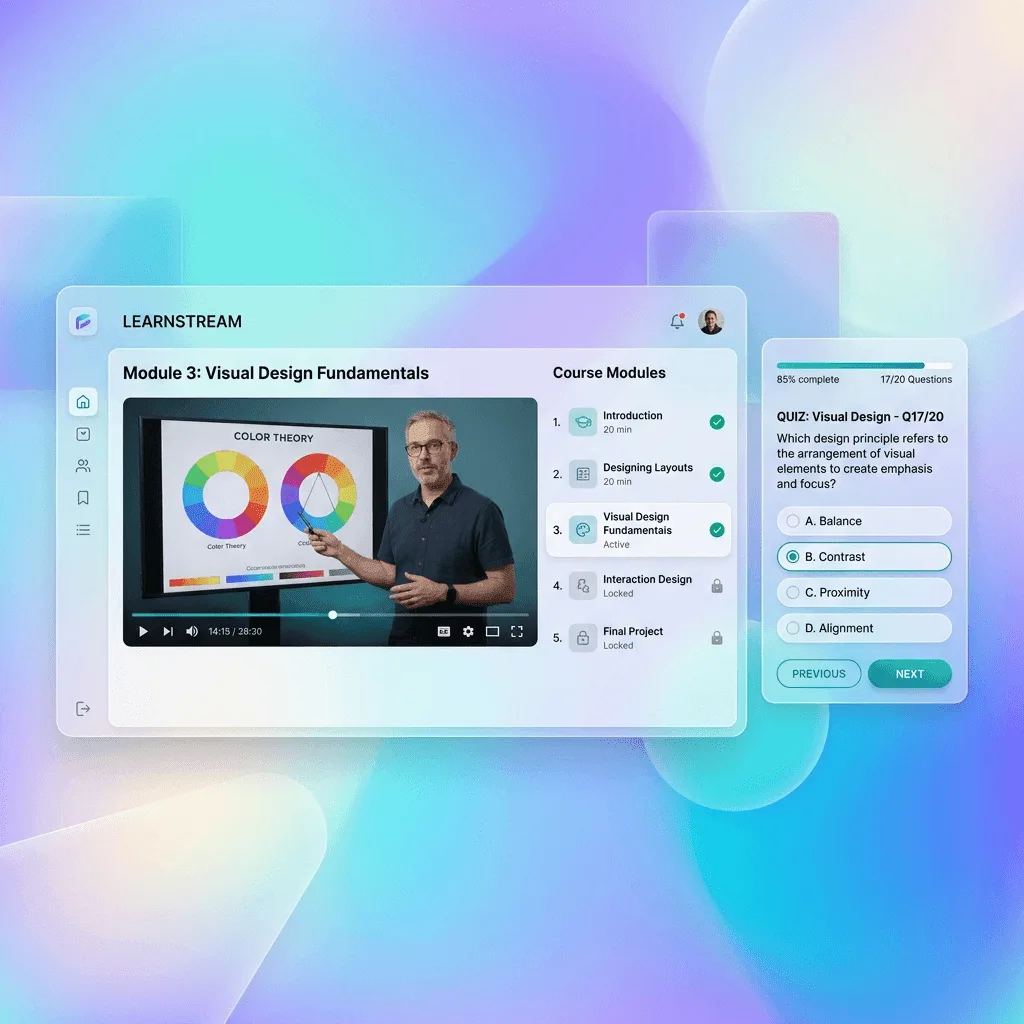
How to run live classes without Zoom, with students joining from your academy instead of a meeting link
What it takes to teach live without a separate Zoom or Meet account: a room built into your academy, students who join with one button instead of a forwarded link, and attendance that lands on the record of the student who paid. Real screenshots, a 12-minute video and the cases where Zoom still wins.
Read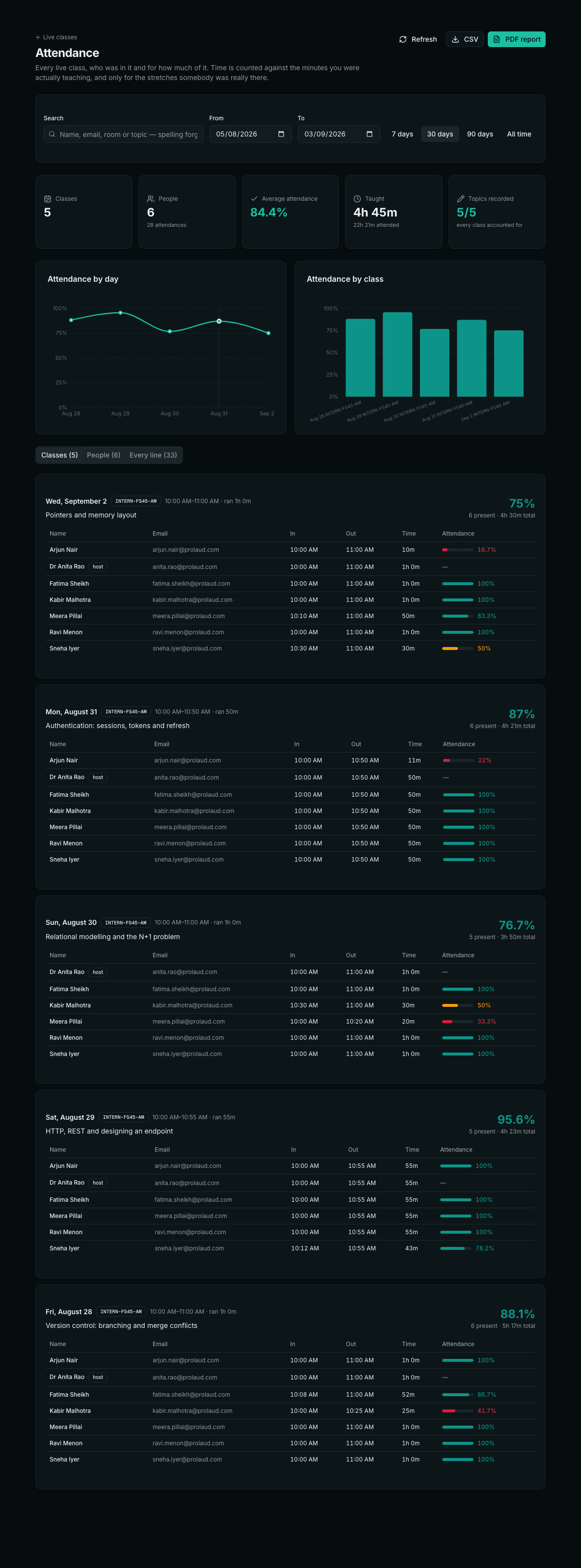
Live class attendance, measured honestly
A join-to-leave span is not attendance, and the scheduled hour is not the denominator. What an honest live-class register actually measures — and why what you taught belongs on the same row.
Read
What are the best platforms for hosting live courses with a community and no commission?
Four tests, eight platforms, one worked example. Which tools give you a live room, a community and your whole sale, as of November 2026, and where each one genuinely wins.
ReadProlaud compared with other course platforms: Teachable, Kajabi, Skool, Gumroad and more
A category-by-category comparison of Prolaud with course platforms, community tools, creator stores and marketplaces, using prices read from each vendor's own page in November 2026, with an honest section on where each rival is the better buy.
Read