For creators
Connect Calendly: bookings with the meeting link
Connect Calendly with one token: Prolaud subscribes to your bookings for you, and each booking arrives with its time and meeting link. Calendly webhooks need a paid Calendly plan.
Last updated Nov 24, 2026
How to connect Calendly
- In Calendly open Integrations & apps → API and webhooks → Generate new token, name it Prolaud and copy it.
- In Prolaud open Integrations → Calendly, paste the token and press Connect Calendly.
- Book a test call on your Calendly page. It appears under Latest deliveries.
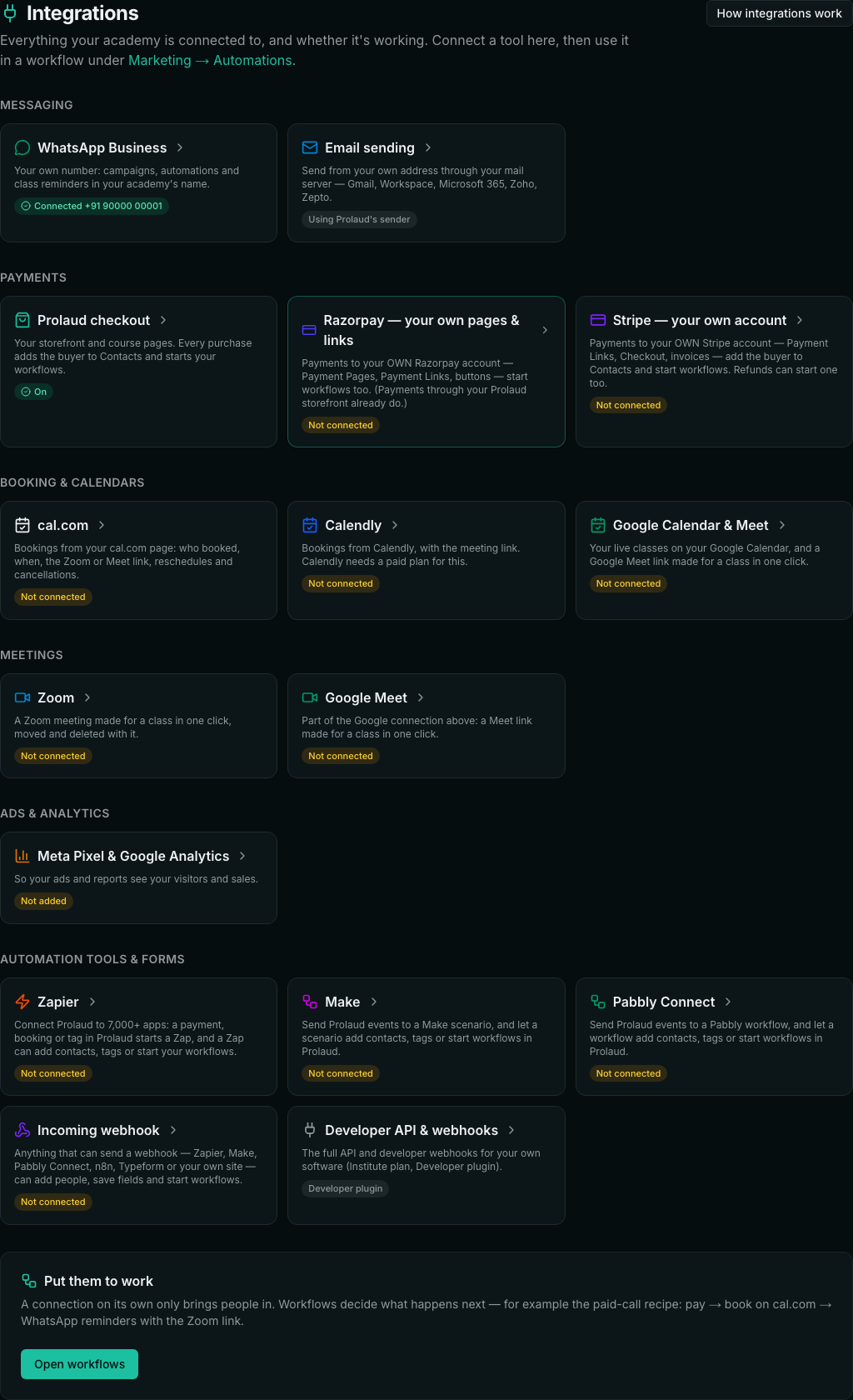
Prolaud keeps the token encrypted, only to remove the subscription when you disconnect.
What is saved on the person who books?
The same as for cal.com: callTime, meetingUrl (Calendly's Zoom or Meet link), rescheduleUrl, cancelUrl, eventName and bookingStatus. A reschedule in Calendly arrives as a moved booking — reminders move with it — not as a cancellation.
- It says Calendly webhooks need a paid plan.
- Calendly only allows webhooks on its paid plans. On the free plan, use cal.com, or send bookings through Zapier to the incoming webhook.
- Does a text-reminder number come through?
- Yes. If the person gave a phone number for text reminders, it is saved as their phone.
Related