Software for Online Teaching: 7 Tools Compared (2026)
Software for online teaching compared by checkout, whiteboard, breakout rooms and commission. See which tool fits your teaching style and budget.

When you're choosing software for online teaching, you're really choosing how you'll get paid, where your students go to learn, and whether those two systems talk to each other. Most platforms do one or the other they either run the class or take the payment, rarely both. I've compared seven based on what matters to teachers who run their own practice: integrated checkout, student records that track attendance and revenue in one place, commission structure, and whether the classroom itself has the features you actually use.
The short answer: which software fits your teaching model
If you want the classroom and the payment system unified under one roof, Prolaud's full feature set is the clear choice it handles live sessions, student records, and checkout without taking a commission cut. For teachers who already have a payment system sorted and just need a reliable meeting space, Zoom remains the benchmark for video quality and interactive features like breakout rooms. Google Meet works well if your students are already in the Google ecosystem and you want something friction-free. The right call depends on whether you're building a standalone teaching business or plugging into existing infrastructure.

How payment integration changes the comparison
Here's what nobody tells you when you start comparing virtual teaching tools: the real headache isn't the classroom, it's the paperwork. When your video platform, your payment processor, and your student records live in three different places, you end up spending hours each week just matching names to transactions. Did Priya pay for this month? Let me check Razorpay. Did she attend the last four sessions? That's in Zoom. Her email address? Somewhere in my inbox. This fragmentation is the hidden tax of using separate systems.
Marketplace platforms solve this by running everything in one place but they charge for it. A typical online teaching platform in India takes 15-30% of your revenue as commission. That's convenient, but expensive. Prolaud takes a different approach: integrated checkout with zero commission. You keep your brand, your students, and all your revenue. The student record logs attendance and payment together, so you're not playing detective at month's end. For teachers serious about online teaching platforms in India, this integration is the difference between a hobby and a business.
| Model | Example | Commission | Admin Effort | Student Data |
|---|---|---|---|---|
| Integrated checkout | Prolaud | 0% | Low | Unified record |
| External processor | Zoom + Razorpay | Payment fee only | High (manual sync) | Fragmented |
| Marketplace commission | Course marketplaces | 15-30% | Low | Platform-owned |
Virtual classroom features that matter vs features that don't
Every online classroom tools vendor will tell you their feature list is essential. It isn't. After years of teaching online, I can tell you that most teachers use about four things regularly: screen sharing, a basic whiteboard or annotation tool, attendance tracking, and recording. Everything else is situational.
Breakout rooms sound great in demos, but unless you're running group workshops or corporate training where small-group work is central to your method, they're overkill for most 1:1 tutoring or coaching sessions. I've seen teachers stress about not having breakout rooms when their teaching style doesn't need them. On the other hand, if you run language classes where conversation practice is essential, breakout rooms are non-negotiable. For a deep dive into how different platforms handle these features, see our virtual classroom software comparison.
Recording quality matters if your students need to review sessions later or if you're selling recorded course content. But think about storage, too. Some platforms host recordings for you; others expect you to download and manage them yourself. That's fine for occasional use, but at scale think hundreds of students per month you'll want hosted storage built in.
| Tool Type | Whiteboard | Breakout Rooms | Attendance Auto-Log | Recording | Typical Use Case |
|---|---|---|---|---|---|
| Prolaud | Yes | No | Yes (integrated) | Hosted | Solo teachers, tutors, coaches |
| Zoom | Yes (advanced) | Yes | Yes (report) | Cloud/local | Group workshops, corporate |
| Google Meet | Basic | No | Manual | Google Drive | Google Workspace users |
| Microsoft Teams | Yes | Yes | Yes | Stream | Corporate/school teams |
| LearnCube | Yes (purpose-built) | Yes | Yes | Hosted | Language schools, 1:1 tutoring |
| BigBlueButton | Yes | Yes | Yes | Local/storage | Schools, self-hosted |
When a plain video call is the right software for online teaching
Sometimes the best course delivery software is the one you already have. If you're just starting out, or if your teaching model is straightforward, a simple video call tool does the job. There's no shame in using Zoom or Google Meet while you figure out your practice. Complexity that doesn't serve your students is just admin noise.
The problem arises when your practice grows and you're still juggling spreadsheets. That's when it's time to graduate to a platform. But if you're in the early stages, or your volume is low, stick with what's simple. For more on when to make that switch, see our guide to live teaching platforms.
- You're tutoring informally for friends and family, or just a handful of students.
- Your payment model is simple cash, UPI direct to your account, or a fixed monthly arrangement.
- You're testing a new course idea and don't want to commit to a platform before validating demand.
- You already manage a student roster elsewhere and just need a reliable video link.
How to choose based on your student volume and schedule
Pricing models for educator software fall into three buckets: per-seat (you pay per student or per active user), flat-rate (you pay a fixed monthly fee regardless of volume), and commission (the platform takes a cut of each transaction). The right choice depends on your numbers. A commission model feels low-risk when you're small you pay nothing if you earn nothing but gets expensive fast as you grow. Flat-rate pricing rewards scale. Prolaud uses a flat-rate model: you pay ₹1,499/month on the Pro tier for access to live classes, course hosting, and unlimited students, with zero commission on your sales. Since per-seat pricing locks you into costs that rise with your success, flat-rate is usually the better bet for teachers building a real practice.
Let's look at the math. At 10 students paying ₹2,000 per month each, commission at 20% costs you ₹4,000 per month. At 50 students, that's ₹20,000. At 100 students, ₹40,000. A flat fee of ₹1,499 looks very different at each of those levels. Teachers researching online learning platforms in India often skip this calculation, then wonder why their margins shrink as they grow.
| Students/Month | Revenue at ₹2,000/student | 20% Commission Cost | Prolaud Pro Flat Fee | Your Savings with Flat Fee |
|---|---|---|---|---|
| 10 | ₹20,000 | ₹4,000 | ₹1,499 | ₹2,501 |
| 50 | ₹1,00,000 | ₹20,000 | ₹1,499 | ₹18,501 |
| 100 | ₹2,00,000 | ₹40,000 | ₹1,499 | ₹38,501 |
Run the class and sell the class in one place
Lesson prep, decks, live classes and a storefront in a single workspace, paid into your own account. Free to start.
Start freeWhat you lose when classroom and checkout are separate systems
I talk to teachers all the time who say they're fine with their current setup they use Zoom for classes and Razorpay (or similar) for payments. But when I ask how they handle attendance reconciliation, there's a pause. How do you know who paid, who attended, and who needs a follow-up? It's all manual. You're exporting reports, cross-referencing spreadsheets, and hoping you didn't miss anyone. That's time you're not teaching, not marketing, not improving your content.
Then there's the student experience. They get one link for payment, another for the class, and maybe a third for course materials. Each step is a drop-off point. Each login is friction. A unified teaching platform for instructors solves this: one link, one login, one record. Everything they need payment confirmation, class link, attendance history, recordings is in once place. For teachers exploring online coaching software, unifying these systems should be a priority.
- Manually exporting Zoom attendance reports and matching them to payment records in your spreadsheet.
- Sending individual payment confirmations because there's no automated receipt system tied to the class.
- Fielding support questions from students who can't find the class link or don't know if they're registered.
- Reconciling monthly revenue by hand because class records and payment records don't sync.
- Manually updating spreadsheets once a course ends to log completion status for each student.
Software for online teaching that grows with your practice
Most teachers start solo. You teach, you collect payment, you manage your calendar. But if your practice grows, you might add a collaborator, hire an assistant, or expand from live classes to recorded course content. The software you choose at the start should scale with you or at least not lock you into a dead end. Custom domain and branding options matter here. Students should land on yoursite.com, not platformname.com/yourname. Your brand is your asset; a subdomain is theirs.
Prolaud gives you a branded storefront on your own domain from day one. As you grow, you can add plugins and integrations email marketing tools, analytics, automation to extend the platform without switching systems entirely. The last thing you want is to migrate hundreds of student records because your original platform couldn't handle your scale.
Key takeaways
Choosing online teaching platform software isn't about feature counts. It's about whether the tool fits your business model, your volume, and your growth plans. Here's what to remember:
- Integration matters. A unified platform that handles classes, payments, and records saves hours of admin work each week.
- Commission vs flat-rate. Commission models punish success; flat-rate pricing rewards growth.
- Feature needs vary. Most teachers need screen share, basic whiteboard, attendance tracking, and recording. Breakout rooms are niche.
- Start simple, but plan to scale. A plain video call is fine early on, but migrate before manual admin consumes your teaching time.
- Own your brand. Your domain, your student data, your revenue stream these are your business assets. Protect them.
For teachers building a serious practice, learning management system basics are worth understanding but the real decision is simpler than it sounds. Choose a platform that lets you teach, get paid, and track students in one place. Prolaud is built for exactly that.
FAQ
How much does online teaching software cost per month?
It depends on the model. Flat-rate platforms like Prolaud charge ₹1,499/month on Pro with zero commission. Commission-based marketplaces take 15-30% of revenue. Per-seat pricing scales up as you add students. Calculate your total cost at your expected volume before committing.
Is commission-based pricing better than flat-rate for new teachers?
No, flat-rate is usually better long-term. Commission feels low-risk at zero students, but at 50+ students, you're paying thousands in fees each month that could be a fixed ₹1,499. If you plan to grow, flat-rate rewards your success instead of taxing it.
Do I need breakout rooms for online teaching?
Only if your teaching method requires small-group work. Language classes, corporate training, and group workshops benefit from breakouts. For 1:1 tutoring, coaching, or lecture-style classes, breakout rooms add complexity without value.
Who owns the recordings from my online classes?
Check the platform terms carefully. Some marketplaces claim rights to content hosted on their platform. With self-hosted platforms or tools like Prolaud, recordings are yours. If you download from Zoom, you control them; if stored in the cloud, check the policy.
Can I use my own domain with online teaching platforms?
Yes, on platforms designed for independent educators. Prolaud offers custom domain storefronts. Many marketplaces use their own domain with your name as a subdirectory. For brand building, your own domain matters see our teaching glossary for more on why.
How hard is it to switch platforms later?
Moderately difficult, depending on your data. Exporting student lists is usually straightforward. Rebuilding course content, re-uploading recordings, and retraining students on a new system takes effort. Choosing right the first time saves months of migration work.
Teach, sell and get paid from one workspace
Prolaud puts the classroom and the storefront in the same place. Free to start.
Start free
Renu Rawat
Founder of prolaud.com. Helping teachers and creators build profitable, independent learning businesses without losing a cut of every sale to platform fees.
About the founderKeep reading
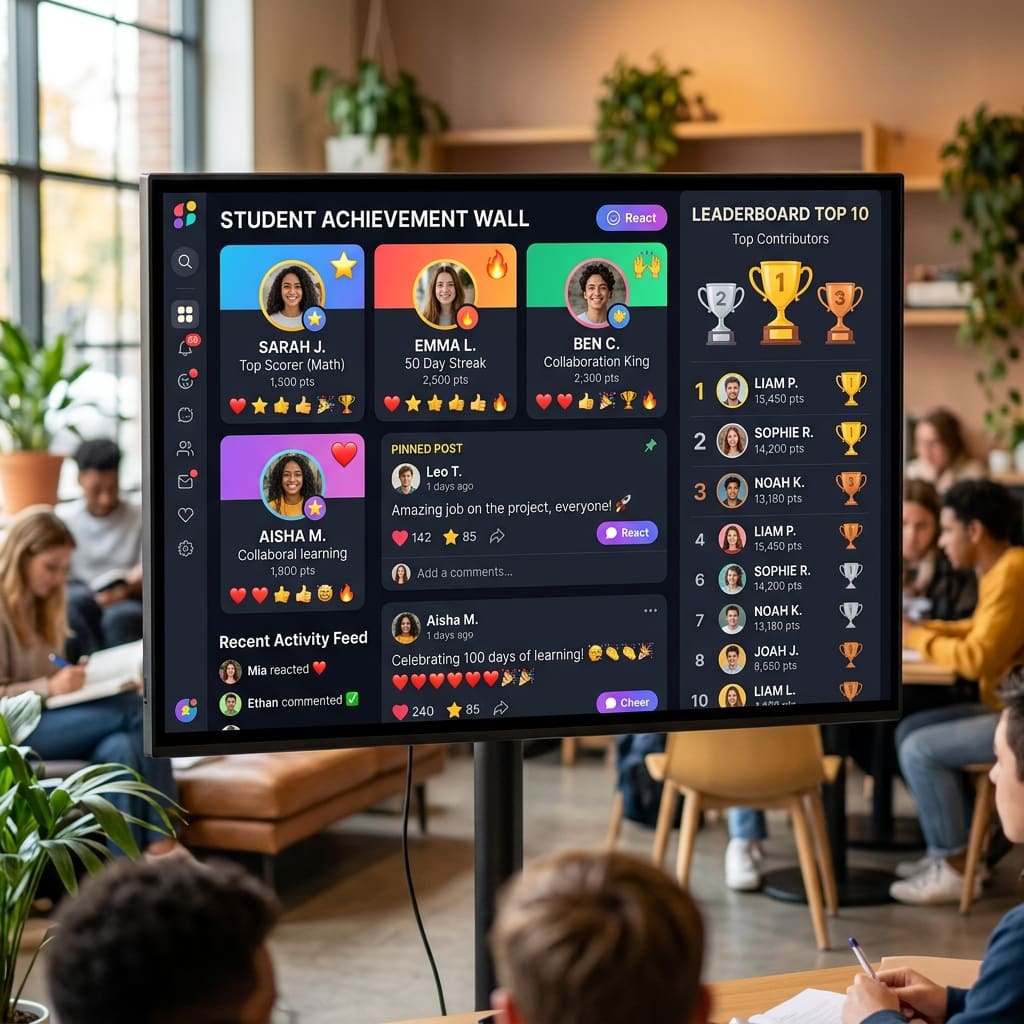
Zoom, Sheets, UPI and WhatsApp: how to do all four jobs in one place
The four-app stack works right up until you have four lists of the same students that disagree. A job-by-job look at what to replace, what to keep, and what actually changes when it is one record.
Read
What It Costs to Run Your Classroom and Your Checkout as Two Systems
The classroom is the easy part. The cost of teaching online is reconciliation — matching attendance to payments across systems that do not speak to each other.
Read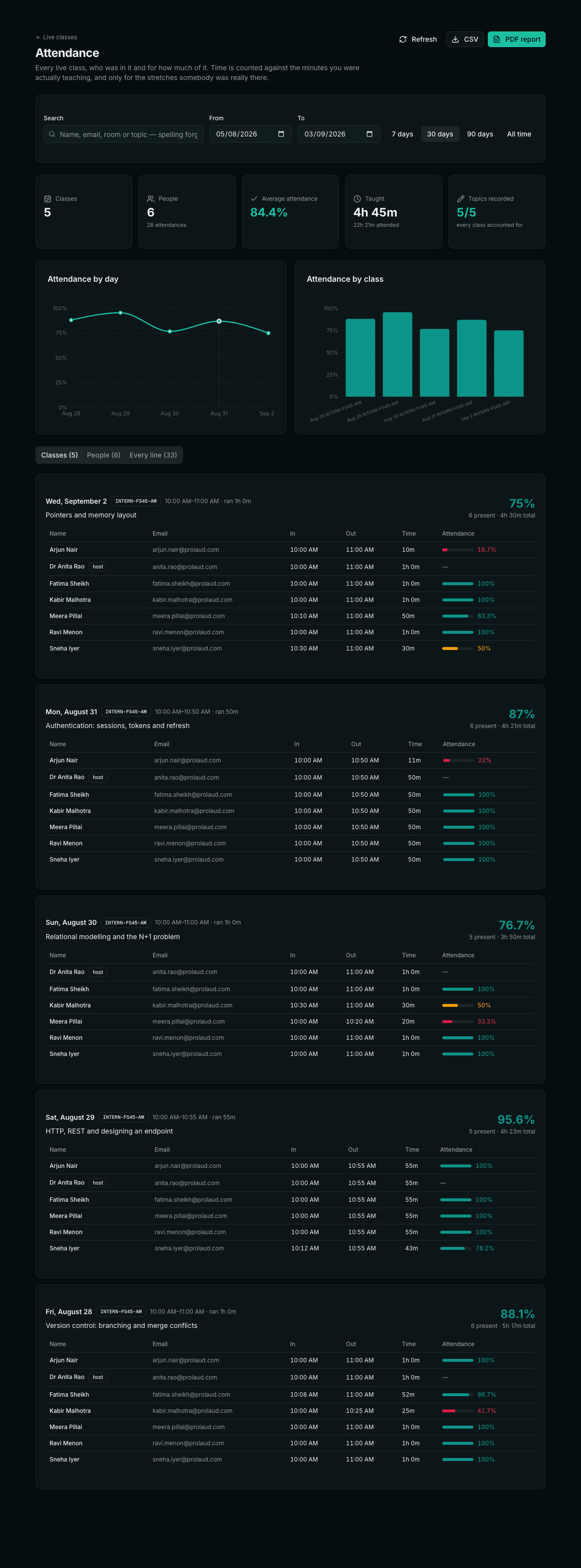
Live class attendance, measured honestly
A join-to-leave span is not attendance, and the scheduled hour is not the denominator. What an honest live-class register actually measures — and why what you taught belongs on the same row.
Read
How to Run a University Programme Online — Admin, Teacher and Student
The whole academic year from three sides — the registrar's, the teacher's and the candidate's — with the rules a UGC ODL programme has to hold, and an honest account of what online proctoring can and cannot do.
ReadTop 10 AI Tools for Online Tutors in India (2026 Edition)
Most 'best AI tools' lists are written for American teachers with American budgets. This one is for a tutor who teaches the NCERT syllabus, collects fees over UPI, and needs part of the class to work in Hindi or Tamil.
Read