How membership tiers work on Prolaud: a course at one tier, community and live classes at a higher one
On Prolaud a tier is its own Membership product: the lower one includes a course, the higher one includes that course plus a community and the course its weekly live call runs on. How to build two tiers, how to keep the live call to the higher tier, and what happens when a member moves up, cancels or misses a payment.
The short answer
On Prolaud, which publishes this guide, membership tiers are separate Membership products, each with its own price and its own list of included products. A lower tier might include one course; a higher tier includes that same course plus a paid community and a second course that carries a weekly members-only live call. Both bill monthly, quarterly, every six months or yearly into your own Stripe or Razorpay account, and Prolaud takes 0% of each sale. Access to everything a tier includes lasts while the member keeps paying, with 3 days of grace after a missed renewal. What it does not do: there is no automatic upgrade between tiers and no proration. A member moving up buys the higher tier and cancels the lower one, and both renew until they do. A one-on-one session included in a tier is a fixed booking link or room, not a monthly allowance of calls.
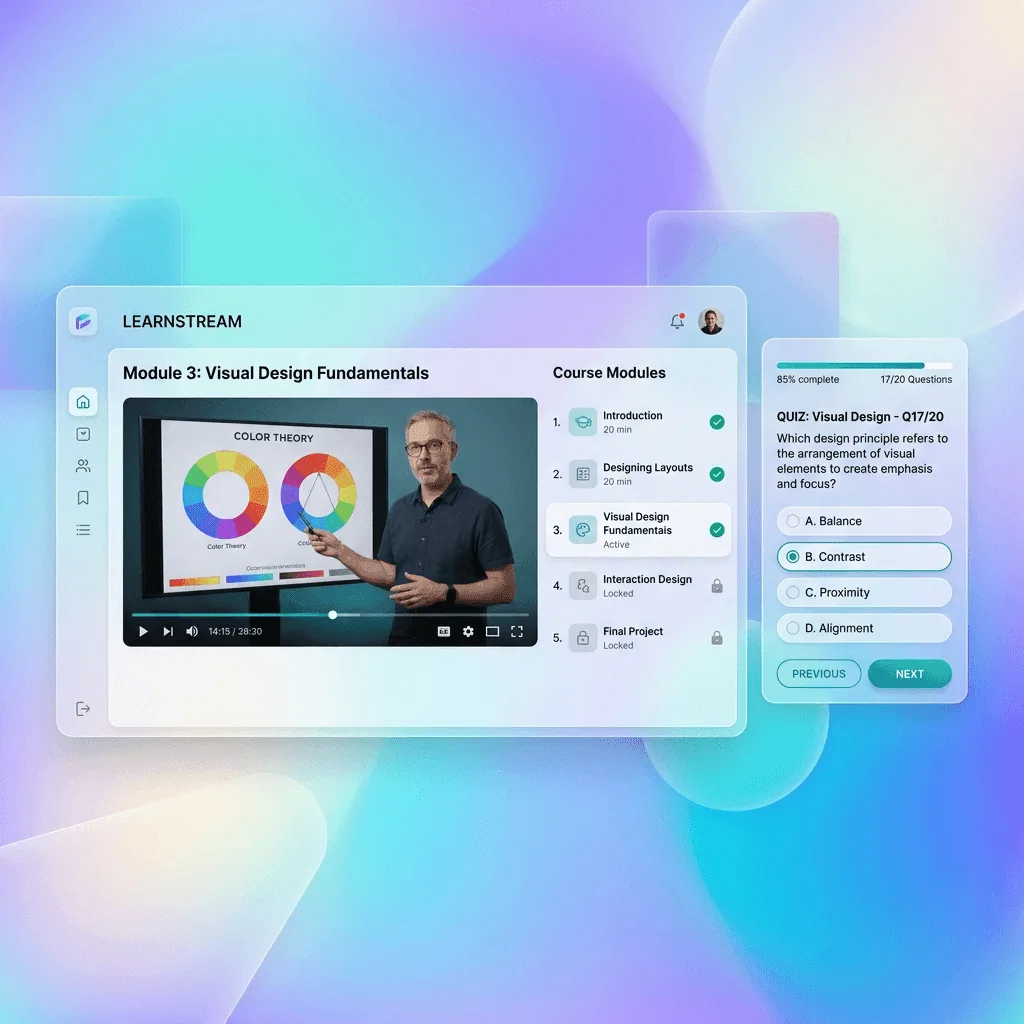
A membership tier on Prolaud is a Membership product that lists what it unlocks. Make one for each tier: the lower tier includes a course, the higher tier includes that course plus a paid community and the course your members-only live call is scheduled on. Each tier has its own price and interval, and access lasts while the member pays.
That is the whole model, and it is simpler than most "tiered membership" software, which is both its strength and its limit. There is no tier ladder to configure and no upgrade logic to learn. There is also no upgrade logic to lean on. This guide walks through building two tiers end to end, explains exactly how to keep a live call to the higher tier, and is plain about the three things you have to handle yourself: members moving up, members canceling, and payments that fail.
What is a membership tier on Prolaud?
Prolaud has no separate "tiers" setting. A tier is simply one Membership product in your Storefront, and a membership is a product whose job is to grant access to other products. When you create one, a picker called What's included with the membership lists everything else you sell, and you tick what this tier unlocks.
So "Tier 1" and "Tier 2" are two Membership products that happen to share some of their ticked items. Prolaud doesn't know one is higher than the other. It knows that a member who pays for Tier 2 should get the products Tier 2 lists, for as long as they keep paying.
This has a practical consequence you should design around from the start: a higher tier does not include a lower tier by itself. If Tier 2 should give everything in Tier 1 and more, tick Tier 1's products inside Tier 2 as well. The upside is flexibility. Tiers don't have to stack at all; you can sell two side-by-side memberships for different audiences from the same courses.
What can a membership tier include?
Almost anything else you sell. The one rule is that a bundle or another membership cannot go inside a membership, which is what stops a tier from containing a tier. Everything else is fair game, and each kind gives the member something specific:
| Included product | What a paying member gets |
|---|---|
| Course access | The course, for as long as the membership is paid. The usual way to make a tier's core content. |
| Paid community | Membership of that community: its wall, challenges, leaderboard and messages. Removed again when the membership lapses. |
| Paid webinar | One scheduled live event, joined from the member's order. It is a single date, not a recurring series. |
| 1-on-1 session | One fixed booking link (Calendly, Cal.com and similar) or one private room on your academy. Not a monthly allowance of calls. |
| Digital download | The files: PDFs, audio, video, worksheets. |
| License key | A serial key, for templates or software you sell. |
Live classes are not a product kind
There is no "live classes" item to tick. A recurring live class belongs to a course, and you control who can join it from the class itself. The section on live calls below shows how that gives you a members-only call for one tier.
How do I set up two membership tiers?
Here is a concrete two-tier setup for a coach, the kind most people mean when they ask about tiers. The names and prices are examples; use your own.
- Foundations (the lower tier): the self-paced course *Calm Mornings*.
- Inner Circle (the higher tier): *Calm Mornings*, plus a paid community, plus a second course called *Inner Circle Calls* that the weekly live call is scheduled on and where each week's recording is added as a lesson.
The order matters, because a membership can only include products that already exist: courses first, then a product for each course, then the community, then the memberships.
Step 1: build and publish the courses
Create *Calm Mornings* and *Inner Circle Calls* and publish both. The second course can start almost empty: a welcome lesson is enough, because its main job is to carry the live call and collect the recordings. When you publish a course, you can set its access to Membership only, which locks it to anyone who doesn't hold a membership that includes it. That is what you want for both courses here, so nobody buys the calls course on its own by accident.
Step 2: turn each course into a product
Open Storefront (add it from Add plugins if you haven't; it is free on every plan), press New product, choose Course access, pick the course and publish it. Do this once for each course. These products are the building blocks the memberships will tick.
Step 3: create the paid community
Press New product and choose Paid community. You can create the community from here. Give it a price too: that price is what someone pays to join the community on its own, if you also sell it separately. A member who gets the community through Inner Circle pays the membership, not the community's own price.
Step 4: create the lower tier
- Press New product and choose Membership.
- Under What's included with the membership, tick *Calm Mornings*.
- Under the price, choose Subscription, enter the amount, and pick a Billing interval: Monthly, Quarterly, Every 6 months or Yearly.
- Write the sales page and publish.
Step 5: create the higher tier
Repeat the same steps for Inner Circle, and this time tick *Calm Mornings*, the paid community and *Inner Circle Calls*. Ticking *Calm Mornings* again is the step people miss: without it, an Inner Circle member would have the community and the calls but not the course the lower tier is built on.
Both memberships now sit side by side in your shop, each with its own price. If you want to offer the same tier monthly and yearly, create one membership per interval; one product has one billing interval.
How do I add a live class that only the higher tier can join?
This is the part that needs the most care, because a live class link on Prolaud opens for anyone who has it unless you say otherwise. That default is deliberate: demo classes and open webinars are meant to be shared. For a members-only call you switch it off for that class.
- Open Live Classes and schedule a class.
- Under Course, choose *Inner Circle Calls*, the course only the higher tier includes. Everyone who holds that course is the class's audience.
- Switch on Only these students can join. Members then sign in to enter, and the link does not let in anyone who isn't on the course, even if it is forwarded.
- For a call every week, switch the form to Advanced and set it to repeat. Every class in the series shares one join link.
Because the call is tied to a course only Inner Circle includes, a Foundations member never sees it on their Live classes page, and couldn't enter with a forwarded link if they tried. An Inner Circle member sees it there with a button to join, in the browser, with no separate meeting app. The coaching membership guide shows this exact setup with screenshots, including a lower-level member's Live classes page without the higher-level call on it.
Two details are worth planning for. First, a class runs up to 90 minutes with 49 people in the room on Pro, and up to 180 minutes with 99 on Studio, so size the higher tier's call to your plan. Second, recordings: press Start recording in the room (it never starts by itself), and the recording lands on your Recordings page. Class recordings are kept for 90 days on Pro and 365 on Studio, so if the archive is part of what Inner Circle pays for, add each week's recording to *Inner Circle Calls* as a video lesson. A video you upload into a lesson is not deleted on that schedule, and the course becomes the tier's growing library of past calls.
Want the call to show up in the community too?
When you schedule the class, Share in your community lets you post it to the community you included in the tier, with the time shown in each member's own time zone and a Join button from 15 minutes before it starts. Nothing is posted unless you tick it.
How do I give only the higher tier the community?
You already have, by ticking the paid community inside Inner Circle and not inside Foundations. When an Inner Circle payment goes through, the member is added to the community. If the membership lapses, they are removed from it again, and paying again brings them back.
If you'd rather everyone has a community and the higher tier gets something extra inside it, run two communities: an open one included in both tiers, and a smaller one included only in the higher tier. Each community is its own space with its own wall, challenges and leaderboard, so the higher tier gets a room of its own rather than a locked corner of a shared one.
What happens when a member moves up a tier?
This is the part to be clear with your members about, because Prolaud does not do it for them. There is no automatic upgrade and no proration between memberships. Moving from Foundations to Inner Circle means two separate actions by the member:
- They buy Inner Circle, which starts a new subscription and gives them everything it includes straight away.
- They cancel Foundations, which keeps its access until the end of the period they already paid for, and then stops renewing.
Until the second step happens, both subscriptions renew, so a member who forgets is charged for both. Put the two steps in your upgrade email and on the Inner Circle sales page, in that order. A short line such as "Already on Foundations? Join Inner Circle, then cancel Foundations from Billing in your account" saves you a refund conversation.
There is no automatic credit for the unused part of the lower tier either. If you want to soften the switch, give movers a coupon for their first Inner Circle payment, or time your upgrade offer to land near the end of a billing period. Moving down a tier is the same in reverse: buy the lower tier, cancel the higher one.
How do members cancel?
It depends on which payment account bills the membership. A member billed through Stripe can't cancel from Billing on your academy site yet, so cancel the subscription for them in your Stripe dashboard; access then ends at the end of the period they already paid for. Members billed through Razorpay cancel from Billing themselves: the button is Cancel auto-renewal, and access stays to the end of the current period.
What happens when a payment fails or a member cancels?
- A renewal goes through: everything the tier includes is extended to the next period, the courses and the community, not just the membership record.
- A renewal fails: your payment processor retries on its own schedule, and the member sees a notice in their account asking them to update their payment details. Access stays on for 3 days past the renewal date. If the payment still hasn't gone through, the included courses and the community close until it does.
- A member cancels: access continues until the end of the period they already paid for, then the included products close. Their course progress is kept, so if they rejoin, they pick up where they stopped.
None of this needs you to do anything; it runs on the payment events your processor sends. That is also why the payment connection has to be set up properly before you launch, which is the next section.
Which payment account bills a membership?
Members pay into your own account, never ours, and Prolaud takes 0% of each payment on every plan. Which account depends on the membership's currency:
- Priced in US dollars: billed on your own Stripe account, connected under Payouts by pasting your Stripe API key.
- Priced in another currency: instead of Stripe, your own Razorpay account bills it. This needs your Razorpay Key ID and Key Secret saved under Payouts; the one-click Razorpay sign-in can't take recurring payments. After connecting, check that the Razorpay webhook box says Set up, because members get access when Razorpay tells Prolaud a payment went through.
Your processor charges its own standard fee on each payment, as it would anywhere. The safest launch check takes five minutes: buy the lower tier yourself with a real card, confirm the course opens, and cancel. Then you know the whole loop works before a member finds out it doesn't.
How many tiers should you offer?
Two, for most people, and three at most. Every tier is a promise you have to keep delivering, and a tier that nobody buys still needs its sales page kept accurate. A useful test is whether you can say in one sentence what the higher tier gets that the lower one doesn't. "Inner Circle adds the community and a weekly live call" passes. "Inner Circle adds more value" doesn't.
Build the difference around things that are genuinely scarce: your live time and access to other members. Self-paced content is cheap to give everyone, so it makes a good base tier. A live call has a room size and a length, and a small community is better than a big one for some audiences, so those are what people pay more for. If you find yourself wanting a third tier, it is often a one-on-one offer, and that usually works better as its own 1-on-1 session product than as a membership, because a membership would include one booking link, not a set number of calls each month.
Finally, price the gap honestly. If the higher tier is mostly the weekly call, a member is effectively paying the difference for four or five calls a month, so make sure the calls happen every week, on time, and that the recordings land in the calls course for anyone who misses one.
What doesn't Prolaud do with membership tiers?
Said plainly, so nothing here surprises you after launch:
- No tier ladder: Prolaud doesn't know one membership is higher than another, and a higher tier doesn't include a lower one unless you tick its products.
- No automatic upgrade, downgrade or proration between tiers. Members buy the new tier and cancel the old one.
- No "everything in this tier" setting: when you add a new course to a tier, create its product and tick it in the membership.
- No monthly allowance of one-on-one calls. A 1-on-1 session product is one fixed booking link or room.
- No in-app cancel for members billed through Stripe yet; you cancel those in your Stripe dashboard.
- Live classes aren't a product you tick. They're scheduled on a course, and the course decides who can join.
What does it cost to run tiers on Prolaud?
A flat plan fee, and nothing per sale. Pro allows 50 storefront products and 25 published courses, which is plenty for two or three tiers and their courses; Studio removes both limits and adds transcripts of your recorded calls. Both plans take 0% of your membership revenue. Every new academy starts on a 14-day Studio trial with no card, which is enough time to build both tiers, run one members-only call and test a real payment. Current prices, in your currency, are on the pricing page.
For the reference version of everything above, the memberships help article and the coaching membership guide cover each screen. The storefront overview shows every product kind, and communities and live classes cover the two things a higher tier usually adds.
Build your first two tiers this week
Start a 14-day Studio trial with no card, make a course, a community and two memberships, and run one members-only call before you pay anything.
Start your academy
Renu Rawat
Founder of prolaud.com. Helping teachers and creators build profitable, independent learning businesses without losing a cut of every sale to platform fees.
About the founderFrequently asked questions
- Does Prolaud support membership tiers?
- Yes, as separate Membership products. Each tier lists the products it unlocks, such as a course, a paid community or a webinar, and has its own price and billing interval. Prolaud has no tier ladder, so a higher tier includes a lower tier's content only if you tick those products in it too.
- Can a higher tier add live classes?
- Yes, through a course. Create a course only the higher tier includes, schedule the recurring live call on that course, and switch on Only these students can join. Members of the higher tier see and join the call; members of the lower tier don't see it and can't enter with a forwarded link.
- How does a member upgrade from one tier to another?
- They buy the higher membership and cancel the lower one. Prolaud doesn't switch them automatically or prorate the difference, and both memberships renew until the lower one is canceled. Canceling keeps the lower tier's access until the end of the period already paid for.
- What billing intervals can a membership use?
- Monthly, quarterly, every six months or yearly. One membership product has one interval, so to offer the same tier monthly and yearly, create two membership products with the same included products.
- What happens if a member's renewal payment fails?
- The payment processor retries on its own schedule and the member sees a notice asking them to update their payment details. Access to everything the tier includes stays on for 3 days past the renewal date. If the payment still hasn't gone through, the courses and community close until it does.
- Can I include one-on-one coaching in a tier?
- You can include a 1-on-1 session product, which gives the member one fixed booking link or one private room on your academy. It is not a monthly allowance of calls, so for a set number of sessions a month, sell one-on-one time as its own session product.
- Does Prolaud take a cut of membership payments?
- No. Prolaud takes 0% of membership payments on every plan. Members pay into your own Stripe account for US-dollar prices or your own Razorpay account for other currencies, and your processor charges its standard fee. You pay Prolaud a flat plan fee.
Keep reading

Payment plans for online courses: how to offer installments without chasing payments
A payment plan lets a student start a higher-priced program for a fraction of the price today. Here is how to price it, how many installments to offer, and how to collect them without becoming a debt collector.
Read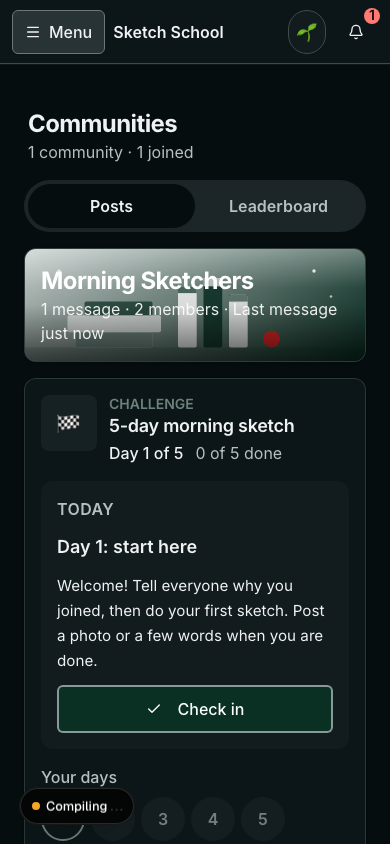
How to run a 21-day community challenge that people finish (template inside)
A good challenge turns a quiet community into the place your students check every day. A weak one goes silent in the second week. The difference is design: one outcome, small daily tasks, proof people can see, a plan for the dip, and a finish line worth reaching. A full 21-day template is inside.
ReadHow to run live classes without Zoom, with students joining from your academy instead of a meeting link
What it takes to teach live without a separate Zoom or Meet account: a room built into your academy, students who join with one button instead of a forwarded link, and attendance that lands on the record of the student who paid. Real screenshots, a 12-minute video and the cases where Zoom still wins.
Read
How to Get Students to Come Back and Finish an Online Course
Most people who buy an online course never finish it. Here's why they drop off, how to measure your completion rate honestly, and the features and habits that bring students back every week.
Read