Heights Platform vs Prolaud: courses, a community and live classes under one login
Both platforms give a coach courses, a community and live calls behind one login, and neither takes a cut of sales. The differences are price, what the live room can do, how deep the community goes, and how far the AI tools reach.
The short answer
Heights Platform and Prolaud both give a coach courses, a community and built-in live calls under one student login, and neither takes a commission. Heights is the better pick if you want a 30-day trial, PayPal, a custom domain today, or its AI coach. Prolaud, which publishes this guide, costs less for the same three things: community and live classes are on every plan, from $18 a month, and the live room is a teaching room with a whiteboard, slides, polls and attendance. Its community runs daily challenges, XP, levels and leaderboards. Where Prolaud is weaker: no custom domain yet, smaller AI allowances, and one live server region.

Who wrote this
We make Prolaud, so we are not a neutral referee. Every Heights Platform fact below was read on heightsplatform.com and its help center on 22 October 2026, and where their pages don't say something, we don't guess. Prices and features change, so check their pricing page before you decide.
If you coach people for a living, you have probably run the stitched-together version of an online business: a course on one platform, a community in a group chat or a separate forum, and live calls on Zoom. Your members get three logins, three sets of notifications and three places to lose track of you. So the question this article answers is a narrow one that coaches ask a lot: which platform puts courses, a community and live sessions under one login, and which one handles a paid membership that includes the community?
Heights Platform and Prolaud are two of the few that do all three natively. Both host their own live video, so neither sends your members to Zoom. Both let you sell courses and community access, and both say they take 0% of your sales. That makes them closer than most comparisons, and it means the decision comes down to details: price per plan, what the live room can actually do while you teach, how much the community does to bring people back, and how far each one's AI tools go.
What do Heights Platform and Prolaud have in common?
More than most pairs of course platforms. On the points coaches care about first, they agree.
- One login for everything. Courses, community and live sessions sit in the same product, so a member signs in once.
- Built-in live video. Heights' help center says its live streams and meeting rooms run "without using external tools like Zoom". Prolaud runs its own classroom in the browser. Neither needs a meeting link.
- No commission. Heights says it "does not take a commission on your earnings and does not charge any transaction fees". Prolaud takes 0% on every plan. On both, your payment processor's own fee is the only per-sale cost.
- Money goes to your account. Heights connects to your Stripe or PayPal. Prolaud connects to your own Stripe or Razorpay account, and the money lands there, not with us.
- Courses, community and payments in one store. Both sell one-time purchases, payment plans and subscriptions.
If you were comparing either of them against a course platform that sends you to Zoom, or a community app with no course player, the choice would be easy. Against each other, it isn't, so the rest of this guide is about where they differ.
How do the prices compare?
This is the biggest difference, because the plans are cut differently. On Heights, the entry plan (Challenge) has no community and no meeting rooms. Community and group calls start on Basic, and live streams start on Pro. On Prolaud, community and live classes are on every plan.
Prolaud has two self-serve plans. Pro is $18/month billed monthly, or $15/month billed yearly ($180 a year), for up to 1,000 students, 25 published courses and 2 teachers. Studio is $42/month billed monthly, or $34/month billed yearly ($408 a year), with unlimited students and courses and 5 teachers. A larger Institute plan is sales-led.
Heights' pricing page shows four plans, each with a monthly-billed price and a lower per-month price when billed annually: Challenge $29 a month ($19 billed annually), Basic $49 ($39), Pro $119 ($99) and Academy $499 ($399). Basic allows up to 5,000 active students, Pro 10,000 and Academy unlimited, and courses are unlimited from Basic up.
So for a coach who needs courses, a community and live group calls, the cheapest Heights plan that has all three is Basic at $49 a month, against Prolaud Pro at $18. If you want Heights' live streams and AI coaching too, that is Heights Pro at $119, against Prolaud Studio at $42. Where Heights gives you more for the money is headroom on student numbers: Basic covers 5,000 active students, where Prolaud Pro covers 1,000 and you move to Studio for more.
| Heights Platform (checked 22 Oct 2026) | Prolaud | |
|---|---|---|
| Cheapest plan with community + group calls | Basic: $49/mo, or $39/mo billed annually | Pro: $18/mo, or $15/mo billed yearly |
| Next plan up | Pro: $119/mo, or $99/mo billed annually | Studio: $42/mo, or $34/mo billed yearly |
| Commission on sales | None; processor fees apply | 0%; processor fees apply |
| Payment processors | Stripe or PayPal | Your own Stripe or Razorpay account |
| Students | Basic 5,000 · Pro 10,000 · Academy unlimited | Pro 1,000 · Studio unlimited |
| Courses | Challenge 1 · Basic and up unlimited | Pro 25 · Studio unlimited |
| Admins / teachers | Basic 1 · Pro 2 · Academy 25 | Pro 2 · Studio 5 |
| Community | Basic and up: unlimited channels, points and badges | Every plan: a wall, daily challenges and habits, XP, levels, leaderboards |
| Live group calls | Meeting rooms on Basic (25 participants), Pro (50), Academy (75) | A live classroom on every plan: 49 people on Pro, 99 on Studio |
| Broadcast-style live streams | Pro (100 participants) and Academy (500) | Not a separate format; the classroom is the live format |
| Tools inside the live room | Screen sharing, recording, chat (their help page lists these) | Whiteboard, slides, polls, raised hands, chat, screen share, recording, attendance |
| AI | Heights AI on every plan; weekly AI coaching on Pro and Academy | AI course drafting with small, rolling limits |
| Your own domain | Pro and Academy | Coming soon; every academy has its own prolaud.com address today |
| Free trial | 30 days, no credit card | 14-day Studio trial, no card, growing to as much as 35 days |
Which one is better for live classes?
Both host the call themselves, which already puts them ahead of most course platforms. The difference is what the call is built for.
Heights: meeting rooms, live streams and live lessons
Heights offers three live formats, according to its help center. Meeting rooms are group calls where participants can turn on their camera and microphone, and you can let them share their screen or ask them to wait for approval before they join. Live streams are presentation-style: you and any co-hosts are on camera and the audience watches and chats. Live lessons run inside a course lesson and are recorded automatically, so the recording becomes a video lesson for anyone who comes later. Its help page lists screen sharing, recording and chat across the formats, plus chat moderation such as slow mode and a CSV export of the chat.
That is a strong set for a coach who runs Q&A calls, workshops and the occasional webinar for a few hundred people. The recorded live lesson is a nice touch for evergreen courses. We could not find a whiteboard or polls on their pages, so we don't claim they have them or that they don't.
Prolaud: a classroom built for teaching
Prolaud has one live format, and it is a classroom rather than a meeting. The teacher's view has tabs for video, whiteboard, slides and a teaching tracker in the same room, with raised hands, polls, chat, screen share and recording. You can prepare a whiteboard while it is hidden and show it when you are ready. Students join from their account on your academy, in the browser, so the room knows who each person is, and attendance lands on the record of the student who paid. A class runs up to 1.5 hours with 49 people on Pro, 3 hours with 99 on Studio, and 4 hours with 150 on Institute. There is no cap on the number of classes; each plan has a monthly allowance of live time.
If your sessions are teaching (you explain, draw, check understanding and want to know who attended), the classroom does more of that job. If your sessions are broadcasts to hundreds of people who mostly watch, Heights' live streams go bigger: up to 500 participants on its Academy plan, where Prolaud's largest room is 150.
One honest limit on our side
Prolaud's live classroom runs from a single server region in Asia today. Students who are far from it, in the Americas for example, can see more lag than they would on a service with servers nearby. If your audience is mostly in one distant region, run a test class with a few of them during the trial before you commit.
For a deeper look at how the classroom works, with real screenshots and a 12-minute walkthrough, see live classes without Zoom or the live classes feature page.
Which community does more to bring members back?
Heights' community is built around channels. Its homepage describes "unlimited community channels" that can be sold individually or left free, and its features page lists discussion forums, project posts that other students can vote on and reply to, messaging between students and mentors, and a "customizable badges and points system" where students earn points for completing lessons and for votes on their posts. Its pricing page also lists AI community moderation and an AI post generator from Basic up. That is a solid forum-style community with a light reward layer.
Prolaud's community is built around habits. Every course gets a community with a wall for posts, and on top of it you can run daily challenges and habit check-ins, award XP, let members level up, and show leaderboards. Members check in with a photo, video or link, the teacher sees who posted what for each day, and the at-risk view shows who has gone quiet before they drift away. All of it is on every plan, including Pro.
Which is better depends on what your members do between sessions. If your community is mainly for questions, discussion and sharing work, Heights' channels cover it well. If your program depends on members doing something every day (practice, a workout, a reading, a habit) and you want them to see their streak and their place on a leaderboard, Prolaud's challenge tools are built for exactly that. Our guide to running a community challenge shows how one works from day one.
How does each one handle a paid membership with a community?
This is the second question coaches ask, usually because they want one recurring price that gets members into the course, the community and the live calls together.
On Heights
Heights lets you collect "course, coaching, and membership payments" through Stripe or PayPal, as one-time payments, installment plans or subscriptions. Community channels can be sold on their own or left free, and its digital products include coaching meeting rooms and scheduled live streams that you can sell, give away or bundle. So you can build a membership out of a subscription plus the channels and live sessions you attach to it.
On Prolaud
On Prolaud a membership is one product in your store that includes other products: one or more courses, a community, webinars, a 1:1 session booking link and downloads. You choose the billing interval (monthly, quarterly, every six months or yearly) and the price. When a member's payment goes through, they get everything the membership includes; if a renewal fails or they cancel, access stays until the end of the paid period plus a short grace window, then the courses close and they leave the community. You don't have to remove anyone by hand.
- A community is sold through a membership or a bundle, so the community and the courses it belongs with are one purchase.
- Memberships priced in US dollars run through your own Stripe account, which you connect by pasting your Stripe API key. Sales carry 0% commission.
- Several membership levels are several products. You can sell a basic and a premium membership at different prices, each with its own list of what's included. There is no automatic upgrade between them yet, so a member moving up buys the higher one and you cancel the lower.
That last point is worth being clear about. If you plan to run tiers and expect members to upgrade often, ask how each platform handles the switch before you build. On Prolaud today, tiers are separate memberships, not one membership with levels.
What about AI, websites and the rest of the stack?
Here Heights goes further, and it is worth saying plainly. Its homepage calls it "the only creator platform with your own AI assistant and AI coach". Its pricing page lists Heights AI on every plan, with an AI course generator, AI quizzes and generated emails, an AI website builder (5 pages on Basic, unlimited on Pro and Academy), AI community moderation, and weekly personal coaching from the Heights AI Coach on Pro and Academy. If you want software that drafts a lot of your material and tells you what to do next, Heights invests more there.
Prolaud also drafts courses with AI (type a title and get a description and a full outline of modules and lessons to edit), and AI powers its presentation builder. But the allowances are deliberately small: on Pro, 3 generations an hour, 18 a day and 75 a week. We use AI to get you started, not to run the business for you.
On the website side, both give every academy a public site with your branding. Heights includes a custom domain on Pro and Academy. On Prolaud, connecting your own domain is coming soon; today every academy runs at its own prolaud.com address, with your logo and colors, and paid plans remove the Prolaud badge. If a custom domain on day one matters to you, that is a point for Heights.
Both also cover email and marketing. Heights lists unlimited email sending with a contact cap per plan. Prolaud includes coupons, drip-email campaigns, abandoned-cart recovery and a Refer & Earn program on Pro and above, with no per-email fee from us.
Where is Heights Platform the better choice?
We'd point a coach to Heights in these cases:
- You want an AI coach and heavy AI drafting. Heights' AI features are broader, and the weekly AI coaching on its Pro plan has no equivalent on Prolaud.
- You run large broadcasts. Live streams for up to 500 people on Academy are bigger than our largest room.
- You need PayPal. Heights connects to PayPal as well as Stripe; Prolaud does not offer PayPal.
- You need your own domain today. Heights includes it from Pro up; ours is coming soon.
- You want a longer trial. Heights offers 30 days with no card. Ours starts at 14 days and grows to as much as 35 as you publish a course and enroll a student.
- You expect a lot of students on a small budget. Heights Basic covers 5,000 active students; Prolaud Pro covers 1,000.
Where is Prolaud the better choice?
- You want courses, community and live calls for less. All three are on our $18 Pro plan; the first Heights plan with all three is $49.
- Your live sessions are classes. A whiteboard, slides, polls, raised hands and attendance on each student's record, in a room students enter from their account.
- Your program runs on daily habits. Challenges, check-ins, XP, levels and leaderboards on every plan, with a view of who is going quiet.
- You want one recurring price that unlocks a course and its community together, with access closing on its own when a membership lapses.
- You want your payments in your own Stripe account with 0% from us, and payment plans that split a course price into installments.
How do I test both before I decide?
Both have a free trial with no card, so the fair test is to run the same small program on each for a week.
- Create one short course with two or three lessons.
- Set up the community and post a welcome. On Prolaud, start a three-day challenge so members have something to do on day one.
- Schedule one live session and invite two or three real members. Teach the way you normally would: share your screen, draw something, ask a question.
- Create a monthly membership that includes the course and the community, and buy it yourself with a test card.
- Look at what you can see afterwards: who attended, who posted, who hasn't come back.
If you already run your community somewhere else, our switching guide explains how to move your members across, and we will help you move for free. To see what you would keep on each plan at your own sales numbers, try the payout calculator.
Run the same test on Prolaud
A 14-day Studio trial with every feature on and no card: courses, a community with challenges and leaderboards, and a live classroom your members join from their account.
Start your trial
Renu Rawat
Founder of prolaud.com. Helping teachers and creators build profitable, independent learning businesses without losing a cut of every sale to platform fees.
About the founderFrequently asked questions
- Is Prolaud a good alternative to Heights Platform?
- For a coach who wants courses, a community and live classes under one login, yes. Both include all three and take no commission, but Prolaud puts community and live classes on its cheapest plan, from $18 a month, while the first Heights plan with community and group calls is Basic at $49. Heights is stronger on AI tools, large live streams, PayPal and custom domains.
- Does Heights Platform need Zoom for live sessions?
- No. Its help center says live streams and meeting rooms run without external tools like Zoom, with screen sharing, recording and chat. Meeting rooms are on Basic and up, and live streams on Pro and Academy, according to its pricing page on 22 October 2026. Prolaud also runs its own live classroom in the browser, with a whiteboard, slides and polls.
- Which is cheaper, Heights Platform or Prolaud?
- Prolaud, for the same set of features. Prolaud Pro is $18 a month billed monthly ($15 billed yearly) with courses, a community and live classes. Heights Basic, its first plan with community and group calls, is $49 a month ($39 billed annually). Heights Basic does allow more active students, 5,000 against Prolaud Pro's 1,000.
- Can I sell a paid membership that includes a community on Prolaud?
- Yes. A membership is a product that includes other products: courses, a community, webinars, a 1:1 booking link and downloads. You pick monthly, quarterly, six-monthly or yearly billing. Members get everything it includes while they pay, and access closes on its own after the paid period and a short grace window if they stop.
- Do Heights Platform and Prolaud take a commission on sales?
- Neither does. Heights says it takes no commission and charges no transaction fees, with Stripe or PayPal charging their own processing fees. Prolaud takes 0% on every plan, and sales are paid into your own Stripe or Razorpay account, less the processor's standard fee.
- Does Prolaud have membership tiers with upgrades?
- Not as one product with levels. You can sell several memberships at different prices, each with its own list of included courses and communities, but there is no automatic upgrade between them yet. A member who moves up buys the higher membership and the lower one is canceled.
- Which has the longer free trial?
- Heights offers 30 days with no credit card. Prolaud starts every academy on a 14-day Studio trial with no card, which grows by 7 days when you publish your first course and 14 more when your first student joins, up to 35 days in all.
Keep reading
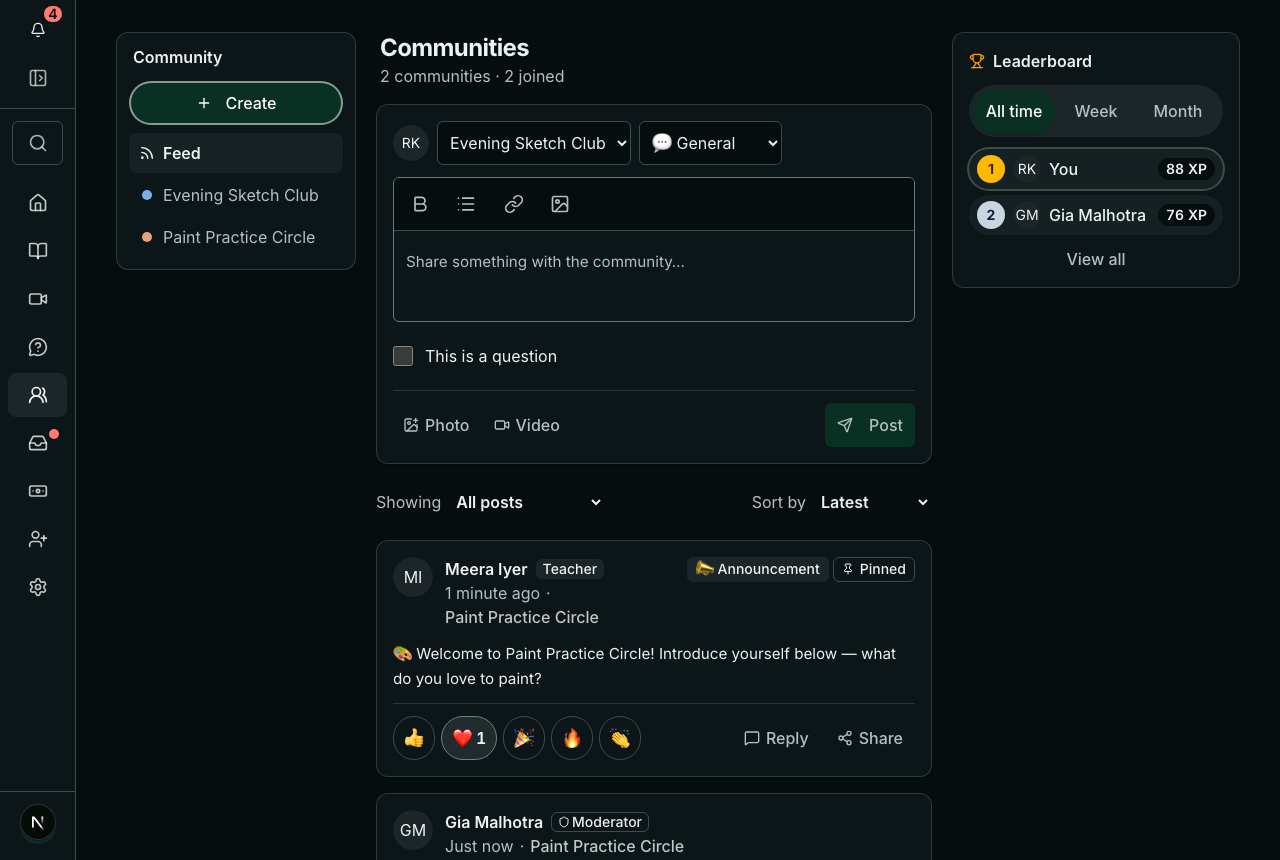
Best community platforms for coaches and course creators (2026)
Skool, Circle, Mighty Networks, TagMango, Communi and Prolaud compared on the things that decide the fit: what earns points, whether challenges are built in, where live sessions happen, your own domain and app, and where the money goes.
Read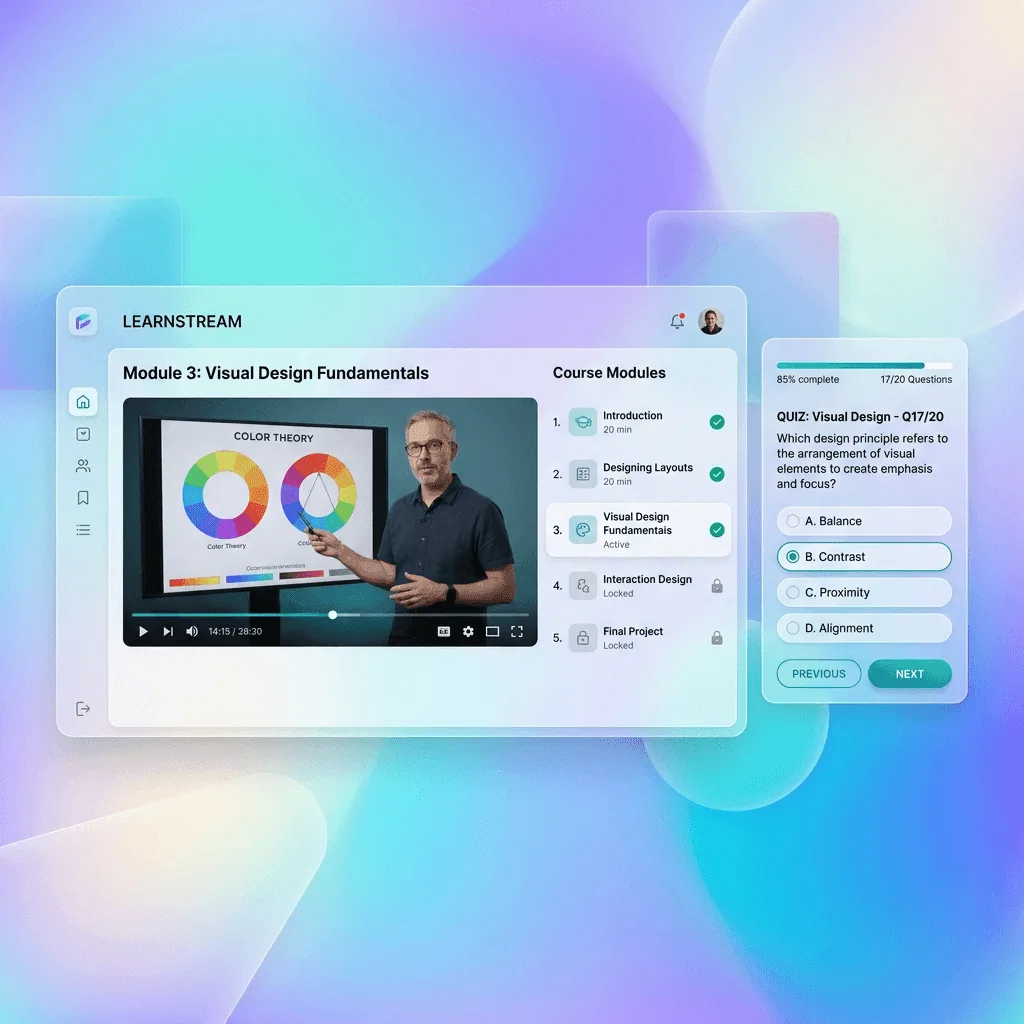
How to run live classes without Zoom, with students joining from your academy instead of a meeting link
What it takes to teach live without a separate Zoom or Meet account: a room built into your academy, students who join with one button instead of a forwarded link, and attendance that lands on the record of the student who paid. Real screenshots, a 12-minute video and the cases where Zoom still wins.
Read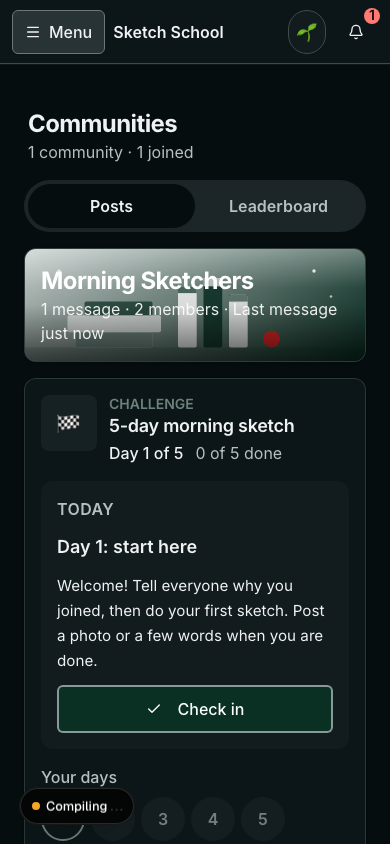
How to run a 21-day community challenge that people finish (template inside)
A good challenge turns a quiet community into the place your students check every day. A weak one goes silent in the second week. The difference is design: one outcome, small daily tasks, proof people can see, a plan for the dip, and a finish line worth reaching. A full 21-day template is inside.
Read