For creators
Send email from your own address (Integrations → Email sending)
Connect your own mail server and every email your academy sends — sign-in links, reminders, workflow emails, broadcasts — goes out from your address. Until you do, Prolaud's sender sends them in your academy's name.
Last updated Nov 24, 2026
- Open Integrations → Email sending → Connect your mail server.
- Enter the host, port, security, username and password from your provider, and the From address.
- Press connect. A test email is sent to you first; the server is saved only if it gets through.
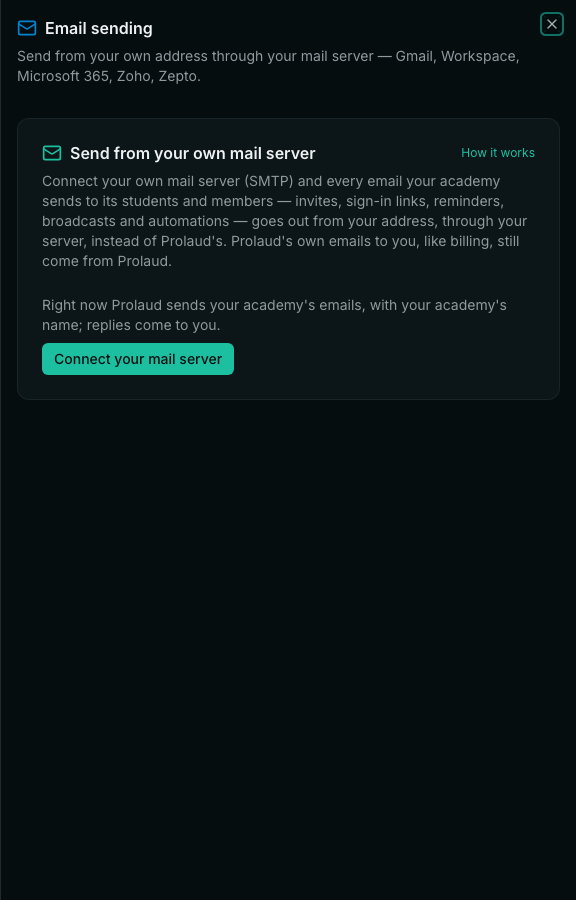
Nothing is saved until the test email gets through. The settings for each provider (Gmail, Workspace, Microsoft 365, Zoho, Zepto) are in the full guide.
Related