For creators
All your challenges on one page
Each challenge runs inside a community. The Challenges page shows them all at once — live ones first, then drafts, then ended — and is where you start a new one.
Last updated Oct 23, 2026
In coach mode, open Challenges in the menu, under Community — or find it with the search box (⌘K). In a school's academy, each community's challenges are under Manage community → Challenges.
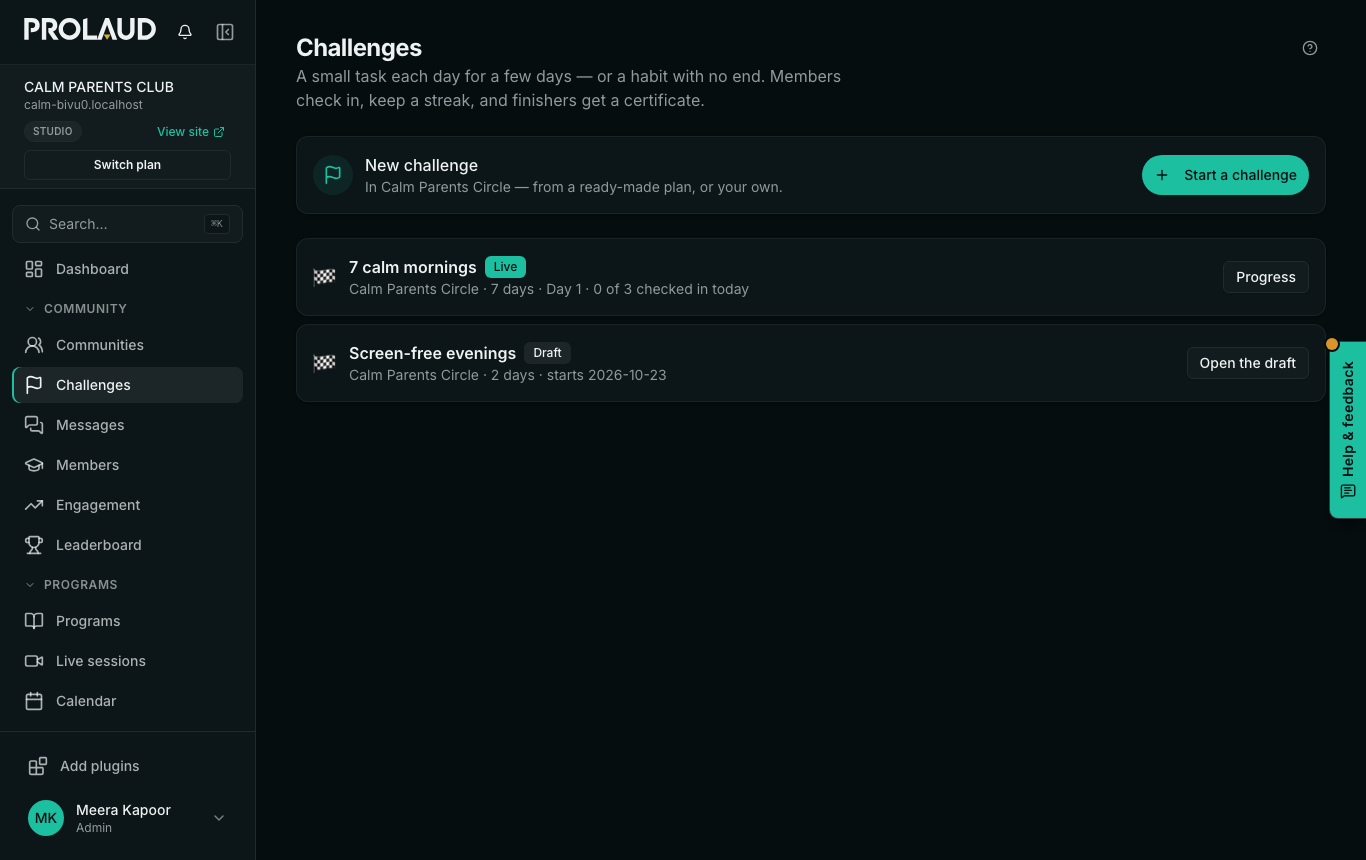
- Each row shows the community, how many days, which day it is, and how many members have checked in today.
- Progress opens the challenge in its community; Open the draft finishes one you have not started.
- Start a challenge opens a new one in your community. With several communities, first choose which one.
A challenge needs a community for members to check in to. With none yet, the page offers Make a community first.
Related