For creators
Nudge quiet members by themselves
You will not always remember to look. Turn on automatic nudges and a member who goes quiet gets one note from you at 10am — once per quiet spell, never twice.
Last updated Oct 23, 2026
- On your dashboard, under Gone quiet, press Reminders by themselves.
- Turn on Nudge members who go quiet, by itself.
- Choose Quiet after: 3, 5, 7, 10, 14, 21 or 30 days.
- Press Save.
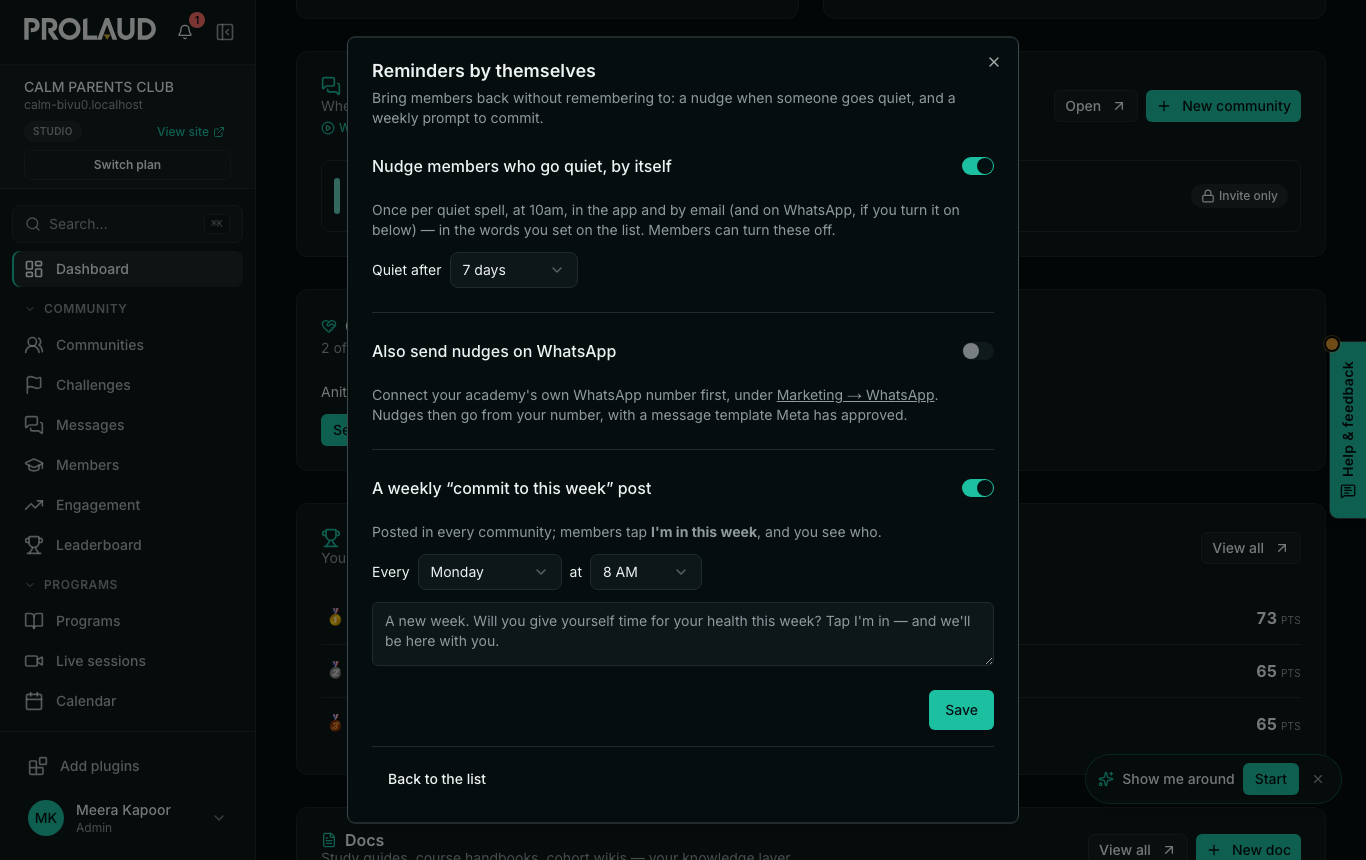
- It goes at 10am in your academy's time zone, in the app and by email, in the words you set on the Gone quiet list.
- Once per quiet spell: a member who stays quiet is not nudged every day. When they take part and later go quiet again, that is a new spell.
- Members who turned these notes off are never nudged.
Related