For creators
The weekly “I'm in this week” post
A small promise at the start of the week keeps members going. Prolaud posts your weekly prompt in every community on the day and hour you choose; members tap I'm in this week, and you see who did.
Last updated Oct 23, 2026
- On your dashboard, under Gone quiet, press Reminders by themselves.
- Turn on A weekly “commit to this week” post.
- Choose the day and hour (your academy's time zone), and write your words — or keep ours.
- Press Save.
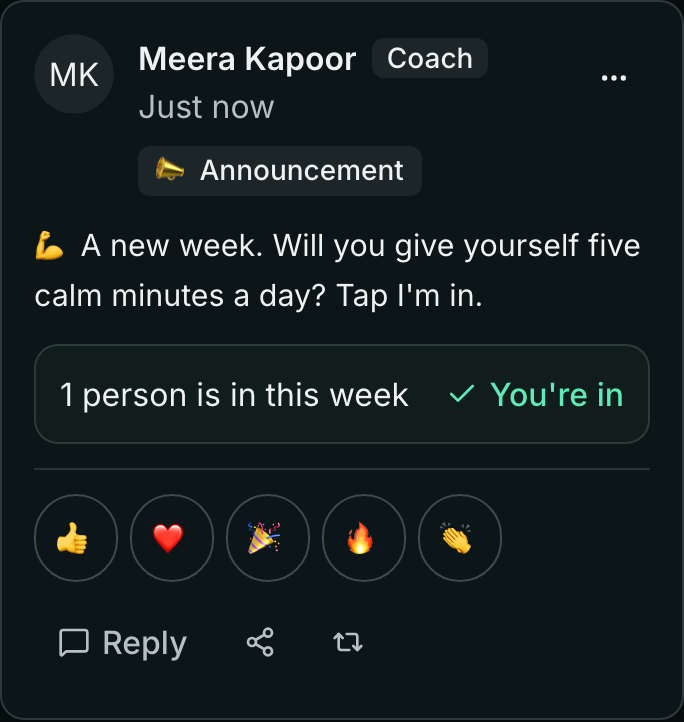
On that day, at that hour, the post appears in every community your members are in, once a week. A member taps I'm in this week; it then says You're in.
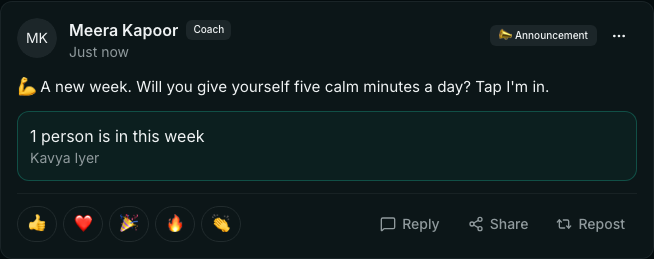
You see how many are in, and who.
Only members can say they are in; a teacher cannot answer for them. A community for teachers only does not get the post.
Related