For creators
Get members into their course and class with one tap
Some members find passwords and forms hard, and typing their name and email to join a call is one step too many. Prolaud gets them in with one tap: from the email when you add them, from a sign-in link you can send from their page, and from their own link in every class reminder. A member who only has the shared class link can ask for their own.
Last updated Nov 7, 2026
In short: people you add to a membership get an email whose button signs them in and opens the course. If someone is stuck later, open their page in Members and press Send sign-in link. Before each class, the reminder email and WhatsApp message carry the member's own link: one tap on Join now and they are in the class under their own name, with nothing to type and nothing else to press.
How does a new member sign in the first time?
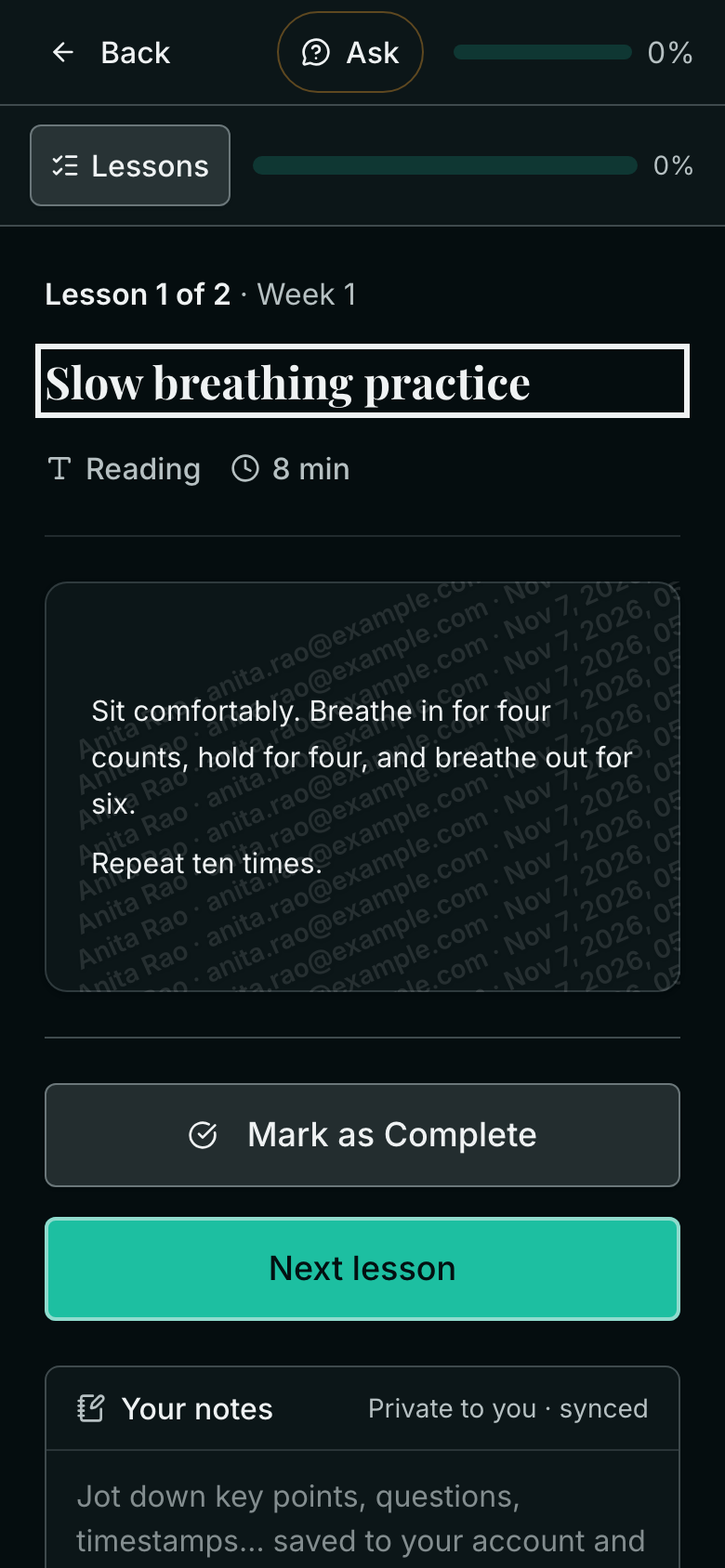
When you add people to a membership with "Email each one a sign-in link" ticked, each gets an email with one button. Tapping it signs them in and opens their course. The button works once, within 7 days.
How do I send a sign-in link to one member?
- Open Members (Students, if your academy is not set up for coaching) and click the member.
- Press Send sign-in link, at the top of their page.
- Confirm. You are told whether it went.

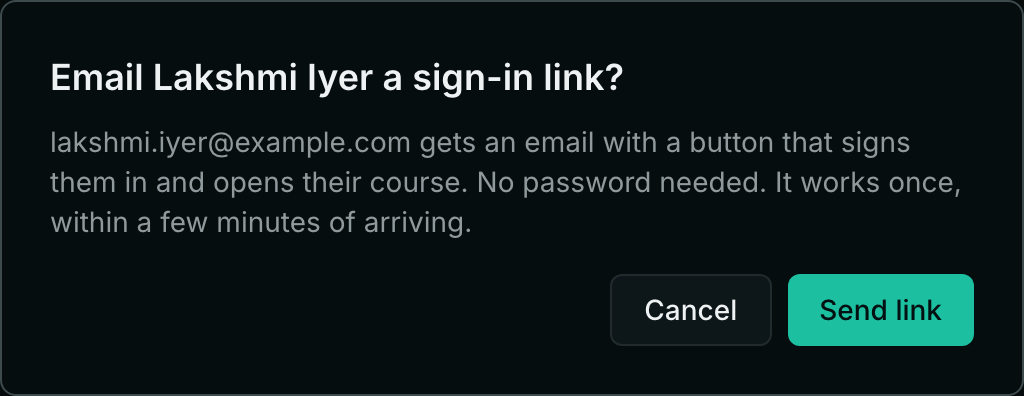
- The email's button signs them in and opens their course. It works once, within 15 minutes, so send it when they are ready to look.
- One link a minute and five an hour, per member. If you press it again too soon, you are told to wait.
- Members can also ask for one themselves: on your sign-in page, Email me a sign-in link.
How do members join a class without typing their name?
Class reminders go out 3 hours, 1 hour and 15 minutes before a class, to the members of the course the class is on. For each member who has an account with your academy, the email and the WhatsApp message carry that member's own link to the class.
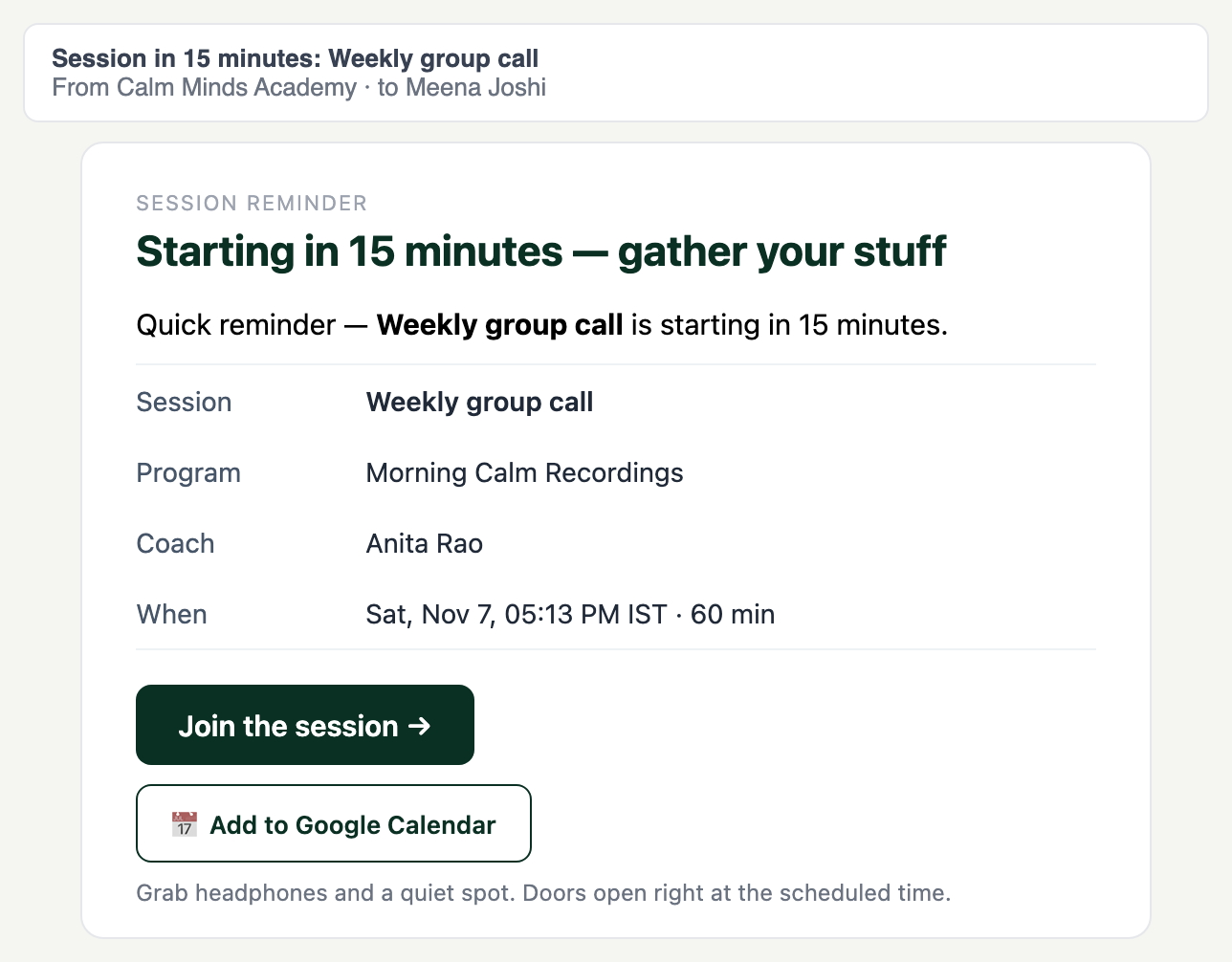
- The member taps the link, from the email or from WhatsApp.
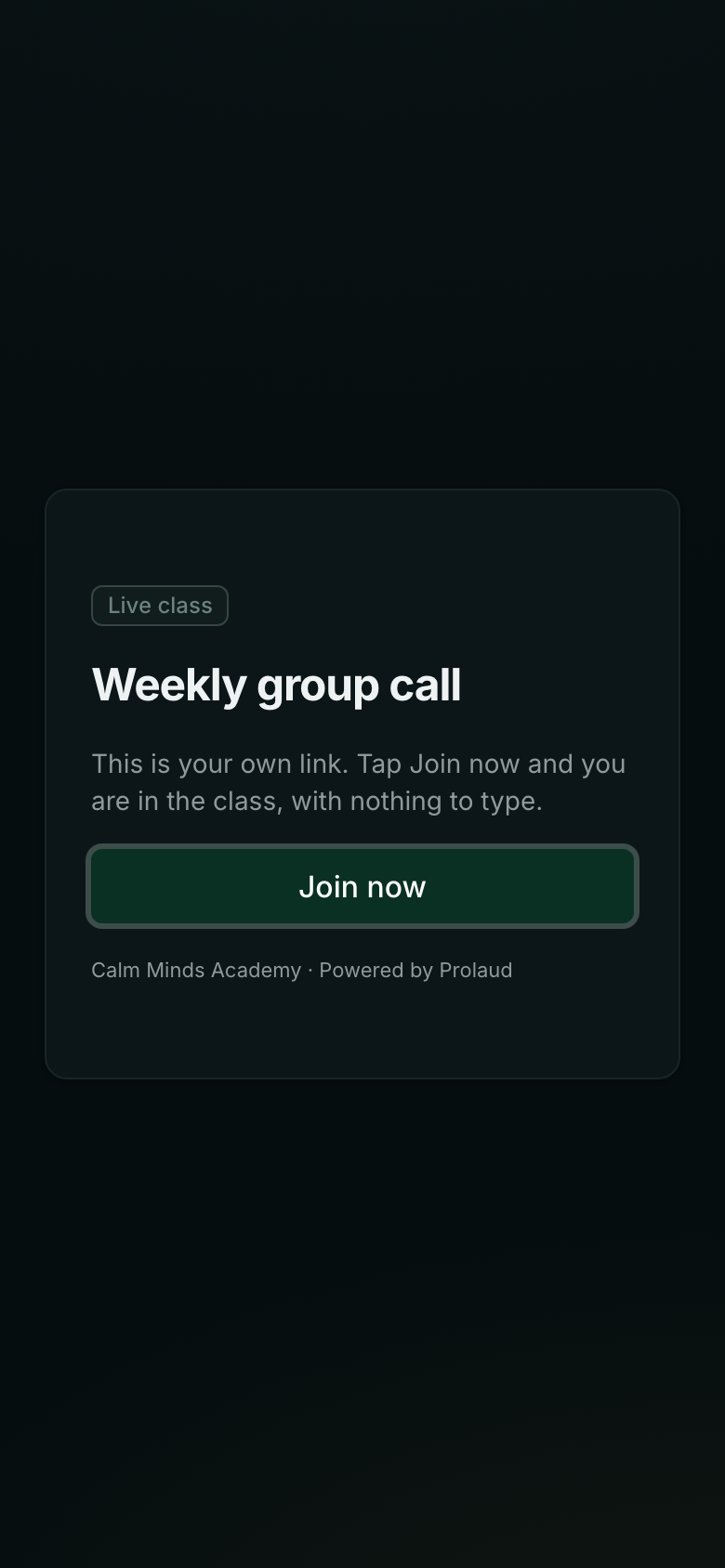
- The class page shows the class name and one big Join now button. There is no name or email to type.
- They tap Join now. That one tap signs them in as themselves and puts them in the class. If you have not started yet, they wait in the waiting room and go in by themselves when you do.
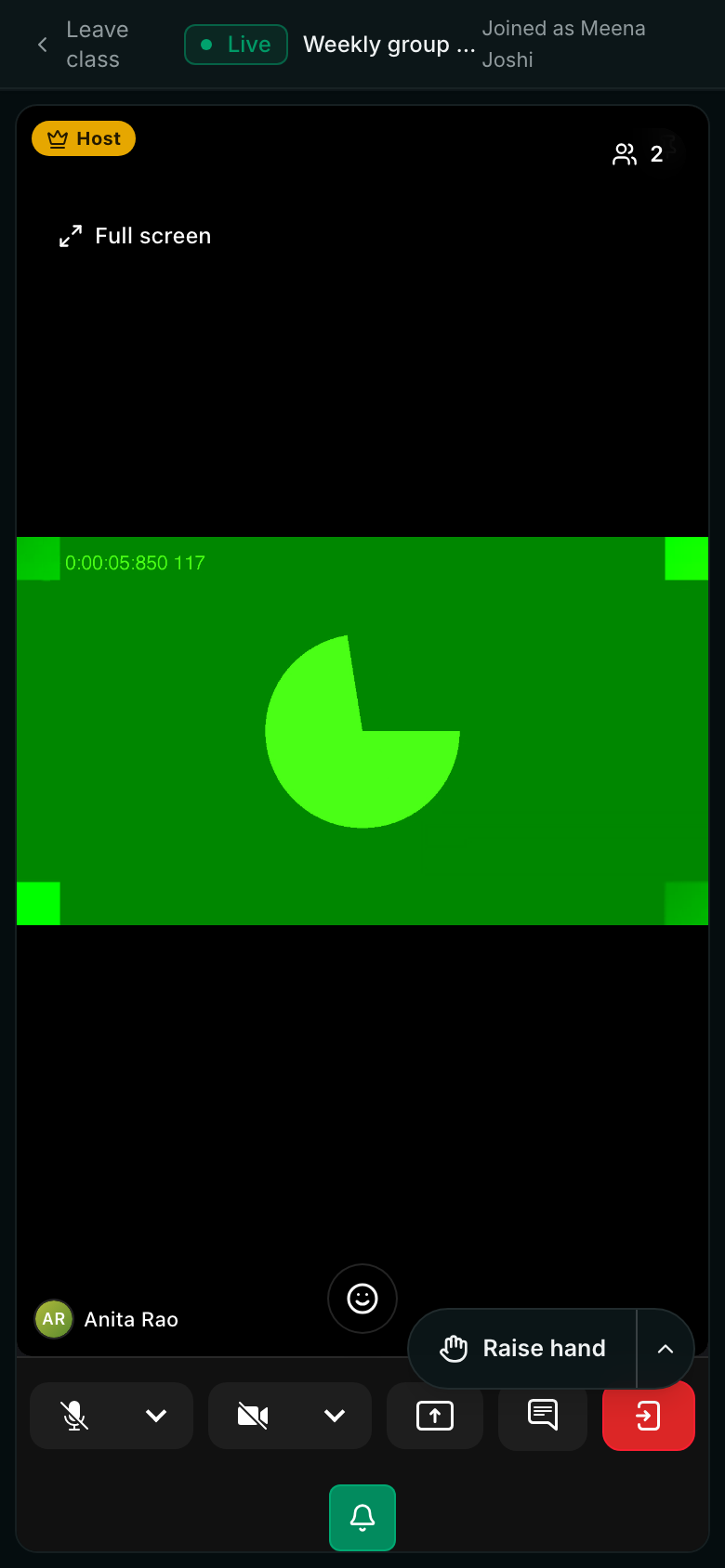
- They come in with their microphone and camera off, as everyone does, and turn them on from the buttons at the bottom when they want to talk.
- There is no camera check to get through first. If their phone has not been allowed to use the microphone, they are still in and can hear you; their phone asks for the microphone when they turn it on.
- On some phones, an iPhone in particular, the class stays silent until they touch the screen. A Tap to hear the class button shows when that happens.
- The link works as many times as they tap it, until the class is over: 30 minutes after its scheduled end, or as soon as you end the class.
- It opens that class only.
- The link itself signs them in, so it works even in a browser that does not remember them, such as the one inside WhatsApp.
- A member who is already signed in on that phone sees the same Join now, and the same one tap takes them in.
What if a member opens the shared class link instead?
The shared link is the one you copy from the class page and post in a group. Opened on a phone that is not signed in, it asks for a name and email, because it does not know who is holding it. Under the form, a member can press Already a member? Get your own link.
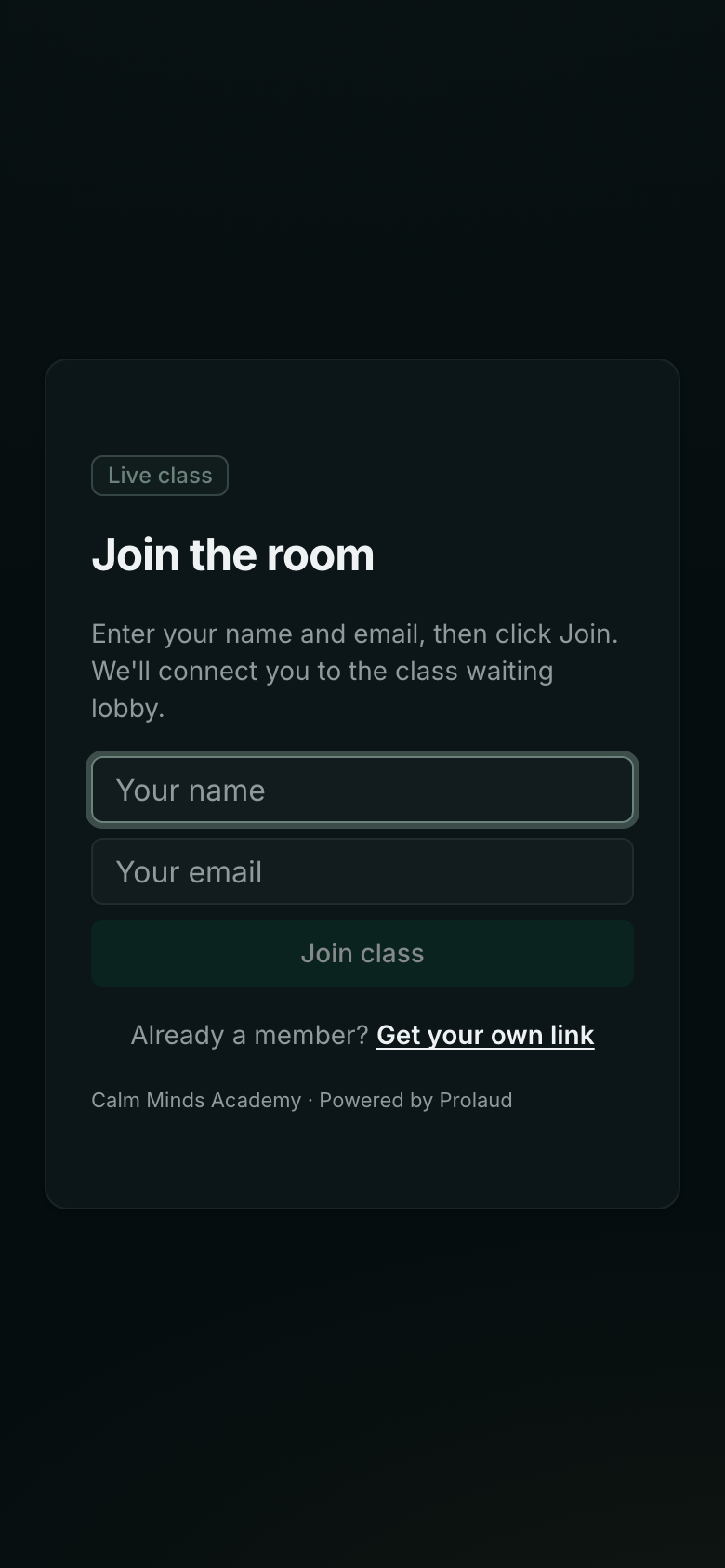
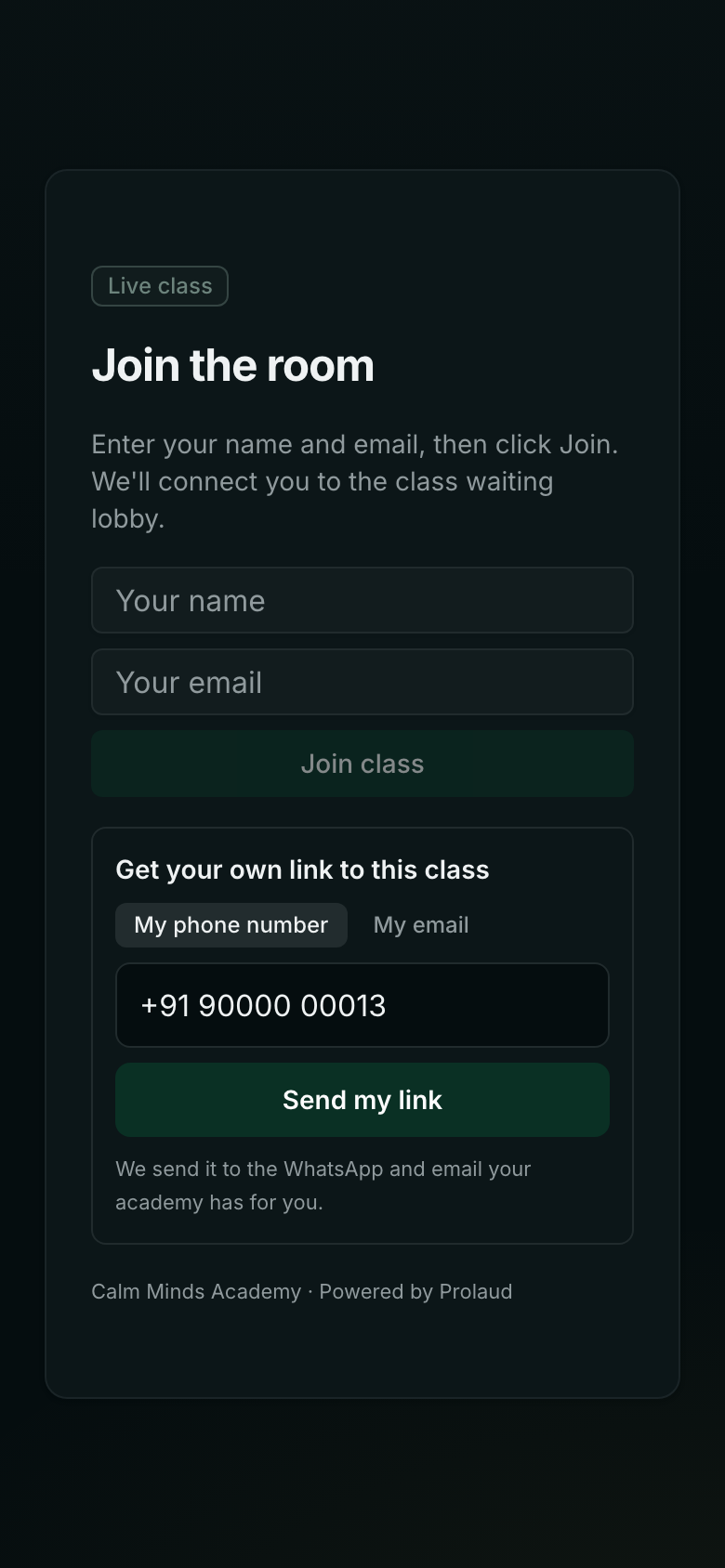
- They press Get your own link.
- They type the phone number you have for them; the phone shows its number keypad. Or they choose My email and type their email.
- They press Send my link. Their own link arrives on WhatsApp and by email, and one tap on it puts them in the class, as from a reminder.
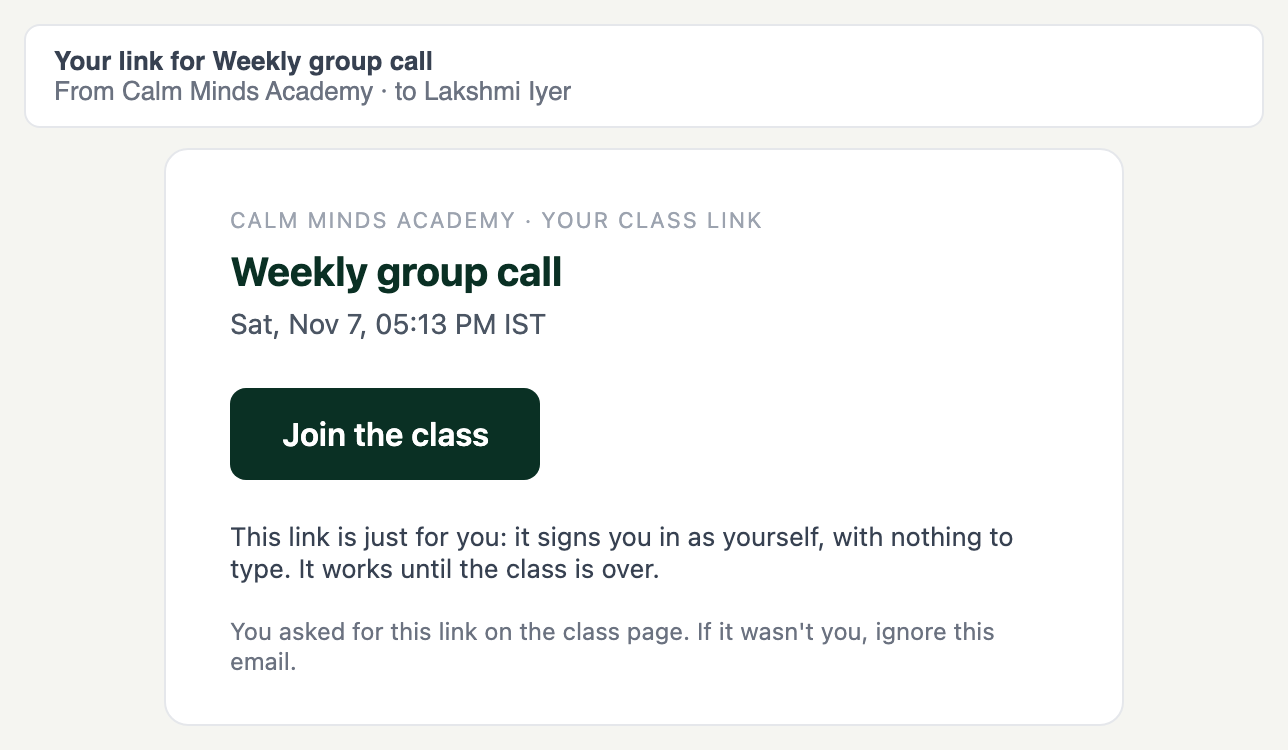
- Everyone sees the same answer, "If you are a member of this class, your own link is on its way", whether or not the number belongs to a member. Nobody can use it to find out who your members are.
- A link is sent only to members expected at this class: the members of its course, or the people you picked for it. It goes to the WhatsApp number and email you have for them, never to the number typed.
- One link a minute and five an hour, per member.
- Once the class is over, nothing is sent.
Does the shared link remember a name?
Yes. Once someone has typed their name and email on a phone, that phone remembers them, for every class at your academy. Next time the shared link opens straight on the camera check with their name filled in, and one tap on Join now puts them in.
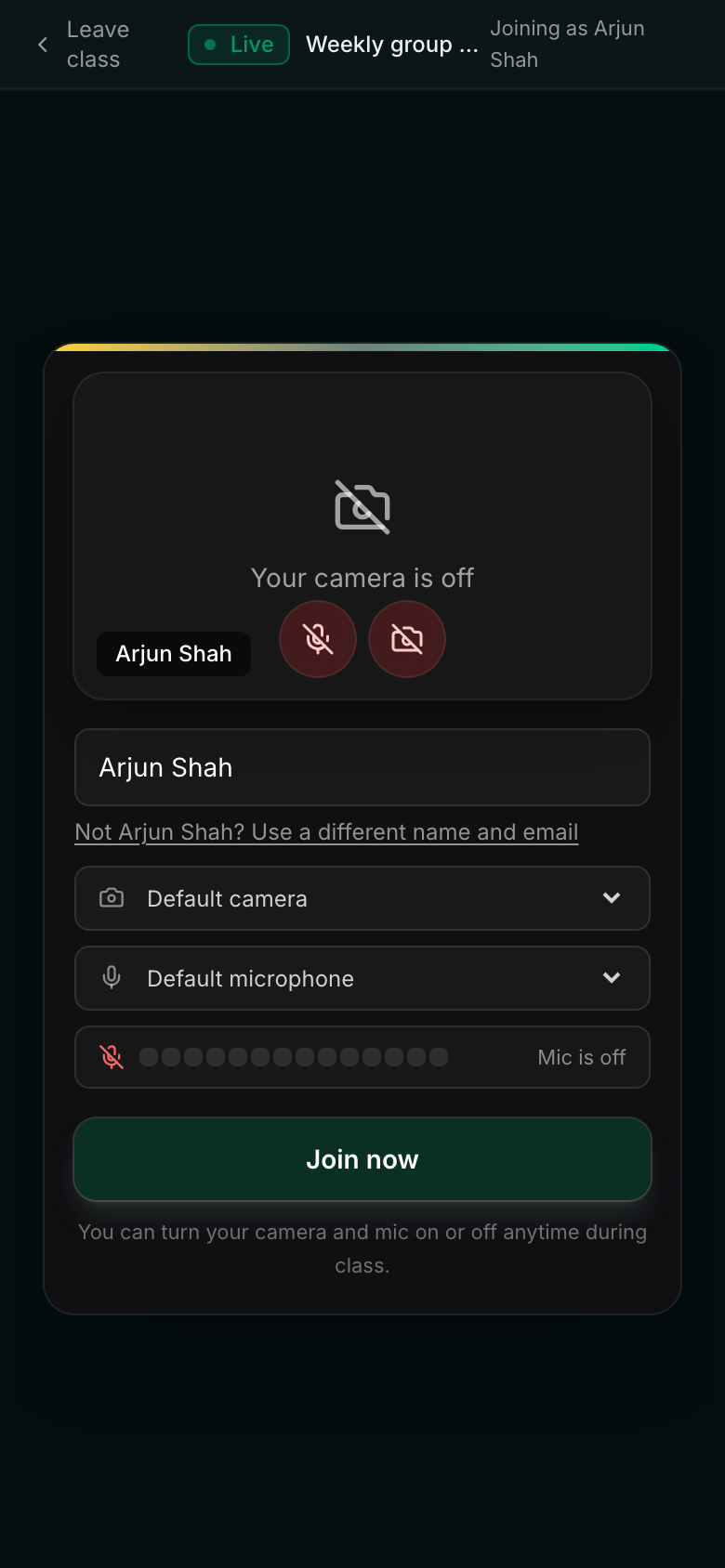
On a phone shared by a family, the next person presses Not … ? Use a different name and email, and types their own.
What is not available
- A link you can copy and share yourself. Links only go to the member's own email or WhatsApp, because anyone holding one could open their account.
- One-tap links for accounts that sign in with a password and an emailed code. Those members get the ordinary class link, and Send sign-in link emails them a note on how to sign in instead.
- A personal link for someone with no account with your academy, such as a guest you gave the shared link to. They type their name and email the first time; after that, their phone remembers them.
- A WhatsApp copy when the member has no phone number with you, or turned WhatsApp messages off. Get your own link uses the same WhatsApp sending as the class reminders, and the email still goes.
- A member says the link does not work. What do I do?
- A sign-in link works once and expires. Open their page in Members and press Send sign-in link, and ask them to tap it within 15 minutes. For a class, they can also press Get your own link on the class page.
- Do members still have to press Join now twice?
- No. The Join now on their own class link is the only tap. It signs them in and puts them in the class.
- Does the class link stop working after the first tap?
- No. It works every time they tap it until the class is over.
- Can a member join the class from WhatsApp?
- Yes. The WhatsApp reminder carries the same link as the email.
- I posted the shared class link in our WhatsApp group. Do members have to type?
- Only if that phone is not signed in and has never joined before. They can press Get your own link and type their phone number instead, or type their name and email once, after which the phone remembers them.
- How long do members stay signed in?
- About 30 days after their last visit on that phone or computer. Each visit renews it.
- Can I see the link before it is sent?
- No. Links are only sent to the member, never shown to you.
Related