For creators
Meta Pixel and Google Analytics on your academy site
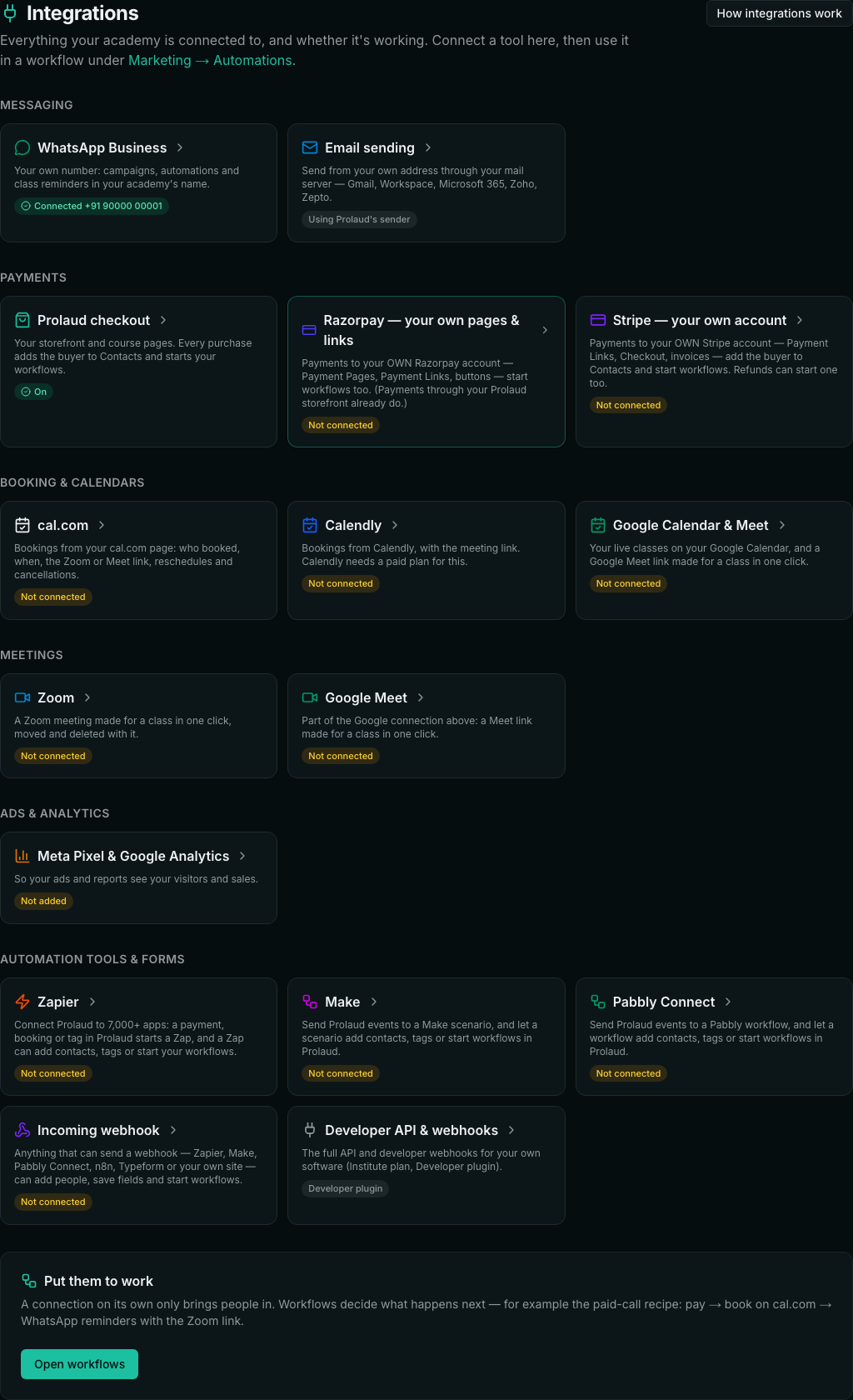
Add your Meta Pixel ID and Google Analytics ID once, and your ads and reports see visitors and purchases on your academy site. The Integrations card shows whether they are added.
Last updated Nov 24, 2026
- Open Integrations → Meta Pixel & Google Analytics. It takes you to Site settings; open the Advanced tab.
- Under analytics, paste your Pixel ID (from Meta Events Manager) and your Google Analytics measurement ID, and save.
- Back on Integrations the card says Added.
Related