For creators
Course progress in the community: share cards, today's lessons, and a student's choice
Progress in a course can show in its community, so classmates cheer each other on — without a post for every lesson. A student is asked before anything about them is shared, and can always say never.
Last updated Oct 16, 2026
What is shared
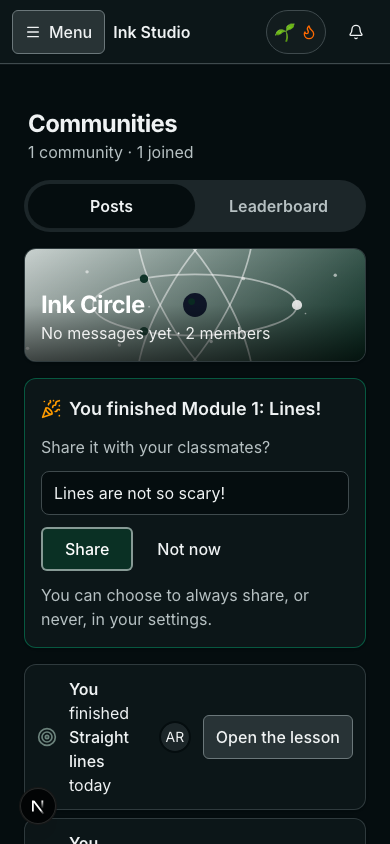
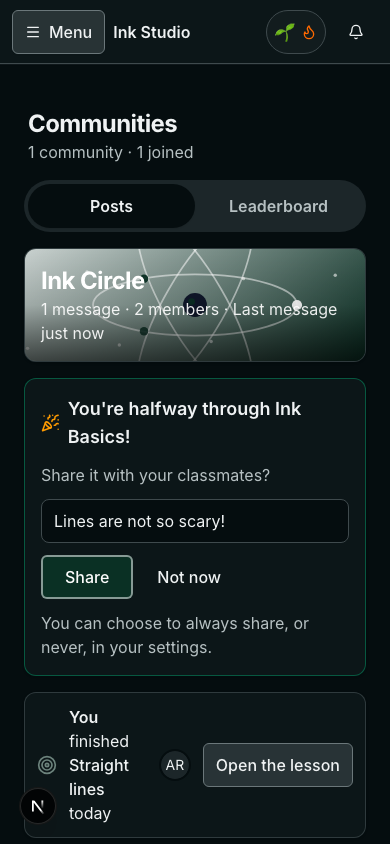
- Milestones, each as one card: a module finished, halfway through a course, the course finished, a quiz passed, an assignment handed in, a certificate earned.
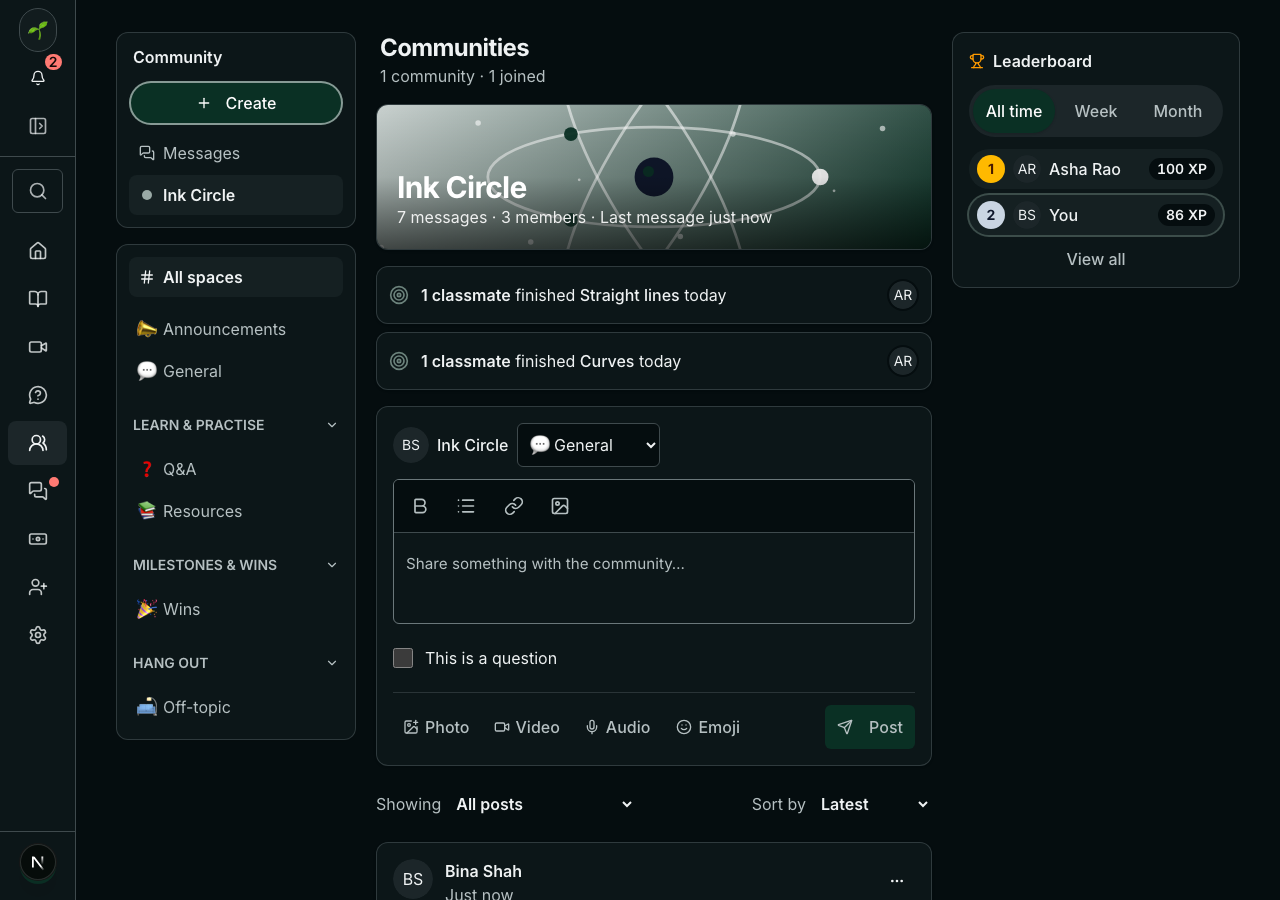
- Lessons, never one by one: one card a day for each lesson, like “3 classmates finished Curves today”, with their faces.
- Only what happens after you turn it on. Turning it on for an old course shares nothing from the past.
The student is asked first
A student's own choice
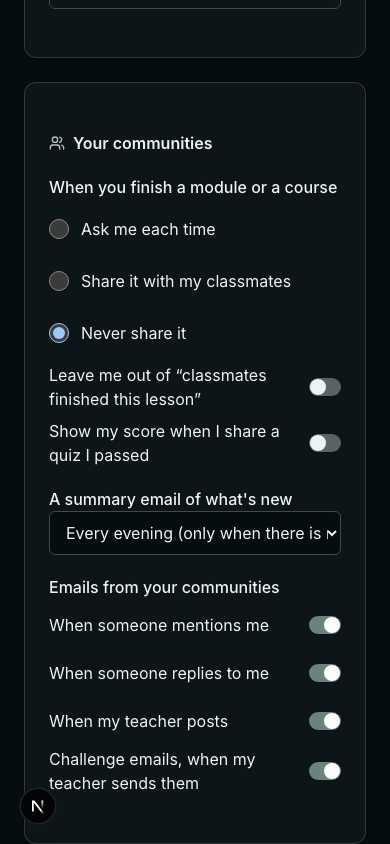
- Ask me each time (the usual), Share it with my classmates, or Never share it.
- Leave me out of lesson summaries keeps their face and name off the daily cards.
- Show my quiz scores — off unless they turn it on.
Your setting, per course
In the course editor, Share progress with the course's community is Usual (milestones and summaries), Milestones and lesson summaries, Milestones only or Off. Children's courses are off unless you turn it on.
Related