For creators
After a live class: the recap in your community, and what shows up there
When a live class ends, Prolaud writes its recap for you: the date and length, how many came, what you covered, and the recording once it is ready. You post it in one click, or let it post itself. Students who came see “You were there”; those who missed it get the recording.
Last updated Oct 16, 2026
The recap
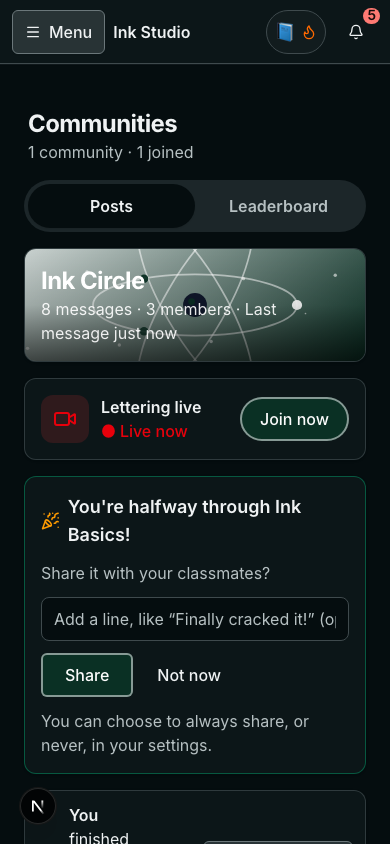
- It is drafted when the class ends and waits in Needs you on your Communities page. Post it as it is, or change it first.
- Until the recording is ready it says the recording is processing; it updates itself when it is ready.
- Students can add their photos or notes under it.
- For children's courses the recap leaves out faces and names.
Choose what shows up in a community
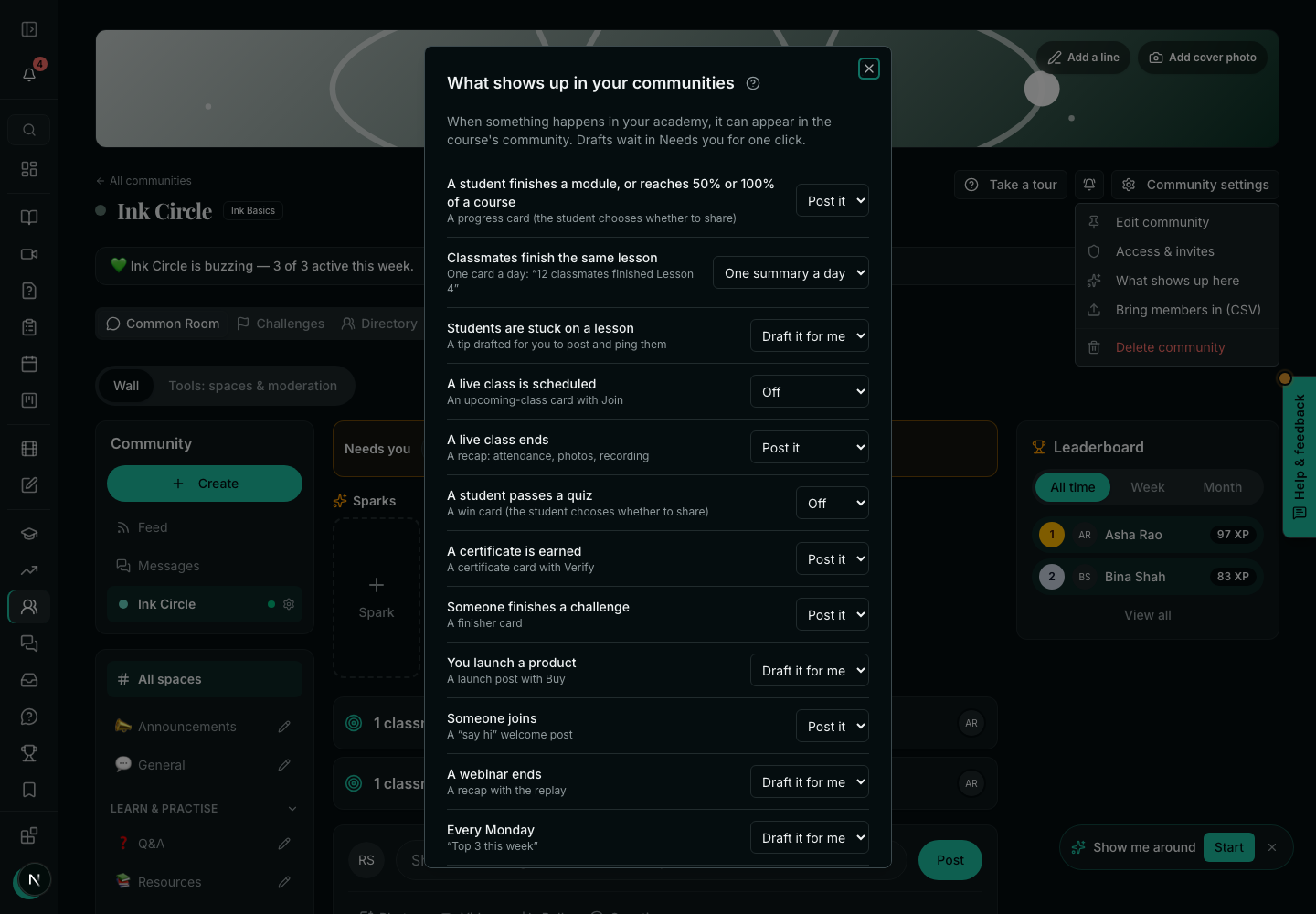
One row for each thing that happens in your academy — a module finished, a class scheduled or ended, a certificate, a challenge finished, a product launched, someone joining, the Monday top three — each set to Post it, Draft it for me, One summary a day or Off. Nothing a draft says goes out until you press post. A scheduled class is the one exception to the list: it is never posted by itself — you tick Share in your community when you schedule it, and Post it here only starts that box ticked.
Related