How to Use ChatGPT to Automate Your Student Support and FAQs
Roughly two thirds of the questions a tutor answers are the same eight questions. Automating those is straightforward. The skill is knowing exactly which third must never be automated.
Every tutor with more than thirty students eventually hits the same wall: the questions arrive faster than they can be answered, most of them are repeats, and the genuinely interesting ones get buried under “what time is class”. This is a solvable problem, provided you are precise about which questions you are solving.
Which student questions should you automate?
Automate anything with a single correct answer that does not depend on the individual student: schedules, deadlines, syllabus scope, platform instructions, fee procedure. Never automate anything requiring diagnosis of a particular student's thinking, or anything with an emotional dimension. The dividing line is not difficulty but whether the correct answer depends on knowing this particular student.
| Question | Automate? | Why |
|---|---|---|
| “When is the next class?” | Yes | One correct answer, no judgement |
| “Which chapters are in the test?” | Yes | Documented and fixed |
| “How do I submit the assignment?” | Yes | Process, not teaching |
| “What does this term mean?” | Yes, with review | Definitional, low risk |
| “Why did I get this wrong?” | No | Requires reading their specific working |
| “I don't think I can keep up.” | Never | Relationship, not information |
| “Can I get an extension?” | No | A decision only you can make |
The dividing line is not difficulty — it is whether the answer depends on knowing this student. A hard question with one right answer automates fine. A trivial question about a specific student's situation does not.
How do you find out what students actually ask?
Log every question for two weeks before automating anything. Most tutors discover that sixty to seventy percent of their support load is the same eight questions, and that at least two of those exist only because something in their material is unclear.
That second finding is the more valuable one. If eleven students ask where to find the recording, the answer is not a better FAQ entry — it is that the recording link is in the wrong place. Automation applied to a design fault preserves the fault permanently.
So run the log with two columns: the question, and whether it should exist at all. Fix the second column first. You will often remove a third of your support volume before automating a single reply.
How do you write FAQ answers that actually reduce follow-ups?
Write the blunt answer yourself, then have ChatGPT expand it into a warm, complete reply. Answers drafted entirely by AI tend to be verbose and evasive; answers drafted entirely by a busy tutor tend to be curt. The combination is fast and reads well.
- Write one honest sentence answering the question. Do not soften it yet.
- Prompt: “Rewrite this as a friendly reply to a student. Keep it under 60 words. Do not add information I did not give you.”
- Check the output added nothing you did not say. Models invent helpful-sounding detail.
- Add the next step explicitly — where to click, who to contact, what happens now.
- Publish where students already look, not in a document they must be told about.
The instruction that matters
“Do not add information I did not give you” is the single most important line in any support-automation prompt. Without it, a model asked to expand “the test covers chapters 4-6” will helpfully invent the test duration, the marks distribution and the pass mark.
Should you build an actual chatbot or just publish an FAQ?
Publish the FAQ first. It solves most of the problem at a fraction of the effort and carries none of the risk of a bot inventing answers. Build a chatbot only once you have a stable, well-used FAQ and volume that genuinely justifies it.
The failure pattern is familiar: a tutor builds a chatbot, it answers confidently and wrongly about fee deadlines, a parent acts on it, and the tutor spends more time on the fallout than the bot ever saved. A static FAQ cannot hallucinate.
If you do build one, constrain it to your own documents rather than letting it answer from general knowledge, and give it an explicit escape: “I'm not sure — please message your teacher.” A bot that admits ignorance is far more useful than one that always produces an answer.
How do you handle this on WhatsApp, where Indian students actually are?
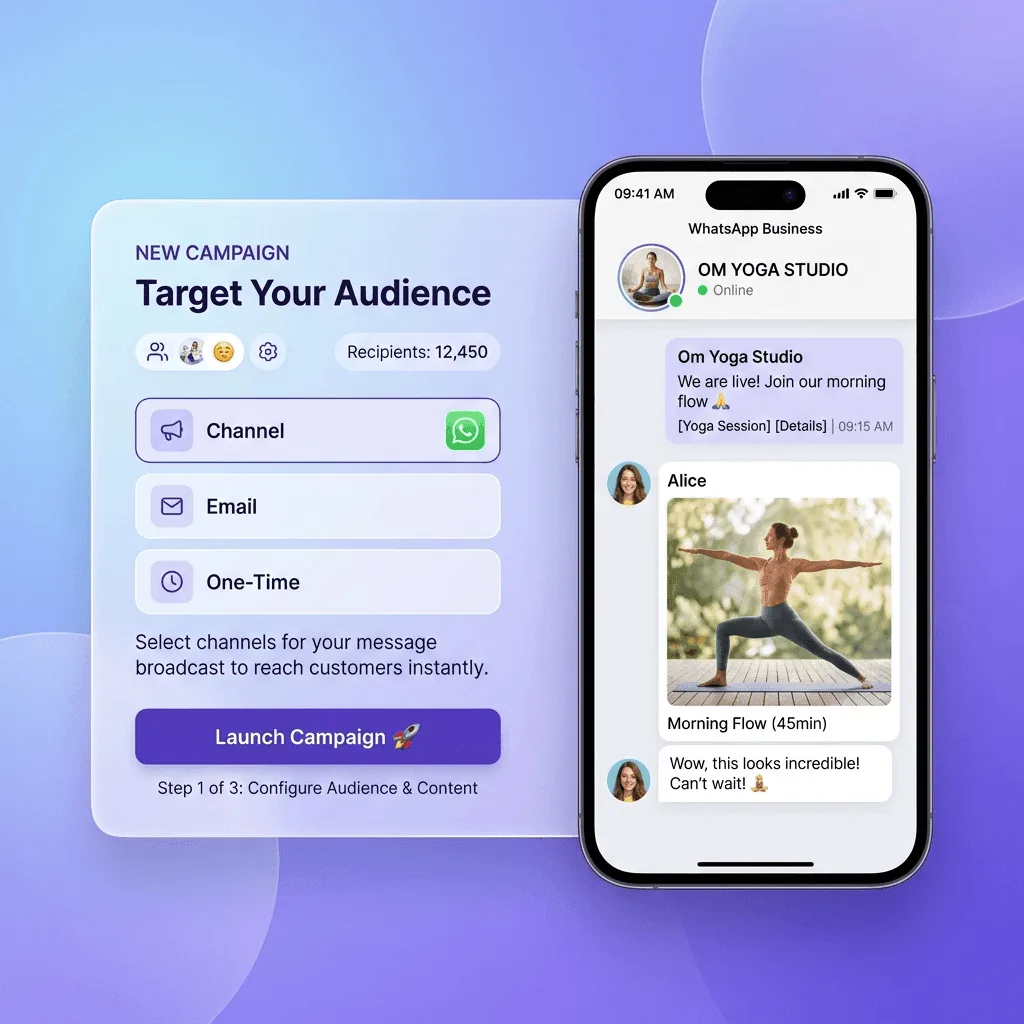
Accept that WhatsApp is where the questions arrive and design for it rather than against it. Use broadcast for announcements, a pinned FAQ message for repeats, and keep individual chats for the questions that genuinely need you. Do not attempt to move students to a channel they will not use.
Two practical constraints worth knowing if you automate WhatsApp sends: free-form messages have a length limit that long AI-generated replies exceed easily, and template messages reject newlines in parameters. Both bite the first time you paste a generated answer into an automated flow.
There is also a timing rule — outside a 24-hour window from the student's last message, free-form replies are not delivered and you must use an approved template. An automation that ignores this fails silently, which is the worst way for it to fail.
What student data must never go into ChatGPT?
Names, roll numbers, phone numbers, parent contacts, marks tied to identities, and anything about a student's personal circumstances. Treat any general-purpose chatbot as a public place. Strip identifying detail before asking for help drafting reports or feedback. Almost all of this data belongs to minors, and enrolment consent does not extend to third-party processing.
This is not hypothetical caution. Tutors routinely paste whole class result sheets into a chatbot to ask for analysis, which exports identifiable minor's data to a third party without consent. In an Indian context with India's data protection framework tightening, that is a genuine exposure and not merely poor practice.
- Replace names with “Student A, Student B” before pasting anything.
- Never paste parent contact details for any reason.
- Keep identifiable records in a system that is contractually accountable to you.
- If a reply you drafted with AI contains a student's name, you put it there — check before sending.
How do you keep automation from feeling cold?
Automate the answer, never the relationship. Students tolerate an instant automated reply about deadlines; they resent an automated reply to “I'm struggling”. Route anything with emotional content to a human immediately and visibly, without making the student ask twice. An automated reply where a person was expected reads as being fobbed off, and students remember it.
A pattern that works well: the automated layer answers and then explicitly hands off. “Class is at 6pm — and if you're asking because you've missed a few, message me directly and we'll sort it out.” The automation does its job and simultaneously signals that a person is available.
Disclose that you use automation. Students increasingly detect it, and discovering it feels like deception in a way that being told never does.
What does good student support look like once automated?
Repetitive questions answered instantly at any hour, and your own response time to genuine questions dropping sharply because the queue is no longer clogged. The measure of success is not messages deflected — it is how fast a struggling student now reaches you.
Track two numbers: proportion of questions resolved without you, and median time-to-response on the ones that reach you. If the first rises while the second stays flat, you have automated the wrong things and are simply doing the same work with extra steps.
What should you do first this week?
Start the two-week question log. Everything else here depends on knowing what your students actually ask, and almost every tutor is wrong about it — the questions you remember are the annoying ones, not the frequent ones. Two weeks of honest logging will reshape your automation plan more than any tool comparison.
How do you stop your FAQ going stale?
Tie every answer to a review trigger rather than a date. When a deadline changes, a platform step changes, or the same question starts arriving again despite being answered, that entry needs revisiting. Calendar reviews get postponed; a question arriving twice is a prompt that cannot be ignored.
The most damaging stale answer is a factual one — an old fee deadline, a superseded exam date, a link that now leads nowhere. Students act on these, and an out-of-date automated answer is worse than no answer because it carries the authority of having been published deliberately.
Keep every date-bearing answer in one place so a change can be made once. FAQs decay when the same deadline appears in four separate entries and only three get updated. If an answer contains a date, a fee or a link, it needs a single home.
Review the whole set once a term regardless. It takes twenty minutes, and the questions that no longer arrive are as informative as the ones that do — they usually mean you fixed something upstream.
What should you do when a student is clearly using AI to avoid learning?
Change the task rather than policing the tool. If an assignment can be completed by pasting it into a chatbot, that is information about the assignment. Work requiring the student to explain, justify or apply to their own context is not solved by a model that has never met them.
Detection is a losing approach: the tools misfire, disproportionately against second-language writers, and an accusation you cannot substantiate damages the relationship permanently. In an Indian family context, a wrongly-raised integrity allegation can also cause real harm at home, well out of proportion to the assignment.
The reliable check is conversation. Ask the student to talk through two choices they made in the work. Someone who wrote it can, immediately and without preparation; someone who did not, cannot. It takes five minutes, requires no software, and is fair enough to defend to a parent.
It also helps to say plainly, per assignment, what use is intended. “Use AI to check your reasoning, not to write this” removes the ambiguity most students are genuinely operating in, and makes a later conversation about a breach far more straightforward.
One inbox for your whole roster
Announcements, per-student messaging and email or WhatsApp delivery from the same workspace that holds your classes.
Start free
Renu Rawat
Founder of prolaud.com. Helping teachers and creators build profitable, independent learning businesses without losing a cut of every sale to platform fees.
About the founderFrequently asked questions
- Can ChatGPT answer subject doubts for my students directly?
- It can, and students already use it that way. What it cannot do is see the student's working and identify the specific misconception. Use it for first-pass explanation between sessions, and keep diagnosis of individual errors as live teaching time.
- Is it unprofessional to use AI for parent communication?
- Not if the judgement is yours. Writing the honest assessment yourself and having AI phrase it warmly is ordinary editorial help. Letting AI decide what to say about a student's progress is not, because it does not know the student.
- Do I need a paid ChatGPT plan for this?
- No. Drafting FAQ answers and rewriting messages sit comfortably within free tiers. Paid plans help with long documents and heavier daily use, but support automation is not the reason a tutor would need one.
- What if the automated answer is wrong?
- You are responsible for it, which is why static FAQ answers you have personally checked beat a generative bot for anything consequential. Deadlines, fees and syllabus scope should never be generated on the fly.
Keep reading
Top 10 AI Tools for Online Tutors in India (2026 Edition)
Most 'best AI tools' lists are written for American teachers with American budgets. This one is for a tutor who teaches the NCERT syllabus, collects fees over UPI, and needs part of the class to work in Hindi or Tamil.
Read
Ethical AI in the Classroom: A Guide for Indian Online Schools
Most school AI policies are written after something goes wrong. This is the version to write beforehand — six decisions, each with a defensible answer.
Read
How to Create AI-Powered Personalised Learning Paths for Your Students
Personalisation fails for most tutors because they try to build sixty paths. The version that works has four, and is driven by data you are probably already collecting.
Read