For creators
Share members' wins on your sales page — with their consent
Your members' results are your best proof. Ask a member if a win they posted may go on your page; they choose how — with their name and photo, with their first name only, or not at all — and only a yes is ever shown. They can take it back at any time.
Last updated Oct 23, 2026
Find a win worth sharing
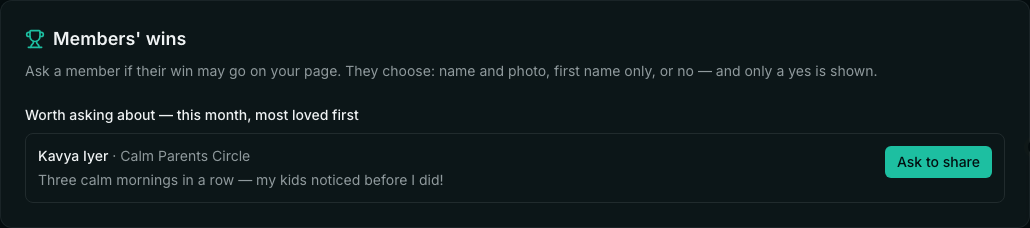
Open Public Site → Testimonials. Members' wins lists this month's wins nobody has asked about yet, the most loved first, with Ask to share.
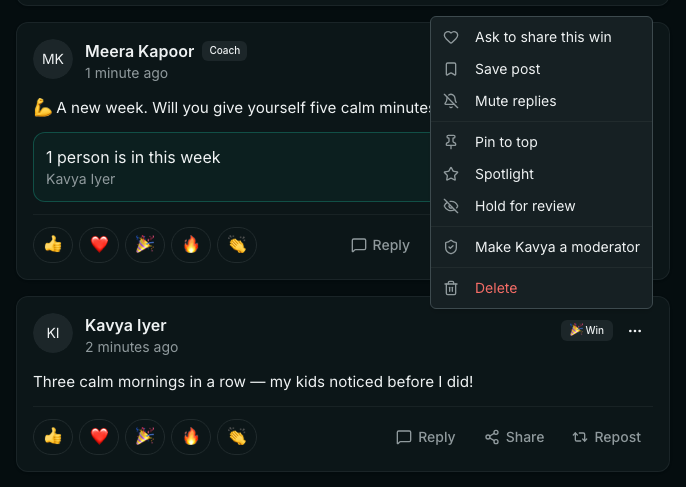
Or ask from the post itself: in a community, open the post's ⋯ menu and choose Ask to share this win. It works on a member's win or Spark with words — not on your own posts or another teacher's.
The member chooses
The member is told in the app and by email. On My testimonials they see the words that would be shown, can change them, and choose: Yes, with my name and photo, Yes, first name only, or No, keep it in the community. See what the member sees.
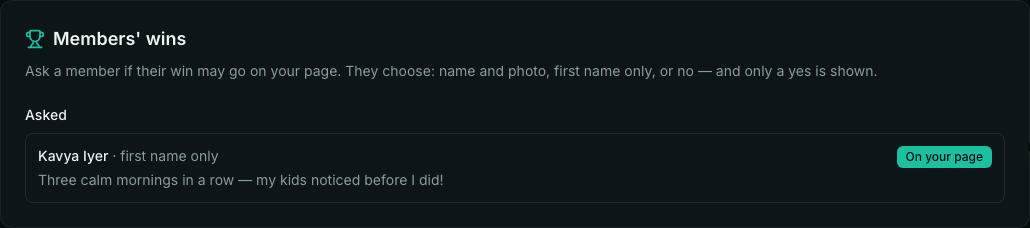
You are told their answer, and Members' wins shows each one: Waiting for them, On your page, or Said no. Asking twice about the same win asks once.
Where a yes shows
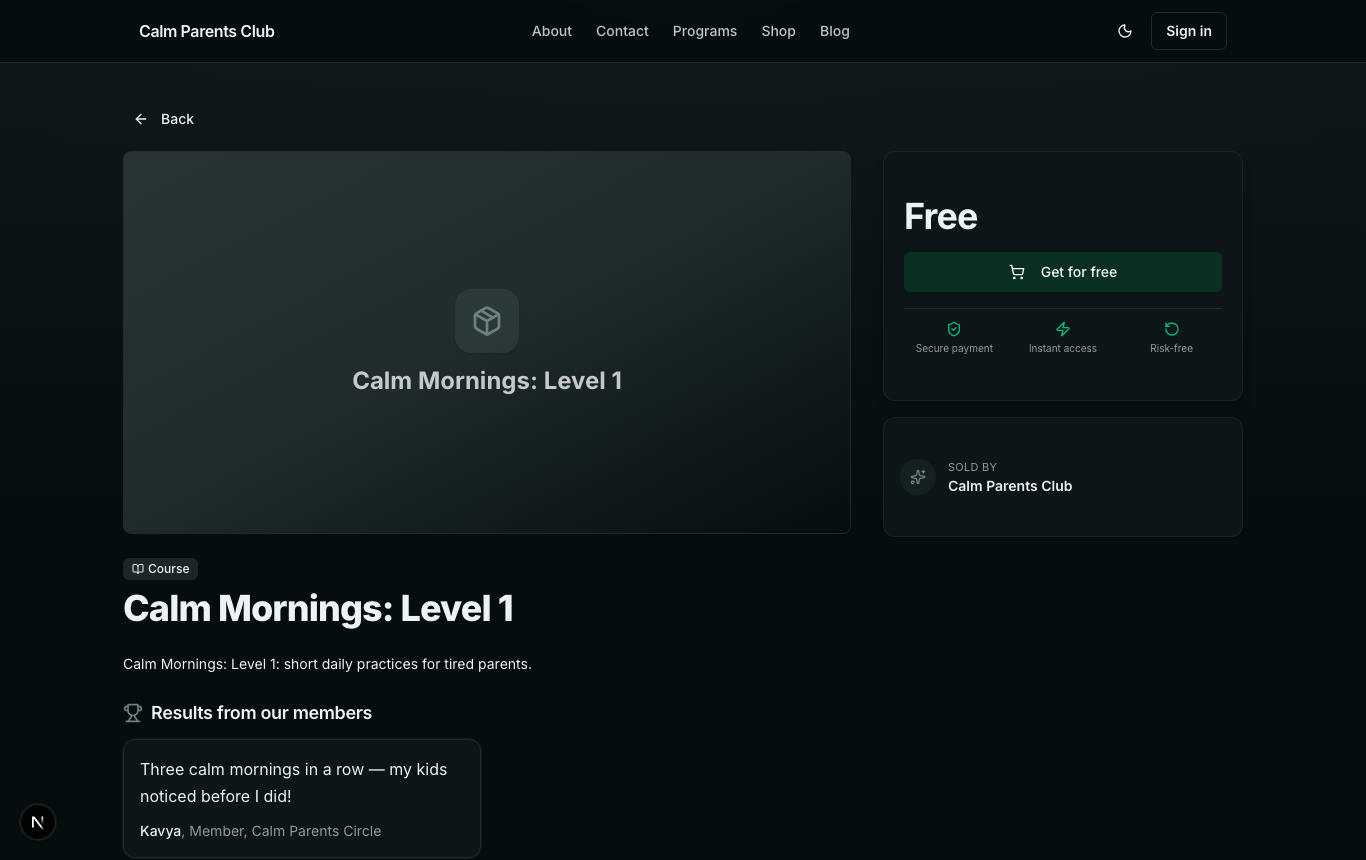
- Under Results from our members on your product pages — the four most recent.
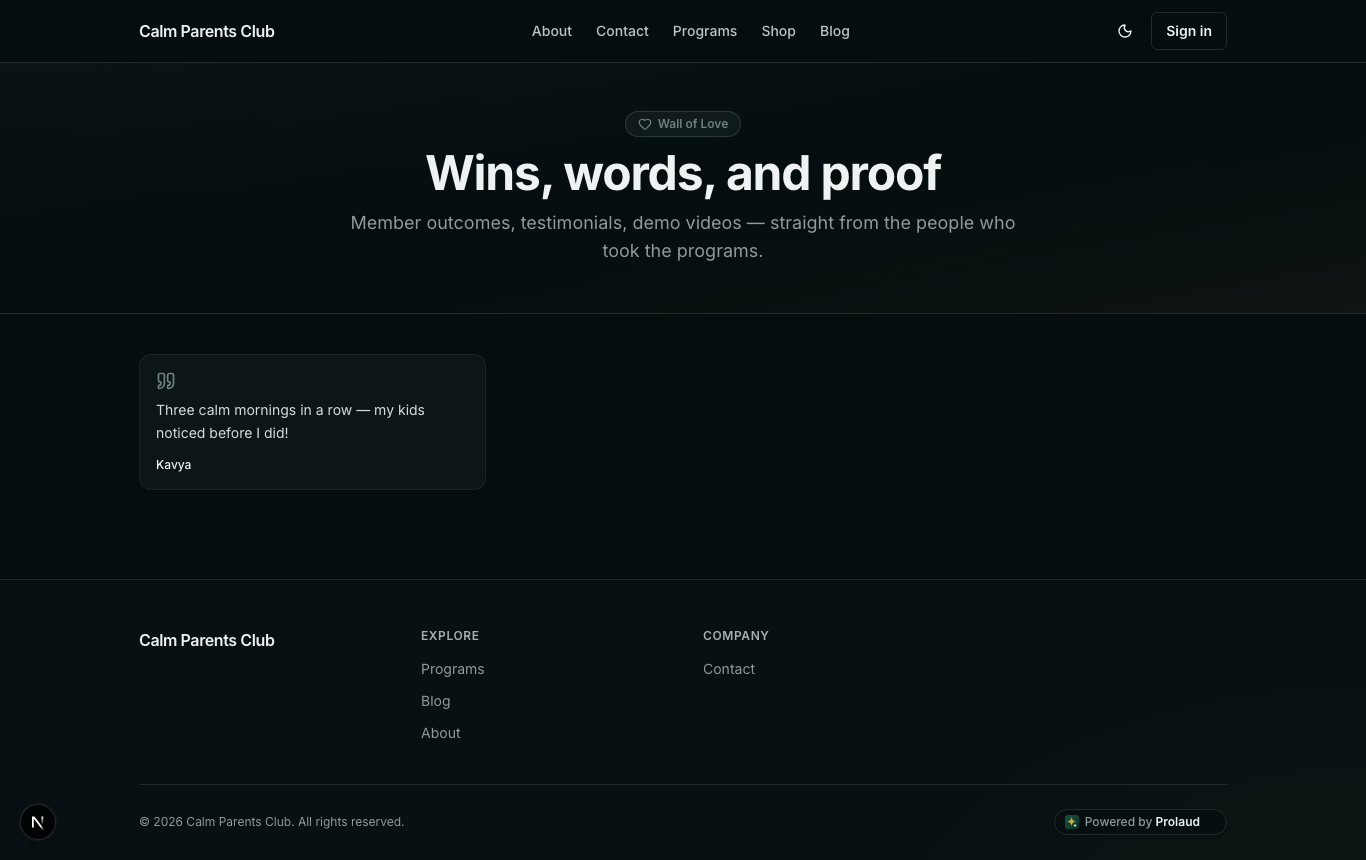
- On your public Wall of Love — alongside the entries you add yourself under Grow → Wall of Love and mark as featured.
- In Public Site → Testimonials, marked A member's win, shared by them. You can delete it there.
- Can I put a member's win on my page without asking?
- No. A member's win reaches your public pages only after they choose to share it, and only the way they chose.
- Does the member's photo show?
- Only if they chose Yes, with my name and photo: then their profile photo, and the first picture or video in their post.
- Can I edit their words?
- The member can, before they say yes. If you would rather not show a win, delete it under Public Site → Testimonials.
Related