For learners
When you have been away: the note from your coach
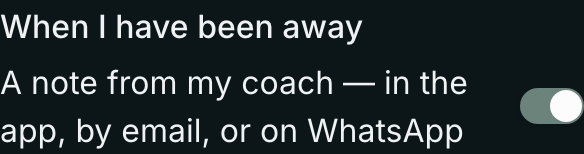
If you have not taken part in your community for a while, your coach or teacher may send you a short note — in the app, by email, or on WhatsApp — to say they miss you. You can turn these off.
Last updated Oct 23, 2026
- Open Settings from your menu.
- Under Your communities, find When I have been away.
- Turn off A note from my coach (or teacher). It saves at once.
Your coach sees that you turned these off and will not nudge you. You still get everything else you chose, like replies to your posts.
Related