Lesson decks for kids
Ready-to-present interactive lessons for preschool to Grade 5 — English, math, science and the world around us. The slides read themselves aloud, the class taps the answers, and stars are collected along the way.
Press Start the class in any deck, then tap an answer. Every deck below was generated in Prolaud from one line of topic — the teacher picks the audience and a look, and edits what she wants to change.
Prefer it on paper? Download the handbook (PDF) — why, how to, the twelve looks, teaching it live, what goes home, and what it costs, in twenty pages.
Deck 1. Adjectives — Zippy's Word Magic!
English · Grades 1–5 · 10 slides · 3 gamesDescribing words, with two tap-the-answer rounds and a peek-under-the-flap park.
Open full screenDeck 2. Meet Tommy the Time-Traveling Turtle!
English · Grades 1–5 · 9 slides · 2 gamesPast, present and future — tap the right verb.
Open full screenMore lessons
Same engine, different subjects and looks. Open any one full screen and present it.
How these were made
Every deck above came out of Prolaud the same way, in eleven steps. Nothing was drawn by hand afterwards — the teacher supplies the topic and two choices, and edits whatever she wants to change.
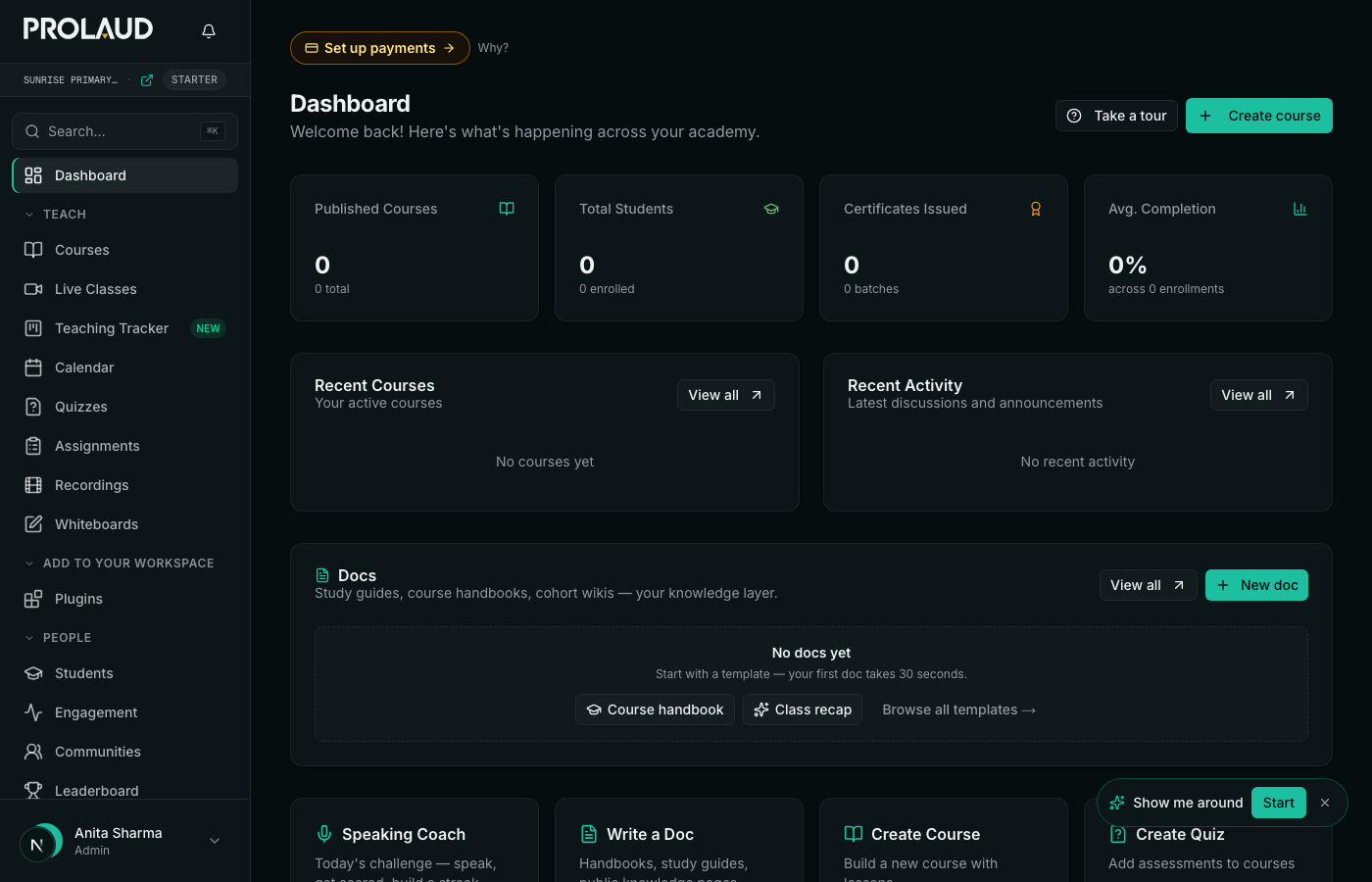
- Sign in to the dashboard
- Add the Nursery & kids deck module₹499/month, billed from the day you add it — play the sample deck first, it is free. Every plan can build decks for older students; the kid builders are the add-on.
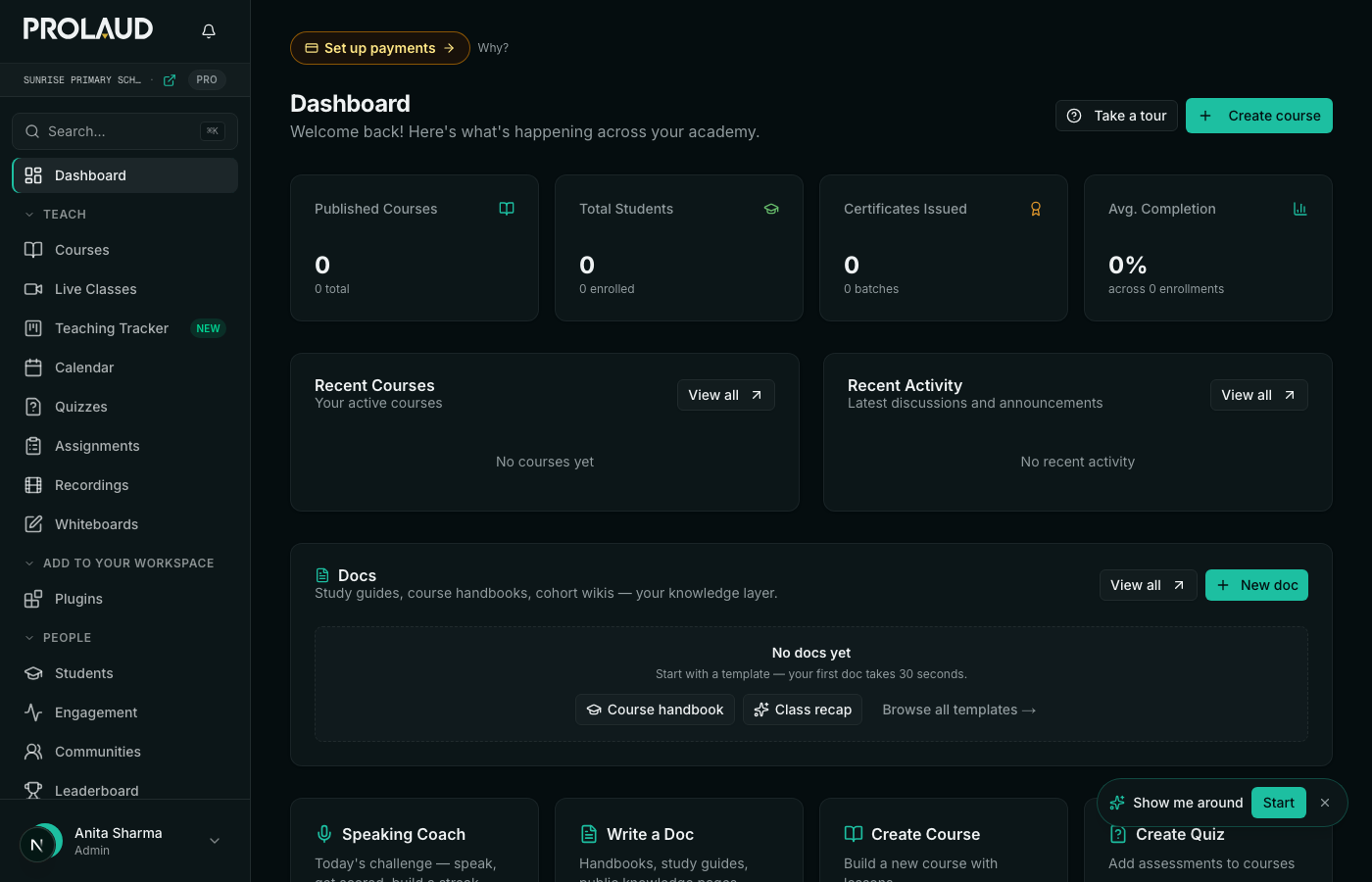
- Open Presentations
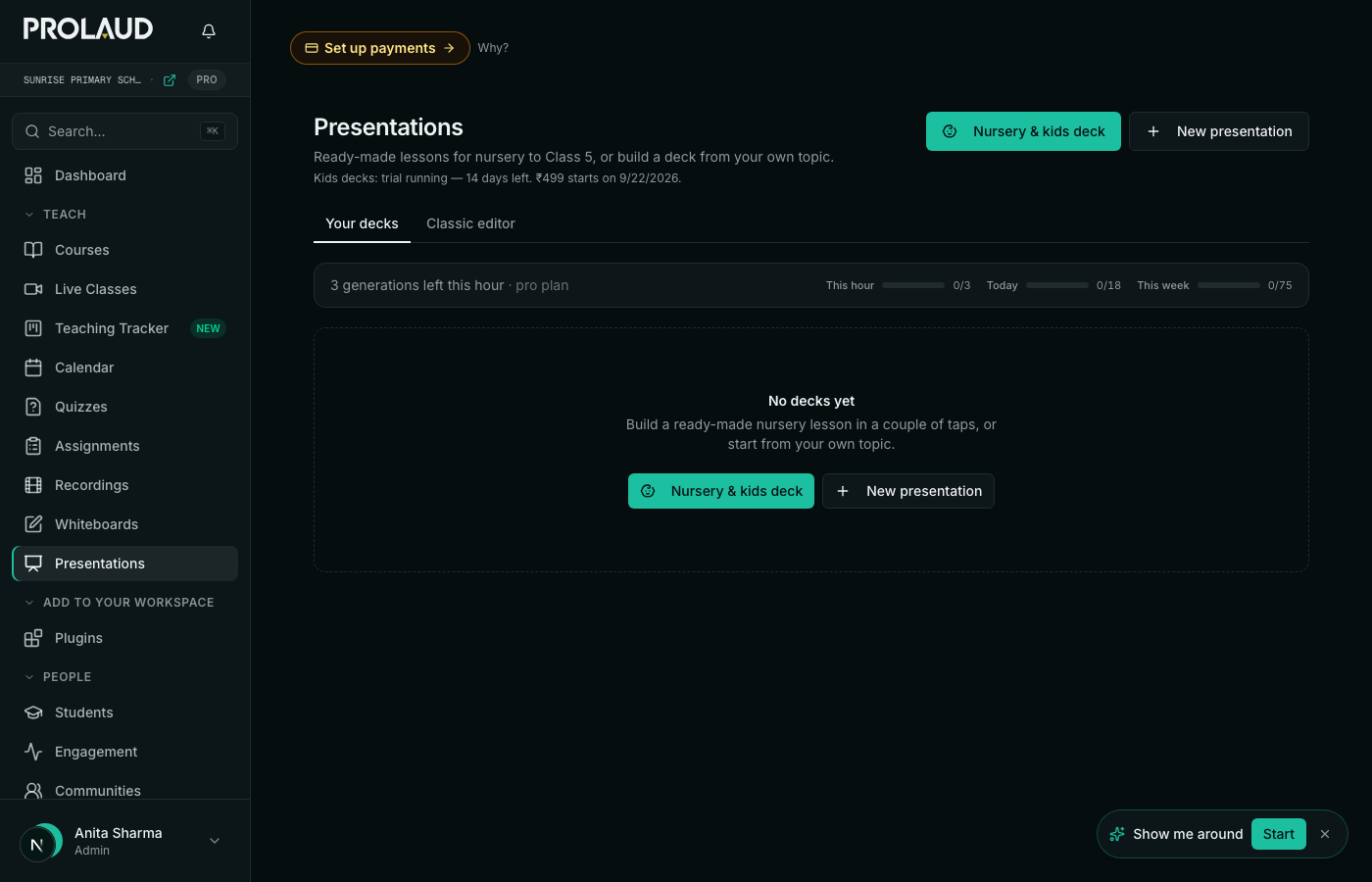
- Click “Nursery & kids deck”It opens the builder with a kid audience already chosen.
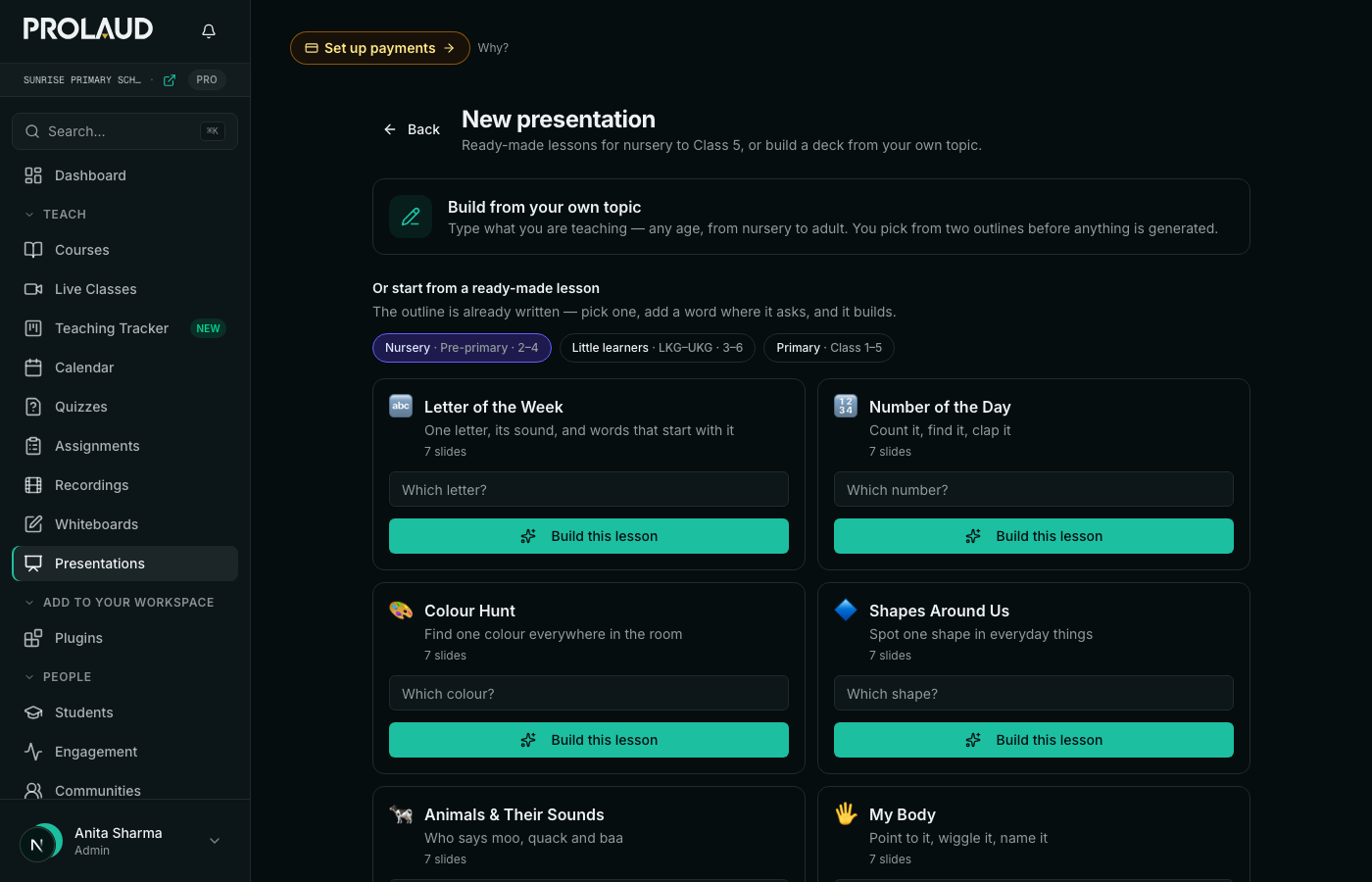
- Choose the audiencePreschool, Little learners (Pre-K–K) or Elementary (Grades 1–5). This decides how much text ends up on a slide — preschool children cannot read, so their slides are a picture and a voice.
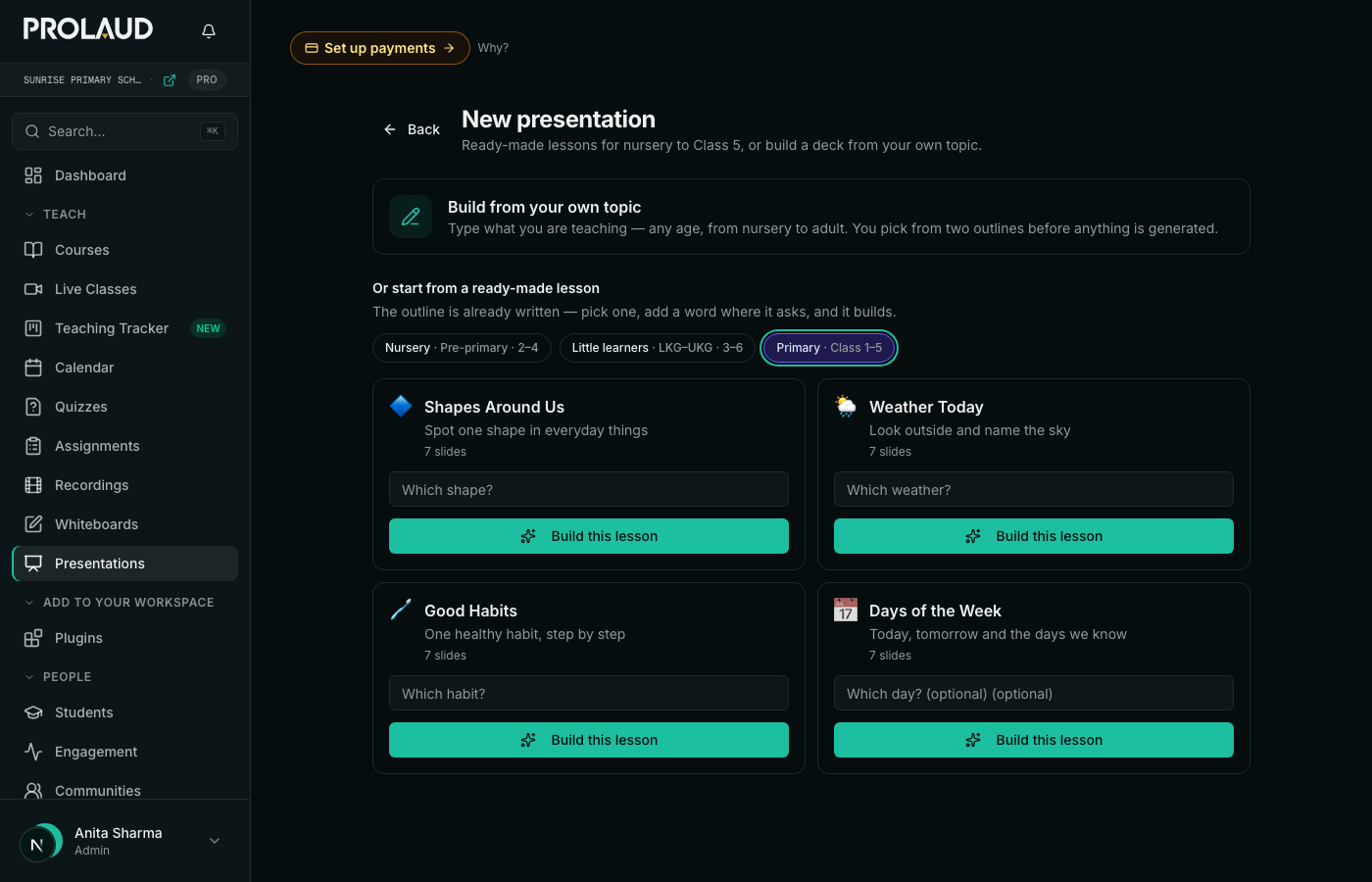
- Choose the lookTwelve of them — Notebook, Doodle, Sticker book, Party, Soft shapes, Storybook, Sunny day and more. Each is a palette, a display typeface, a paper texture and the scenery along the bottom.
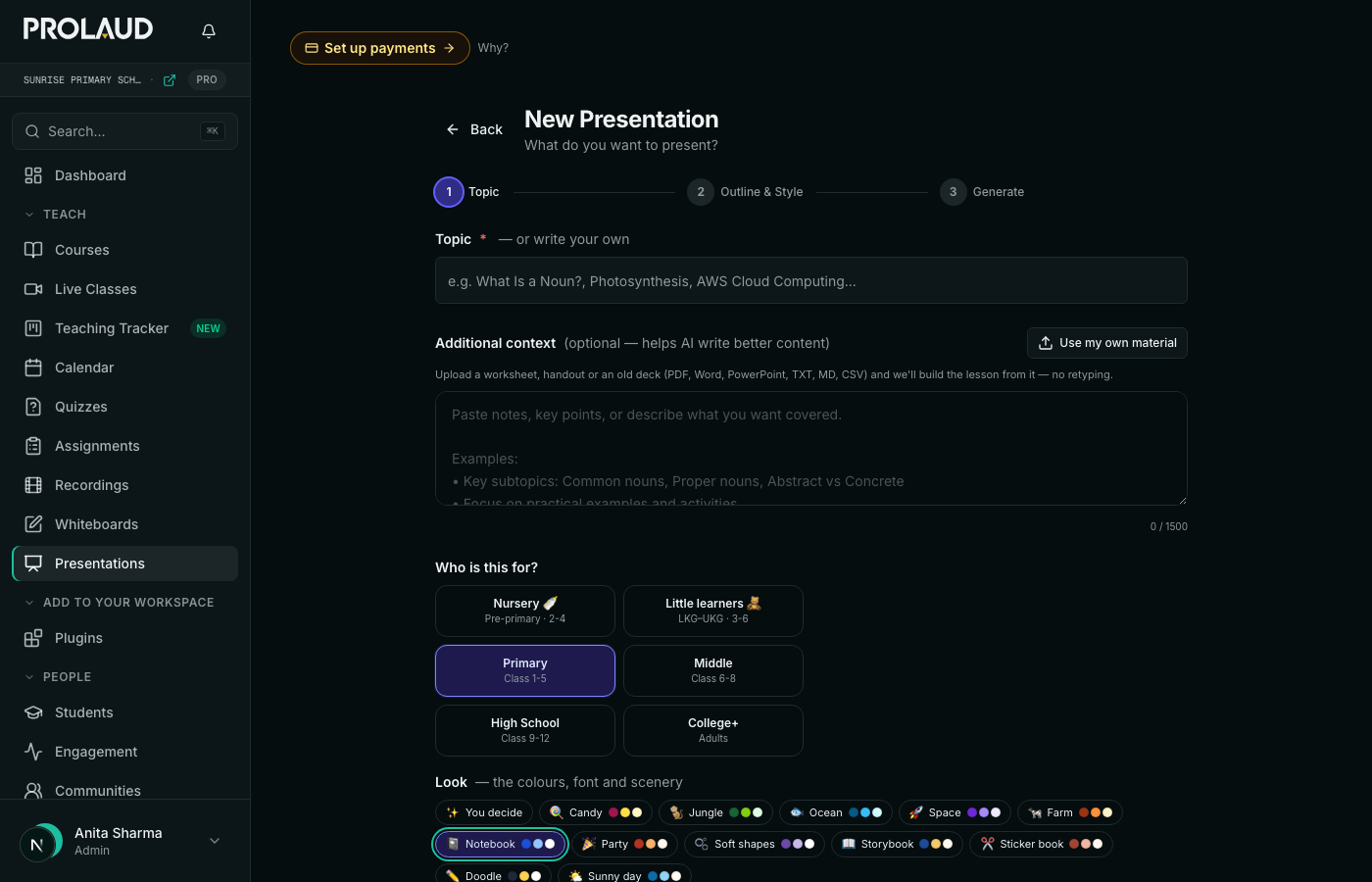
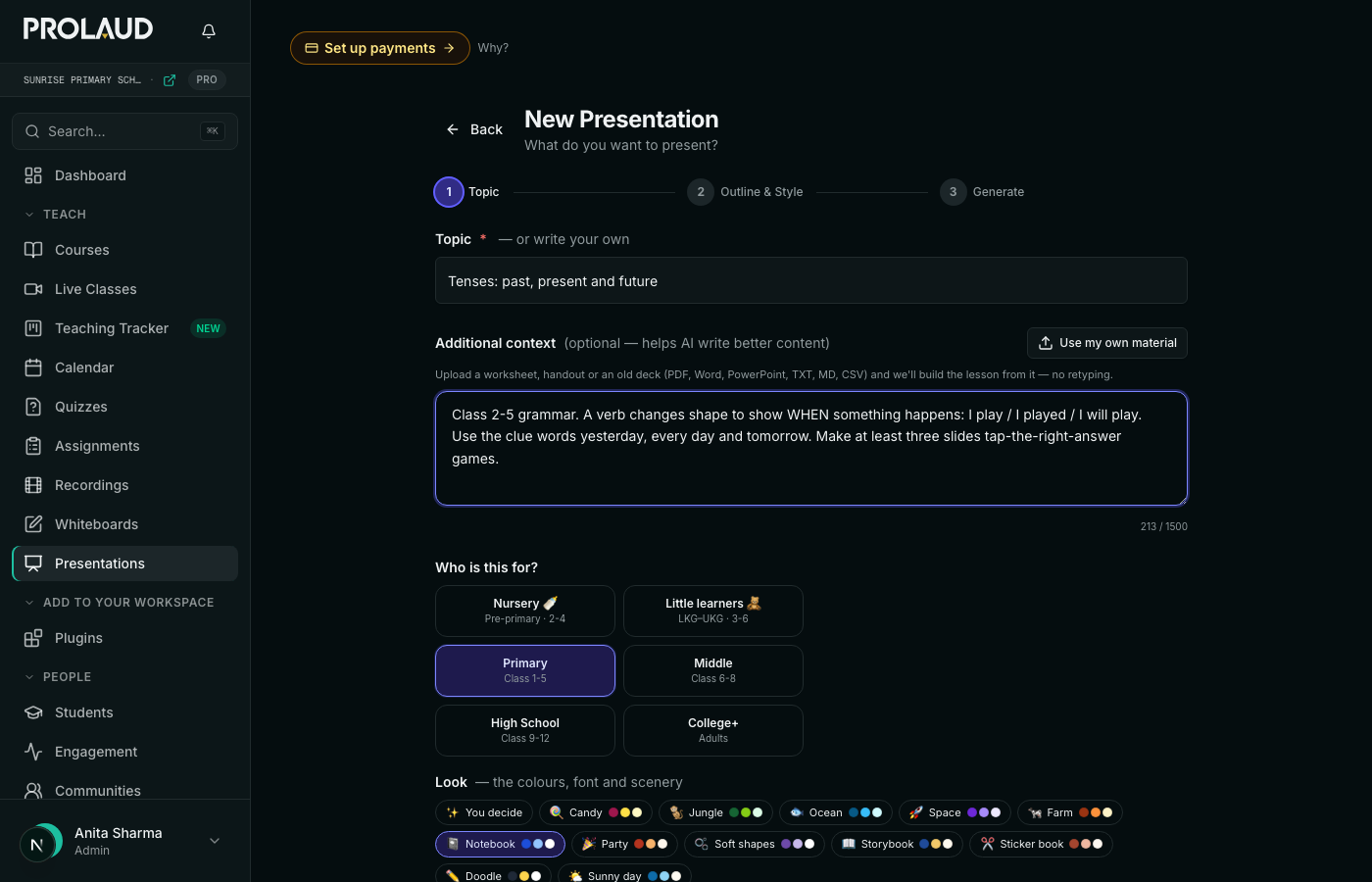
- Type the topic and any notesOne line is enough. Notes steer the examples; you can also upload a worksheet instead of typing.
- Two outlines come backDifferent structures for the same lesson.
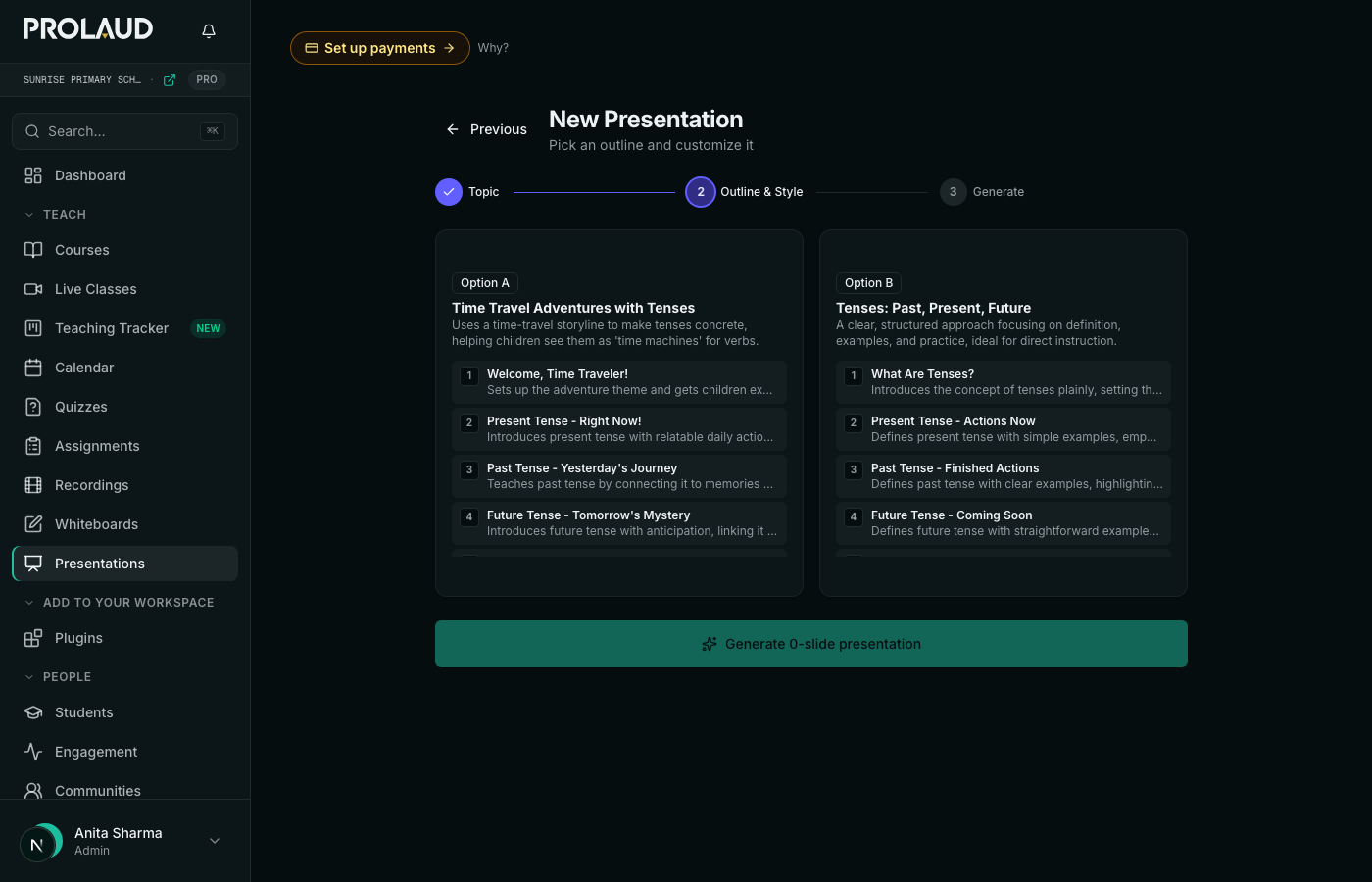
- Pick an outlineEdit, reorder or delete slides before committing.
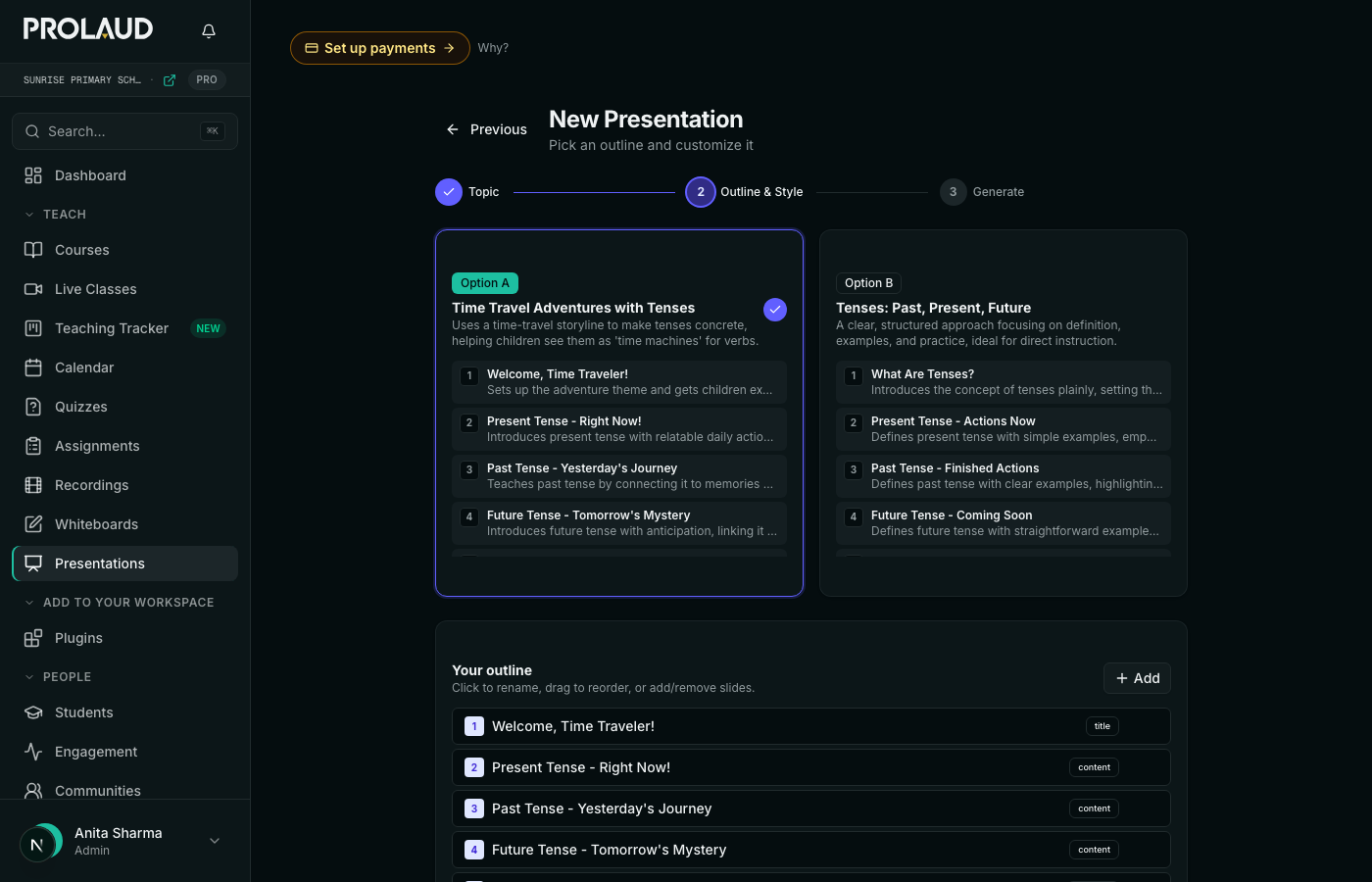
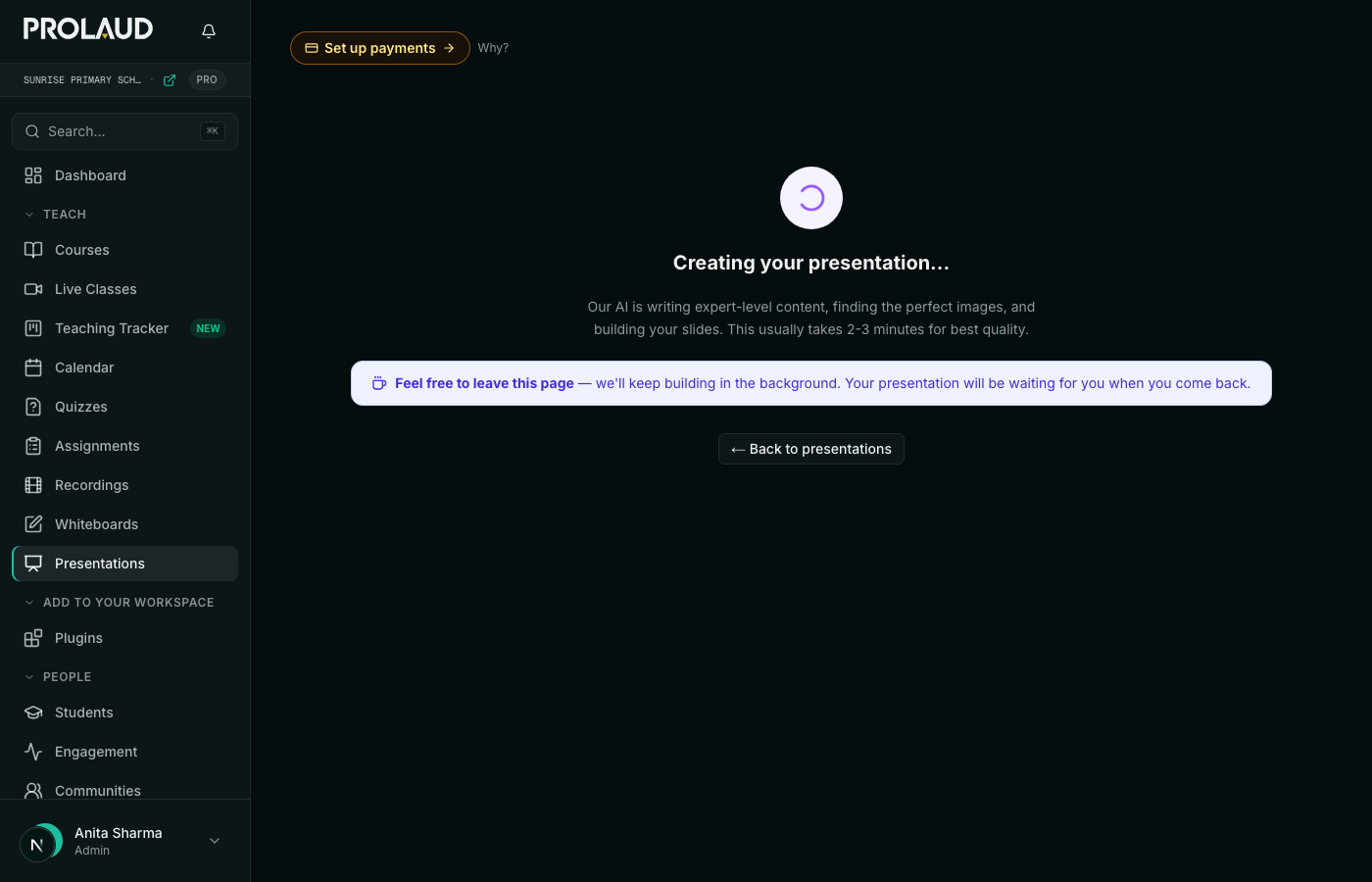
- GenerateThe deck is written, the art is chosen and the games are built.
- The finished deck is in the workspacePresent it, edit any slide, or open it full screen in class.
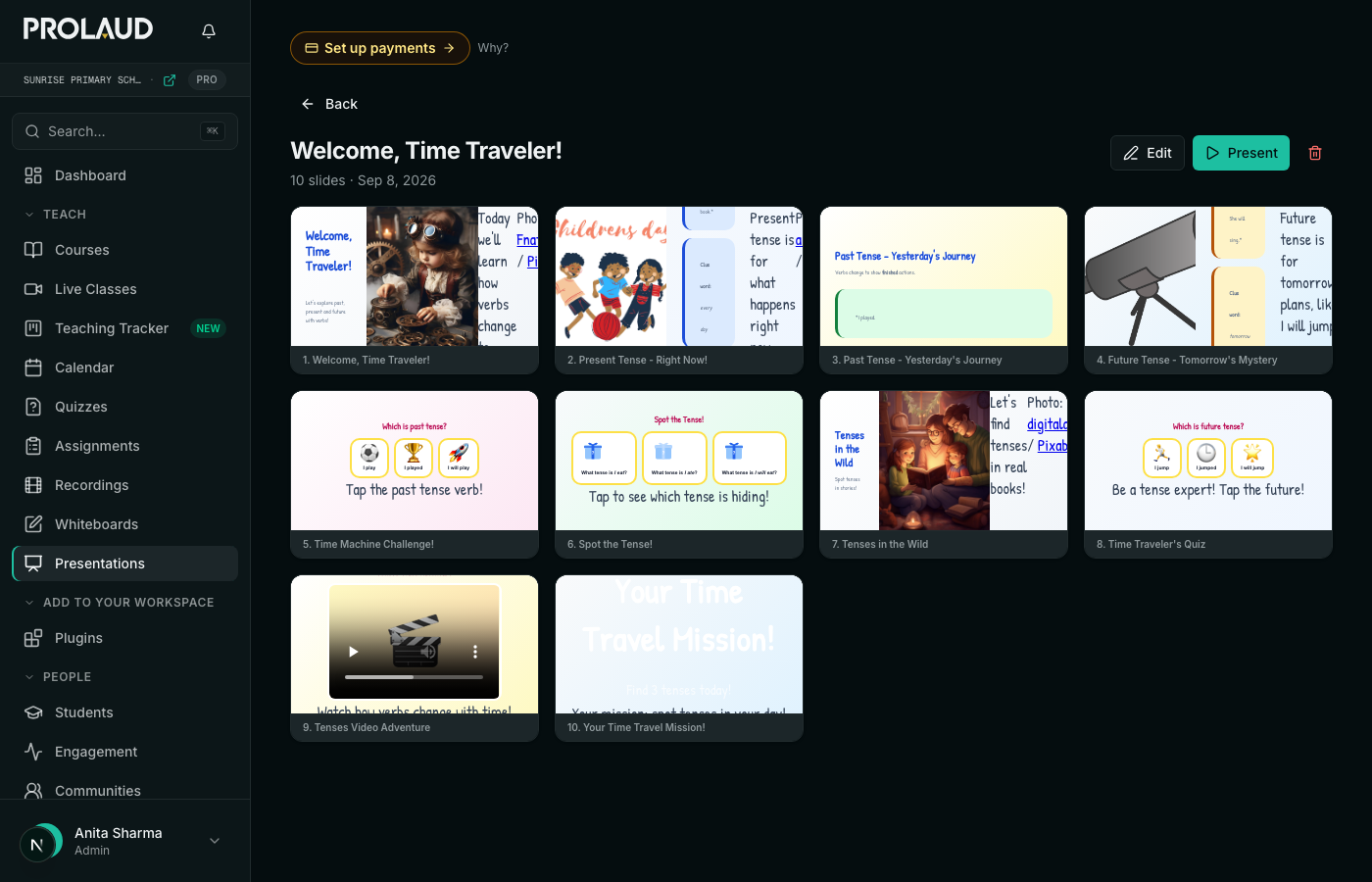
Steps eight to eleven are the only ones that take any time — the model writes two outlines, then the deck. The whole thing is about a minute of waiting and roughly a minute of typing.
What it costs
Nursery & kids deck
The add-on that unlocks the three kid builders — Preschool, Little learners (Pre-K–K) and Elementary (Grades 1–5) — with the read-aloud narration, the games, the lesson recipes and the looks. Decks for middle school, high school and adults are part of Presentations and stay free on every plan.
Try it before you pay.The sample deck on the module's page is a real one — press Start the class and play it, no card needed. When you subscribe you are charged the first month that day, and monthly after that. There is no free trial period.
Cancel whenever you like: the subscription runs to the end of the month you have paid for, and every deck you have made stays yours — you can open, present, download and share them afterwards. Removing the module stops the billing too.
How many decks you can generate
Generating a deck is an AI call, and every plan includes an allowance on rolling windows — they top themselves back up as the hour passes, rather than resetting on the 1st.
| Plan | Per hour | Per day | Per week |
|---|---|---|---|
| Pro | 3 | 18 | 75 |
| Studio | 4 | 24 | 100 |
| Institute | 4 | 24 | 100 |
A deck is one call, so an hour is three lessons on Pro and four on Studio or Institute. During the free trial you get the allowance of the plan you are trialling — Studio's, unless you switch to Pro. Presenting, editing and re-sharing a deck you already made cost nothing.
Make one for tomorrow's class
Open Presentations, choose your audience — Preschool, Pre-K–K or Grades 1–5 — pick a look, and type the topic. Or start from a lesson: Letter of the Week, Number of the Day, Color Hunt and nine more need a single word.
Build a deck